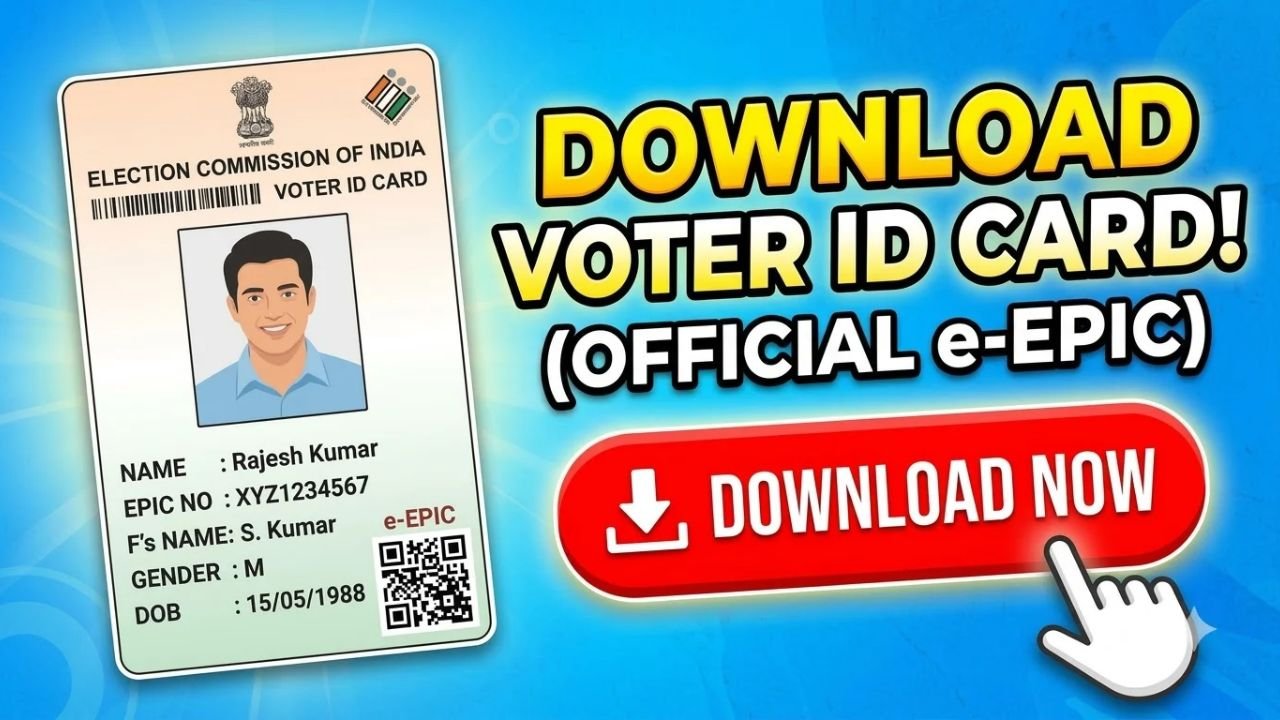
If you already have a Voter ID and want to download a digital copy, you can use the Election Commission of India’s Voters’ Services Portal. The digital version of the Electoral Photo Identity Card is called e-EPIC.
The Election Commission currently provides an E-EPIC Download service through its official voter portal.
How to Download Voter ID Online
Step 1: Visit the Official Voter Portal
Go to the official Voters’ Services Portal at voters.eci.gov.in.
The portal provides voter services including registration, application tracking, electoral-roll services and e-EPIC download.
Advertisements
Step 2: Log In to Your Account
Select the login option and enter your registered mobile number, email ID or EPIC number, depending on the options available on the portal.
You may need to complete captcha verification and request an OTP to access your account.
If you do not have an account, use the Sign-Up option and complete the registration process.
Step 3: Select E-EPIC Download
After logging in, look for E-EPIC Download.
The Election Commission describes e-EPIC as the electronic copy of your EPIC, or Electoral Photo Identity Card.
Step 4: Enter Your EPIC Number
Enter the EPIC number printed on your physical Voter ID card.
For certain applications, the ECI system also supports downloading an e-EPIC using a form reference number.
Complete the required verification and OTP process.
Advertisements
Step 5: Download Your e-EPIC
After successful verification, follow the instructions displayed on the portal to download your digital Voter ID.
Save the downloaded file securely on your phone or computer. You can also print a copy if required.
What If I Don’t Know My EPIC Number?
If you have lost your physical Voter ID and do not remember your EPIC number, you can first search for your voter record through the Election Commission’s voter services.
The ECI provides an electoral-roll search facility where voters can verify their registration details.
Once you find your voter record and EPIC details, you can return to the Voters’ Services Portal and use the e-EPIC download service.
Can I Download Voter ID on My Phone?
Yes. The Voters’ Services Portal can be accessed through a mobile browser, allowing eligible voters to download their e-EPIC to their device.
The Election Commission also provides voter services through its Voter Helpline App.
Advertisements
What If My Voter ID Details Are Incorrect?
If your name, address, photograph or other electoral information is incorrect, you can use the appropriate voter service to request a correction.
The ECI’s Voters’ Services Portal also provides services for correcting electoral-roll entries, shifting residence and replacement of an EPIC.
It is better to correct your electoral information rather than downloading a card containing incorrect details.
Is Voter ID Download Free?
You should use the official Election Commission portal for e-EPIC services rather than paying an unofficial website or agent to download your digital Voter ID.
Be careful with websites that ask for your OTP, password or other sensitive information.
Do I Need a Physical Voter ID to Vote?
The important thing is that your name must appear in the electoral roll. The ECI specifically advises voters to verify their name in the voter list before an election.
Therefore, downloading an e-EPIC is useful for keeping a digital copy of your voter identity document, but you should also make sure your electoral-roll details are correct.
Final Words
Downloading a Voter ID online is simple if you are already registered as an elector. Visit the official Voters’ Services Portal, log in, select E-EPIC Download, provide your EPIC or applicable reference details, complete verification and download your digital voter ID.
If you have lost your physical card or do not remember your EPIC number, first use the ECI’s voter-search service to find your electoral details.
Always use the official Election Commission website and never share your OTP or login details with an unknown person.