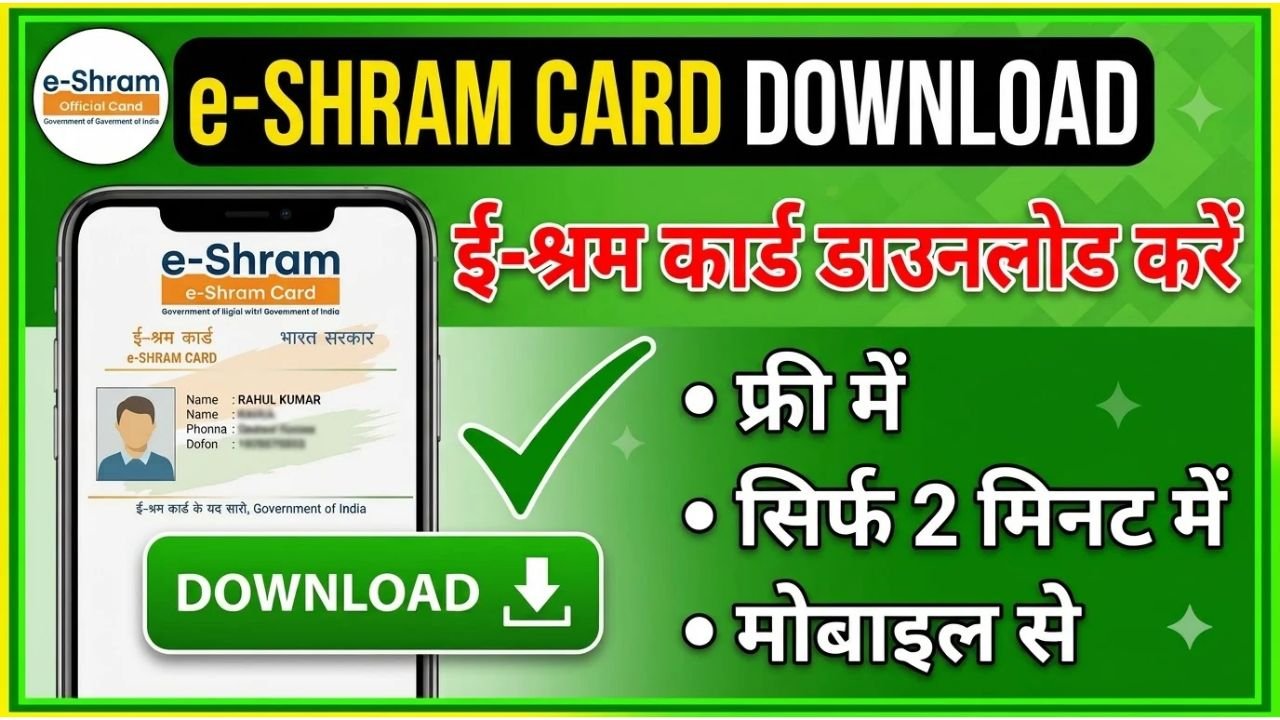
If you have already registered on the e-Shram portal and want to download your e-Shram Card, you can access your details online using the official e-Shram website.
The e-Shram portal was created by the Ministry of Labour & Employment to maintain a national database of unorganised workers and help connect eligible workers with social security and welfare schemes. Registered workers receive a permanent 12-digit UAN (Universal Account Number).
Advertisements
How to Download e-Shram Card Online
You can follow these steps to access your e-Shram card.
Step 1: Visit the Official e-Shram Website
Go to the official e-Shram portal at eshram.gov.in.
On the homepage, look for the option for workers who are already registered. The official portal currently provides options to log in and update your profile.
Step 2: Login to Your e-Shram Account
Select the login or update profile option and provide the details requested by the portal.
Registered workers can authenticate their account using their UAN and OTP. If your Aadhaar-linked mobile number is available, you can also use Aadhaar authentication where required.
Step 3: Access Your e-Shram Card
After successful authentication, you can access your registered e-Shram profile and card details.
Follow the download or card-print option available on the portal to save a copy of your e-Shram card on your phone or computer.
You can keep the downloaded copy for your records or print it when needed.
Advertisements
What Is Required to Download an e-Shram Card?
If you are already registered, you will generally need your UAN and registered mobile number to access your account.
The e-Shram portal states that the UAN is a permanent 12-digit number assigned to a worker after registration. The e-Shram card itself does not have an expiry date and does not need to be renewed.
Can I Download My e-Shram Card Without a Registered Mobile Number?
If you cannot access your registered mobile number or cannot complete online authentication, you can visit a nearby Common Service Centre (CSC) or State Seva Kendra for assistance.
The e-Shram portal also provides a CSC locator for workers who need assisted services.
Is e-Shram Card Download Free?
Yes. e-Shram registration is free, and workers are not required to pay a registration charge to any registering entity.
Be careful if a website or individual asks you to pay money simply to download your e-Shram card.
What If My Details Are Incorrect?
Registered workers can update certain information through the e-Shram portal or with assistance from a CSC.
Depending on the information being changed, you may need to authenticate the update using OTP or Aadhaar-based verification.
Keeping your mobile number, address, occupation and other profile information updated can help ensure that your e-Shram record remains accurate.
What Is the e-Shram Card Used For?
The e-Shram database is intended to help facilitate the delivery of social security and welfare benefits to eligible unorganised workers.
Registration itself does not automatically guarantee a cash payment or a specific government benefit. Eligibility for individual schemes depends on the rules of those schemes.
e-Shram Card Download: Important Points
Remember these points before downloading your card:
Use the official e-Shram website.
Keep your UAN and registered mobile number available.
Do not share OTPs with strangers.
e-Shram registration is free.
The e-Shram card does not expire.
You do not need to renew the card.
Visit a CSC if you need help with authentication or updating details.
Final Words
Downloading your e-Shram Card online is useful if you have already completed your registration and need a copy of your card or want to access your e-Shram details.
Visit the official e-Shram portal, use the available login/authentication option, access your registered profile and download or print your card.
If you face problems with the portal, the official e-Shram helpdesk can be contacted at 14434 or 18008896811, available from 9:00 AM to 6:00 PM, including Sundays.