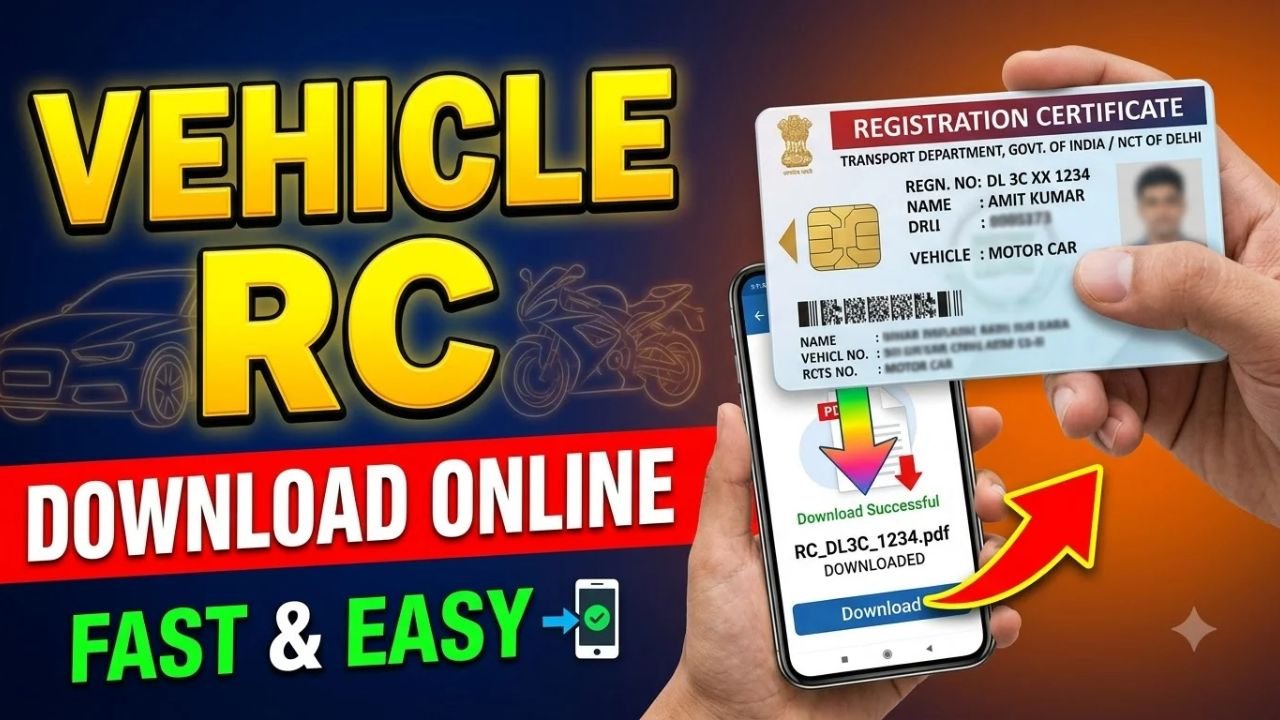
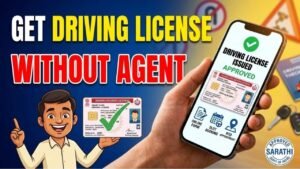
Want to check your vehicle details or download your Registration Certificate (RC) online? In India, you can check vehicle registration information through the official Parivahan portal and access your digital RC through government-supported services such as DigiLocker and mParivahan.
Whether you own a bike, scooter, car or another registered vehicle, here is how to check your RC details and access a digital copy online.
Advertisements
How to Check RC Details Online
Follow these steps to check your vehicle registration details.
Step 1: Visit the Official Parivahan Website
Open the official Parivahan Sewa website of the Ministry of Road Transport and Highways:
Step 2: Open Vehicle-Related Services
Find the vehicle-related services section and select the option for vehicle registration details or vehicle-related services, depending on what is available on the portal.
Step 3: Enter Your Vehicle Registration Number
Enter your vehicle registration number carefully. Complete any additional verification requested by the website.
Step 4: Check Your Vehicle Details
If the information is available, you can view the registration details displayed by the portal. These may include the vehicle class, registration status, fuel type and other available vehicle information.
Advertisements
How to Download RC Online
If you need a digital copy of your Registration Certificate, you can check DigiLocker or the mParivahan app.
Sign in using the available authentication method. DigiLocker may require Aadhaar-linked verification for certain services.
Step 3: Find Your Vehicle RC
Look for the vehicle registration or Registration Certificate service. Enter the requested vehicle details and follow the instructions to fetch your document, if the service supports your vehicle record.
Step 4: Access Your Digital RC
Once the RC is successfully fetched, open it in the app or platform. Save or access the document using the available options.
A digital RC issued through an official government platform can be used where legally accepted. Keep your vehicle information accurate and accessible.
Can I Check RC Details Using Only a Vehicle Number?
You can use your vehicle registration number to look up available vehicle information through Parivahan. However, accessing the full digital RC may require additional verification or fetching the document through DigiLocker or mParivahan.
What If My RC Is Not Available Online?
If your vehicle details do not appear, check the registration number and try again later. Older records or records that have not been digitized may not be available immediately.
If your physical RC is lost or damaged, check the duplicate RC service through Parivahan or your local Regional Transport Office (RTO). Requirements and fees may vary by state.
Is RC Download Free?
Checking basic vehicle information may be free, but certain transport services, such as obtaining a duplicate RC or making corrections, can involve government fees.
Use official government platforms and avoid websites that ask for unnecessary payments or sensitive information.
Final Words
Checking and downloading your vehicle RC online is convenient when you need your registration details or a digital copy. Start with the official Parivahan portal to check available vehicle information, then use DigiLocker or mParivahan to access your digital RC.
If you cannot find your record or need a replacement certificate, contact your state transport authority or RTO for assistance.