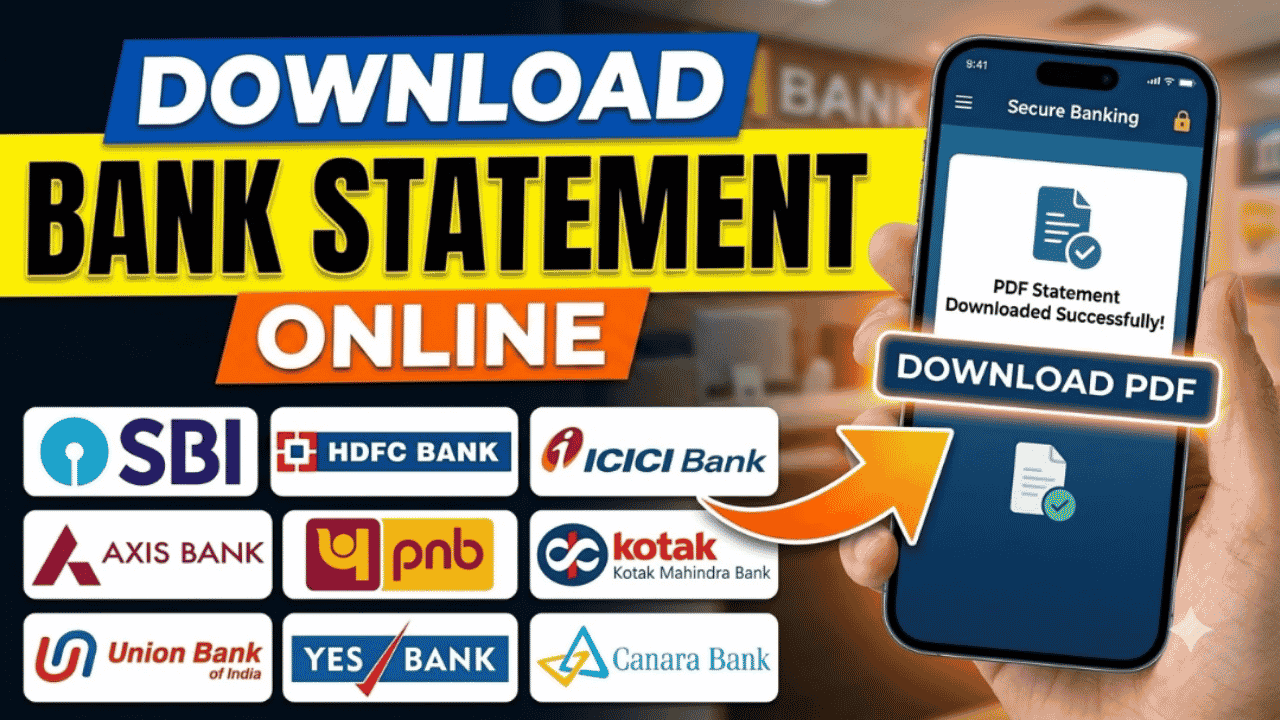
A bank statement is an official record of all transactions made through your bank account over a specific period. It includes details such as deposits, withdrawals, UPI payments, ATM transactions, NEFT/RTGS transfers, cheque payments, interest credits, and account balance. Bank statements are commonly required for loan applications, visa processing, income tax filing, business accounting, and personal financial management.
Today, almost every bank in India allows customers to download their bank statements online through Internet Banking, Mobile Banking, or the bank’s official website. This means you can access your transaction history anytime without visiting a bank branch.
Advertisements
What Is a Bank Statement?
A bank statement is a document issued by your bank that summarizes all account transactions during a selected period.
It usually includes:
Account Holder Name
Account Number (partially masked)
Statement Period
Opening Balance
Credits and Debits
Closing Balance
Transaction Date and Description
Bank Branch Details
Most banks allow statements to be downloaded in PDF, Excel, or CSV format.
Why Do You Need a Bank Statement?
A bank statement is commonly used for:
Loan applications
Credit card verification
Income Tax Return (ITR) filing
Visa applications
Business accounting
Financial audits
Proof of income
Personal expense tracking
Advertisements
Information Required
Before downloading your statement, make sure you have:
Internet Banking credentials or Mobile Banking access
Registered mobile number (for OTP verification)
Account number
Internet connection
Method 1: Download Through Internet Banking
This is the most common method.
Steps
Visit your bank’s official Internet Banking website.
Log in using your User ID and Password.
Complete OTP or two-factor authentication if required.
Select your bank account.
Open the Account Statement or Transaction History section.
Choose the desired date range.
Select the file format (PDF, Excel, or CSV).
Click Download.
Your statement will be saved to your device.
Method 2: Download Using the Mobile Banking App
Most banks also provide statements through their official mobile apps.
Steps
Open your bank’s mobile banking app.
Log in securely.
Tap your account.
Select Statement, Account Statement, or Transaction History.
Choose the required period.
Download or share the statement.
Some apps also allow you to email the statement directly to your registered email address.
Advertisements
Method 3: Receive Statement by Email
Many banks let customers request statements via email.
If this service is enabled:
Log in to Internet Banking.
Choose Email Statement.
Select the statement period.
Confirm your registered email address.
The bank will send a password-protected PDF statement to your email.
How to Download a Statement for a Specific Date Range
Most banks allow you to choose a custom period, such as:
Last 7 days
Last 30 days
Last 3 months
Last 6 months
Last 1 year
Custom date range
This helps when you need statements for tax filing, loan applications, or expense tracking.
Common Reasons You Can’t Download Your Statement
You may encounter issues if:
Internet Banking is not activated.
Incorrect login credentials are entered.
Your account is temporarily restricted.
The bank’s servers are under maintenance.
The selected statement period is unavailable.
If the issue continues, contact your bank’s customer support.
Tips for Keeping Your Bank Statement Secure
Since bank statements contain sensitive financial information:
Download them only from the official bank website or app.
Avoid using public Wi-Fi for banking.
Never share your Internet Banking password or OTP.
Store downloaded statements in a secure location.
Password-protect files before sharing them.
Frequently Asked Questions
Can I download my bank statement without visiting the bank?
Yes. Most banks allow customers to download statements through Internet Banking or their official mobile banking app.
Is downloading a bank statement free?
Many banks provide online statement downloads free of charge. However, fees may apply for printed statements or older archived records, depending on the bank’s policy.
Can I download a bank statement in PDF format?
Yes. Most banks offer PDF statements, and many also provide Excel or CSV formats for easier analysis.
Conclusion
Downloading your bank statement online is a quick, secure, and convenient way to access your transaction history whenever you need it. Whether you’re applying for a loan, filing taxes, tracking expenses, or verifying payments, Internet Banking and mobile banking apps make the process simple. Always use your bank’s official website or app to download statements and keep your financial information protected.