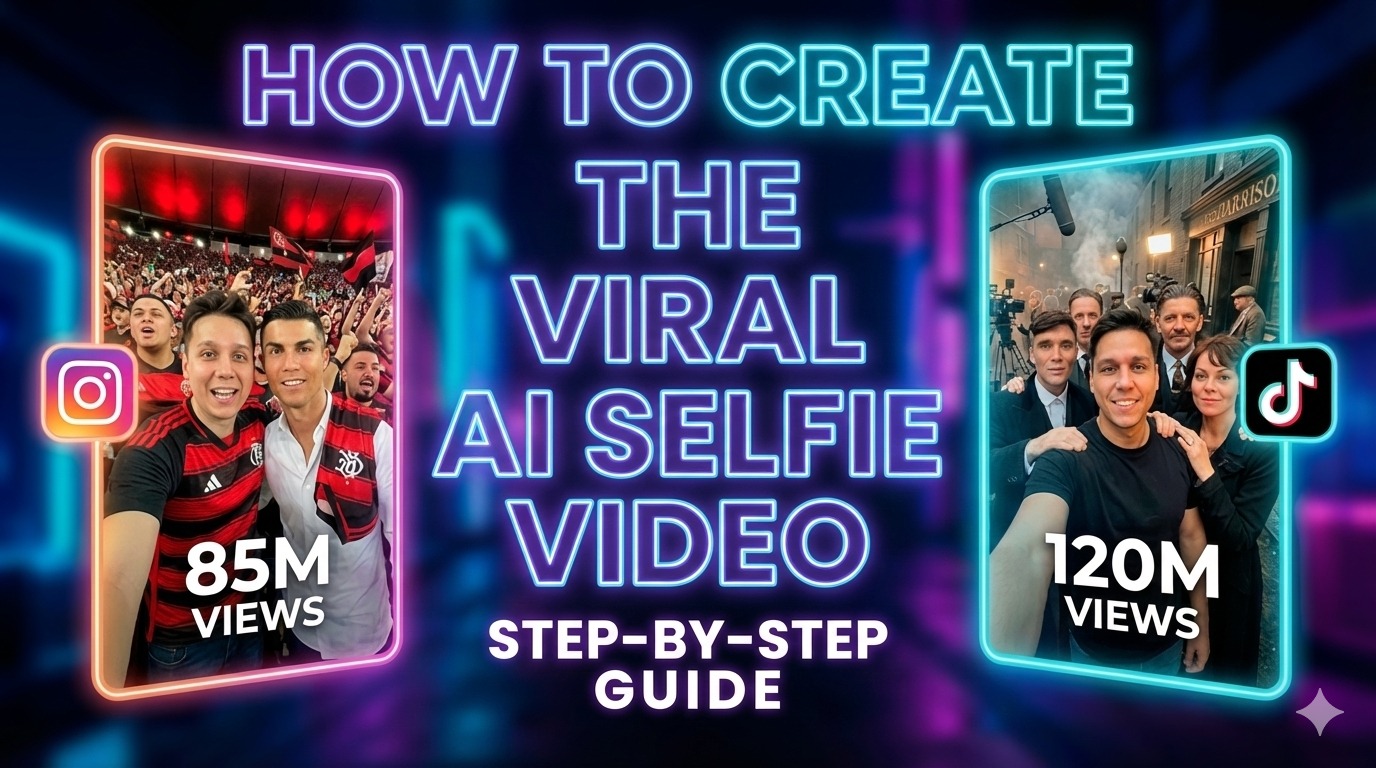
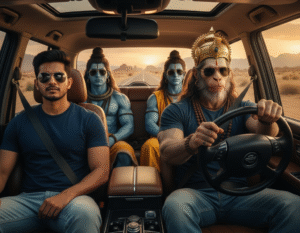
AI-generated celebrity selfie videos have become one of the fastest-growing content formats on Instagram Reels, YouTube Shorts, and TikTok. These short clips show creators casually taking selfies with famous actors, athletes, or public figures, and they look surprisingly real.
What makes this trend powerful is not just the technology, but how natural and believable the final videos feel. With the right prompts and AI tools, anyone can create cinematic celebrity selfie videos that attract high engagement and repeat views.
In this guide, you’ll learn a simple, proven workflow to generate high-quality celebrity images using Gemini 3 Nano Banana and convert them into smooth, realistic videos using Kling 2.5 Turbo.
Why AI Celebrity Selfie Videos Are Going Viral
Short-form platforms reward content that keeps viewers watching. Celebrity selfie videos perform well because they instantly trigger curiosity. Viewers pause to understand what they’re seeing, rewatch to spot details, and scroll through comments to confirm whether it’s real.
From an algorithm perspective, this results in:
Longer watch time
Higher engagement rates
More shares and saves
That combination makes this format ideal for creators looking to grow fast or monetize content.
Step 1: Create a Celebrity List
Start by planning your video sequence.
Make a list of celebrities you want to appear with. Each celebrity will require one AI-generated image.
Common choices include:
Movie actors
Football players
Tech founders
Well-known public figures
Organizing your list in advance helps you create smoother transitions later during video generation.
For image creation, use Gemini 3 Nano Banana, which produces realistic facial details and consistent lighting.
Upload your reference image and apply the base prompt below.
Base Image Prompt Template
Create a realistic, high-fidelity (8K) image based on the attached reference photo.
Maintain the exact facial features, skin tone, bone structure, hairstyle,
and expression of the attached person with zero alteration and no face swapping.

The attached person is taking a selfie with [Celebrity Name],
standing at [location or set].
Crew members are adjusting lighting and equipment, with visible cables and gear.
Directors and managers stand behind, discussing the next scene.
Example 1: Money Heist Selfie Prompt
Create a realistic, high-fidelity (8K) image based on the attached reference photo.
Maintain the exact facial features, skin tone, bone structure, hairstyle,
and expression of the attached person with zero alteration and no face swapping.

The attached person is taking a selfie with the Professor,
standing on the set of Money Heist.
Co-actors in red outfits stand behind.
Crew members adjust lighting and equipment with visible cables and gear.
Directors and managers discuss the next scene in the background.
Example 2: Lionel Messi Stadium Selfie Prompt
Create a hyper-realistic image based strictly on the attached reference photo.
Maintain the exact facial features, skin tone, bone structure, hairstyle,
and expression with no alteration.

The attached person is standing inside a packed professional football stadium
under bright floodlights.
Lionel Messi stands beside the attached person wearing a black T-shirt.
Step 3: Generate Images for All Celebrities
Repeat the image generation process for each celebrity on your list.
Make sure to:
Keep lighting consistent
Save images in sequence
Avoid extreme pose changes
This makes the final video transitions look more natural.
Step 4: Create the Celebrity Video (Kling 2.5 Turbo)
Once your images are ready, move to video creation using Kling 2.5 Turbo, an image-to-video model that supports smooth motion.
Video Creation Method
Select any image as the first frame
Select another image as the last frame
Apply the video prompt below
Video Prompt Template
In the first frame, the person takes a picture with [Celebrity 1].
He then runs toward another location, as shown in the final frame.
He meets [Celebrity 2] and takes a picture with them.
A handheld camera follows him throughout the entire sequence.
Example Video Prompt 1
In the first frame, the person takes a picture with Joker.
He then runs toward another set, as shown in the final frame.
He meets Batman and takes a picture with him.
A handheld camera follows him throughout the entire sequence.
Example Video Prompt 2
In the first frame, the person takes a picture with Batman.
He then runs toward another location, as shown in the final frame.
He meets Elon Musk and takes a picture with him.
A handheld camera follows him throughout the entire sequence.
Pro Tip
Use the last frame of one clip as the first frame of the next clip to create a seamless looping effect. This greatly improves realism and viewer retention.
Step 5: Final Editing and Export
Once all clips are generated:
Import them into your video editor
Adjust speed or transitions if necessary
Export as:
One continuous video
Or multiple short clips for Reels, Shorts, and TikTok
Keep edits minimal to maintain the handheld, authentic feel.
Step 6: Advanced Prompt for Cinematic Celebrity Images
If the base prompt doesn’t produce strong results, use a cinematic close-up prompt for better realism.
Advanced Cinematic Prompt
Create a hyper-realistic, high-fidelity (8K) cinematic close-up selfie
using the attached reference photo.

The attached person (not smiling) is taking a casual handheld selfie
with Tom Cruise on a Top Gun: Maverick hangar set.

Maintain the exact facial features, skin tone, proportions,
and structure of the attached person with zero alteration
no face swapping, no stylization, no identity drift.
This approach works especially well for movie-set environments and behind-the-scenes visuals.
Conclusion
AI celebrity selfie videos are not just a trend, they represent a shift in how creators use realism, storytelling, and AI to capture attention.
By combining Gemini 3 Nano Banana Pro for image generation with Kling 2.5 Turbo for video creation, you can produce cinematic, viral-ready content without complex editing or expensive production setups.
This workflow is ideal for creators who want to stand out, grow faster, and create visually compelling short-form videos that audiences actually watch to the end.