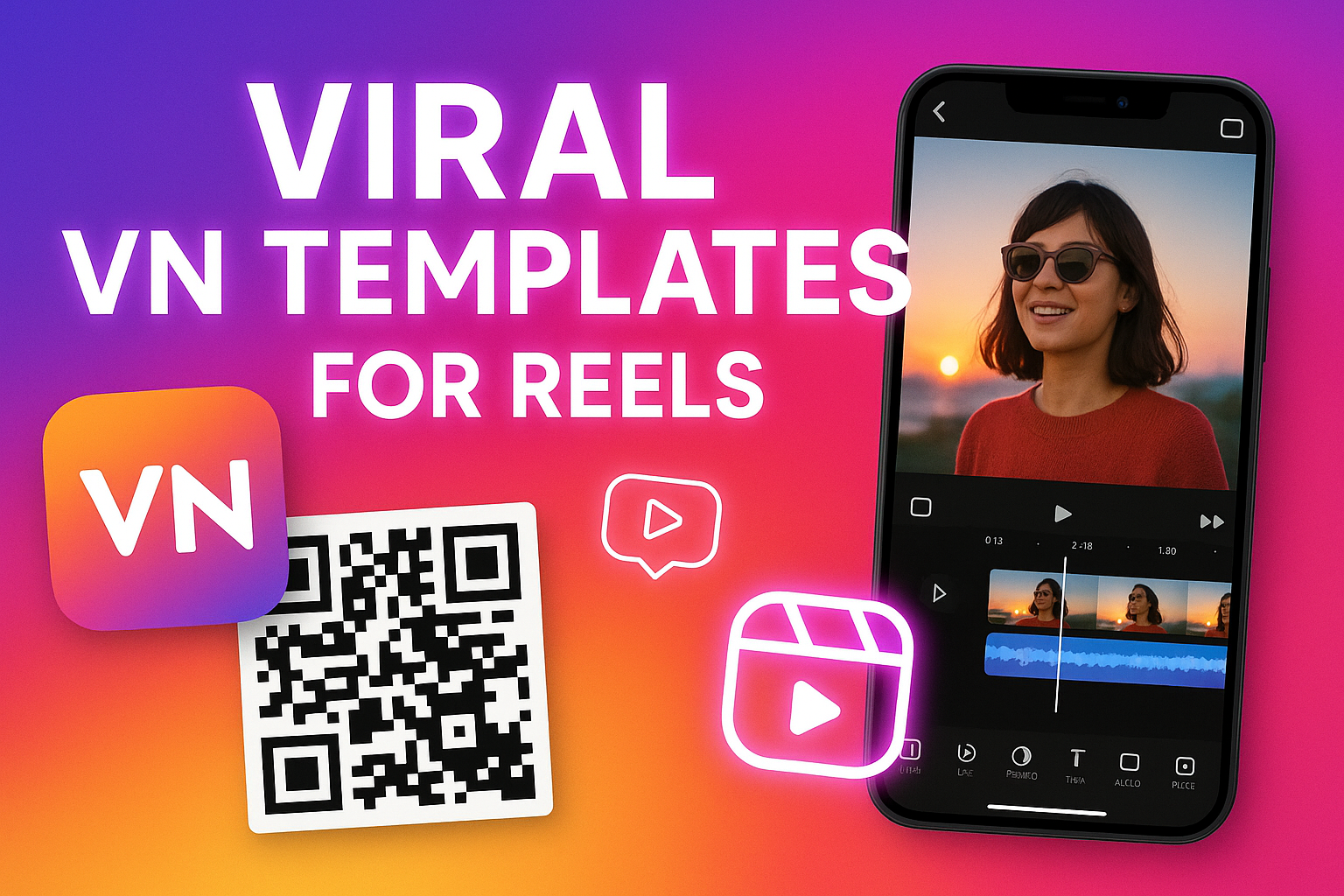
Instagram Reels are exploding with trendy edits right now, and one app that creators are obsessed with is VN (VlogNow). Its clean transitions, cinematic filters, ready-made templates, and beginner-friendly interface make it the perfect tool for making reels that actually go viral. The best part? You don’t need advanced editing skills at all — you just pick a template, add your clips, and export.
But the biggest question everyone asks is:
👉 Where do I find all the viral VN templates used in trending Instagram reels?
This guide will show you exactly how to get them, how QR codes work, and how you can use the templates instantly for your reels.
Why VN Templates Are So Popular Right Now
VN templates have become a favorite among creators because they offer:
Pre-built transitions
Syncing with trending reel songs
Smooth overlay effects
Aesthetic color grading
Easy drag-and-drop editing
Unlike other editing apps, VN lets you customize almost everything inside a template: pacing, transitions, text, and even the color palette. That makes every reel look professional and highly shareable.
Where to Find Viral VN Templates
There are three main places where creators share VN templates that quickly go viral:
1. Instagram Reel Creators’ Captions & Bios
Many editors share VN template links or QR codes directly in their Instagram bios. Whenever a new edit trend starts, creators make a template and share the QR for others to copy.
You’ll often find captions like:
“Template link in bio”
“Scan VN QR code”
“Use VN template for this trend”
2. VN Community Library (Inside the App)
VN has a community section where creators upload templates for public use. Some trending ones recently include:
“Flash Beat Sync Template”
“Smooth Zoom Aesthetic Template”
“Moody Travel Edit Template”
“Velocity Anime Motion Template”
These are currently popular among Instagram reel editors, especially for travel, aesthetic lifestyle, and beat-sync reels.
3. YouTube & TikTok Creators
Many editors upload short tutorials along with VN template QR codes. Simply pause the video, take a screenshot, and scan the QR code inside the VN app.
Popular Viral VN Templates You Should Try
Here are some template names that have gone viral on Instagram recently:
“3D Pop-Out Reel Template” – trendy for fashion and OOTD videos
“Cinematic Travel Reel Template” – perfect for travel montages
“Beat Drop Velocity Template” – popular for anime, sports, and gaming clips
“Aesthetic Polaroid Frame Template” – used for soft, aesthetic reels
“Swift Transition Template” – a fast-paced trend seen in many lifestyle reels
These templates are easy to use and deliver the exact look trending on Instagram Explore.
What Is the VN Template QR Code System?
VN templates are often shared using QR codes, which is the quickest way to import a template.
A VN QR code contains all the project details:
Transitions
Clips timeline
Filters
Motion effects
Music sync markers
When you scan the QR code, VN automatically imports the full template into your editor. This saves hours of manual editing and guarantees the same style as the viral reel.
How to Scan VN Template QR Codes
Scanning a QR code inside VN is extremely easy. Follow these steps:
Open the VN App on your phone.
Tap Projects → then click the “+ Import” button.
Select “Scan QR Code” at the bottom.
Point your camera at the QR code you found online (Instagram, YouTube, screenshot, etc.).
VN will instantly load the full template into your account.
Tap Use Template and start adding your videos/photos.
If you saved a QR screenshot, simply upload the image when VN asks for QR code access.
How to Use Viral VN Templates for Your Reels
Once the template is imported, using it is very simple:
Step 1: Replace Media
Tap on the placeholders and replace them with your clips or photos. You can adjust:
Clip length
Crop position
Zoom motion
Step 2: Sync With Trending Audio
Most templates come with timing markers, but you may need to match it to trending Instagram audio. You can either export without audio or apply VN’s licensed tracks.
Step 3: Customize the Style
To make your reel unique, you can edit:
Text overlays
Color filters
Stickers
Slow motion or velocity effects
Step 4: Export in 1080p or 4K
Instagram compresses videos, so exporting in high quality helps maintain clarity.
Tips to Find New Viral VN Templates Faster
Follow popular reel editors on Instagram.
Join VN editing groups on Telegram and Reddit.
Search YouTube for “VN template QR code.”
Check VN’s official community templates weekly.
Trends change fast, so staying active helps you catch new templates quickly.
Final Thoughts
Getting all the viral VN templates for Instagram Reels is easier than ever. Whether you scan QR codes, download from the VN app library, or use links shared by creators, you’ll have everything you need to make eye-catching, trend-worthy reels.
With the right template and your creativity, your next Instagram Reel could be the one that goes viral!