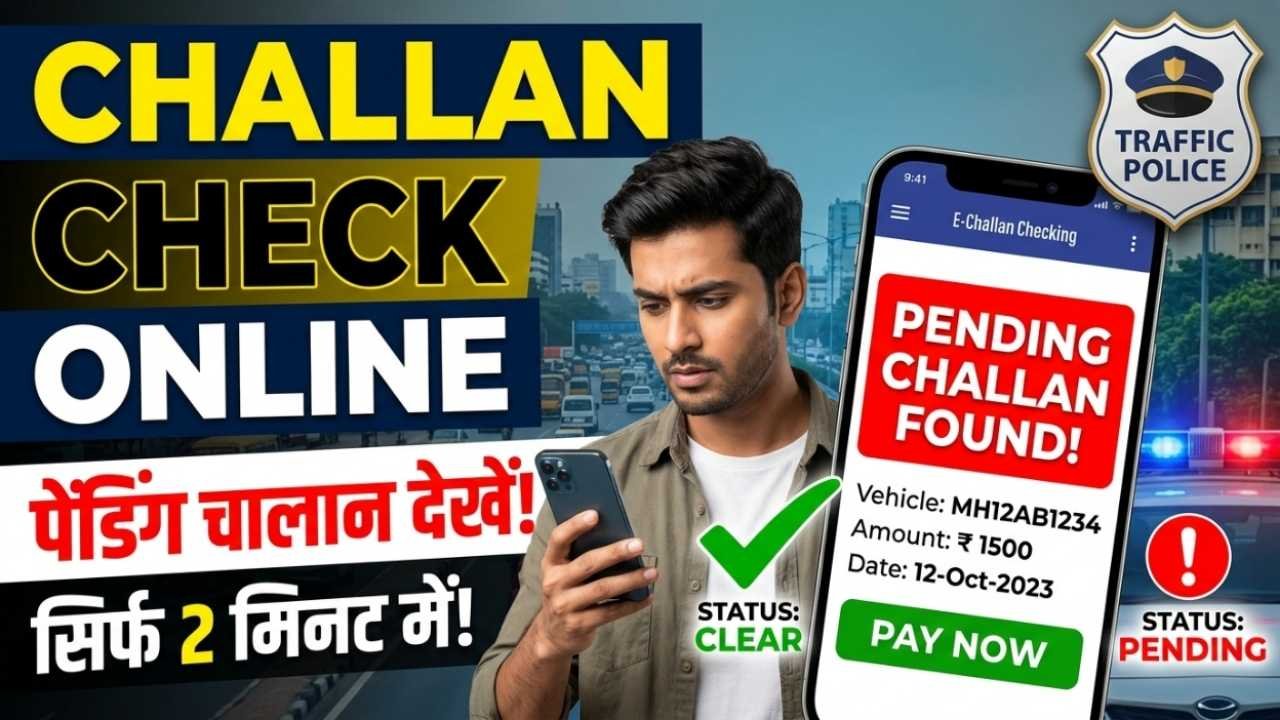
If you’ve been fined for a traffic violation, you no longer need to visit the traffic police office to know the details of your challan. The Government of India has made it easy to check your e-Challan status online through the official Parivahan portal. Whether the challan was issued for overspeeding, jumping a red light, riding without a helmet, driving without a valid licence, or any other traffic violation, you can view the complete details in just a few minutes.
The online e-Challan service allows vehicle owners to check pending and paid challans, verify violation details, view the amount payable, and make online payments securely. Using the official portal also helps you avoid fraud and ensures you receive accurate information directly from the government database.
Advertisements
What is an e-Challan?
An e-Challan is an electronically generated traffic fine issued by the Traffic Police or Transport Department for violating traffic rules. Instead of issuing paper challans, authorities now use digital systems that automatically record violations and generate challans.
Common traffic violations include:
Overspeeding
Jumping a red light
Riding without a helmet
Driving without a seat belt
Using a mobile phone while driving
Driving without valid documents
Parking violations
Wrong-side driving
The challan is linked to your vehicle or driving licence and can be checked online.
Documents or Information Required
Keep the following information ready:
Vehicle Registration Number (e.g., GJ01AB1234)
OR Driving Licence Number
OR Challan Number
Internet connection
No login is required for a basic challan status check.
Advertisements
How to Check Challan Status Online
Step 1: Visit the Official e-Challan Portal
Open the official Parivahan e-Challan website.
Step 2: Select “Check Challan Status”
Click on the Check Challan Status option available on the homepage.
Step 3: Choose Your Search Method
You can search using:
Challan Number
Vehicle Number
Driving Licence Number
Choose the option most convenient for you.
Step 4: Enter the Required Details
Fill in the requested information and complete the CAPTCHA verification.
Step 5: View Your Challan Details
After submitting the details, the portal displays information such as:
Challan Number
Date and Time
Traffic Violation
Challan Amount
Current Status (Paid or Pending)
Payment Option (if unpaid)
Advertisements
How to Pay an e-Challan Online
If your challan is pending, you can usually pay it directly through the official portal.
The general process is:
Open the pending challan.
Click Pay Now.
Select your preferred payment method.
Complete the transaction.
Download or save the payment receipt.
Always keep the receipt for future reference.
How to Check If Your Challan Is Paid
After making the payment:
Visit the e-Challan portal again.
Search using your Vehicle Number or Challan Number.
The status should show Paid once the transaction is successfully processed.
Sometimes the payment status may take a short time to update.
Common Reasons Why Challan Details Don’t Appear
You may not see your challan because:
The vehicle number was entered incorrectly.
The challan has not yet been uploaded to the system.
The violation belongs to a state using a separate traffic portal.
There is a temporary server issue.
If no records are found, verify your details and try again later.
Conclusion
Checking your e-Challan status online is a fast and convenient way to stay informed about any traffic fines issued against your vehicle or driving licence. By using the official Parivahan e-Challan portal, you can view pending or paid challans, understand the reason for the violation, make secure online payments, and download payment receipts when required. To avoid penalties in the future, always follow traffic rules and keep your vehicle documents up to date.