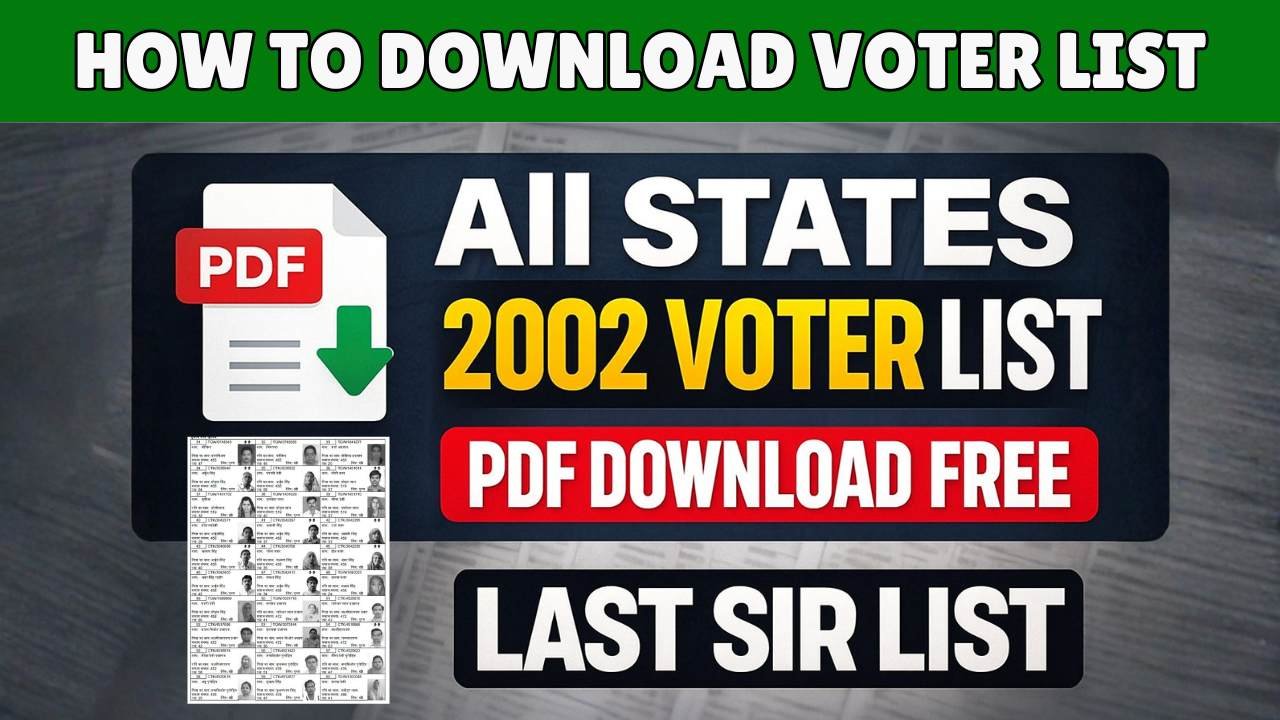
As elections approach, millions of voters search for “Voter List Download” to confirm whether their name is included and to avoid last-minute issues at polling booths.
If you are voting in an upcoming election, it is extremely important to verify your name in the voter list and download your voter slip in advance.
This article explains:
How to check your name in the voter list online
How to download the voter list or voter slip (PDF)
What to do if your name is missing or details are wrong
Official links and safe methods only
Advertisements
What Is the Voter List?
The voter list (also called the Electoral Roll) is the official record of all eligible voters maintained by the Election Commission of India.
Only voters whose names appear in this list are allowed to vote.
📌 If your name is not in the voter list, you will NOT be allowed to vote, even if you have applied earlier.
Can You Download the Voter List Online?
✅ Yes, voter details can be checked online ✅ You can download your voter slip (PDF) ❌ You do not need to download the full voter list of your area
Most people searching for “Voter List Download” actually need:
Name verification
Booth details
Voter slip for reference
How to Check Name in Voter List Online (Step-by-Step)
Follow these official steps:
Step 1: Visit the Official Voter Portal
Go to the voter services portal operated by the Election Commission.
Step 2: Choose “Search by Details”
You can search using:
Name
Date of birth
Father’s / Husband’s name
State & constituency
👉 EPIC (Voter ID number) is NOT mandatory.
Step 3: Verify Your Details
If your name is listed, you will see:
Voter name
EPIC number
Polling booth & address
Advertisements
How to Download Voter Slip (PDF)
Once your name appears:
Select your voter record
Click on “Download Voter Information Slip”
Save the PDF to your mobile or print it
📌 The voter slip is not mandatory, but it helps:
Locate polling booth easily
Avoid confusion on election day
State-Wise Voter List Download Option
Voter data is managed state-wise, but all states are integrated under the central Election Commission system.
You can check voter details for:
Lok Sabha elections
Assembly elections
Local body elections
⚠️ Always ensure you are using an official government portal, not third-party apps.
What If My Name Is Missing from the Voter List?
This is a very common issue, especially after voter list revisions.
Possible Reasons:
New voter registration not approved yet
Details mismatch (name, DOB, address)
Constituency change
Duplicate entry removed
What to Do If Your Name Is Missing?
You can:
Apply for new voter registration
Request correction in voter details
Re-check status after a few days
These services are also provided online through official portals.
Do I need a physical voter ID Card?
❌ Carrying the voter ID card is not compulsory ✅ Your name must be present in the voter list
However, having any approved ID proof is recommended for smooth verification at the polling booth.
Important Safety Tips
❌ Do NOT download voter list apps from unknown sources
❌ Never pay anyone to “add your name”
✅ Use only Election Commission–approved portals
✅ Avoid WhatsApp links claiming “instant voter list download”
Advertisements
Why Checking the Voter List Early Matters
Prevents last-minute panic
Allows time for corrections
Ensures you are not denied voting
Helps senior citizens & first-time voters
Millions of voters are removed or corrected during revision cycles, early verification is the safest option.
Final Words
If you are eligible to vote, checking your name in the voter list is your responsibility.
Searching for “Voter List Download” is the right first step, but always rely on official, verified methods to avoid misinformation or fraud.
📌 Check your voter status today and stay election-ready.