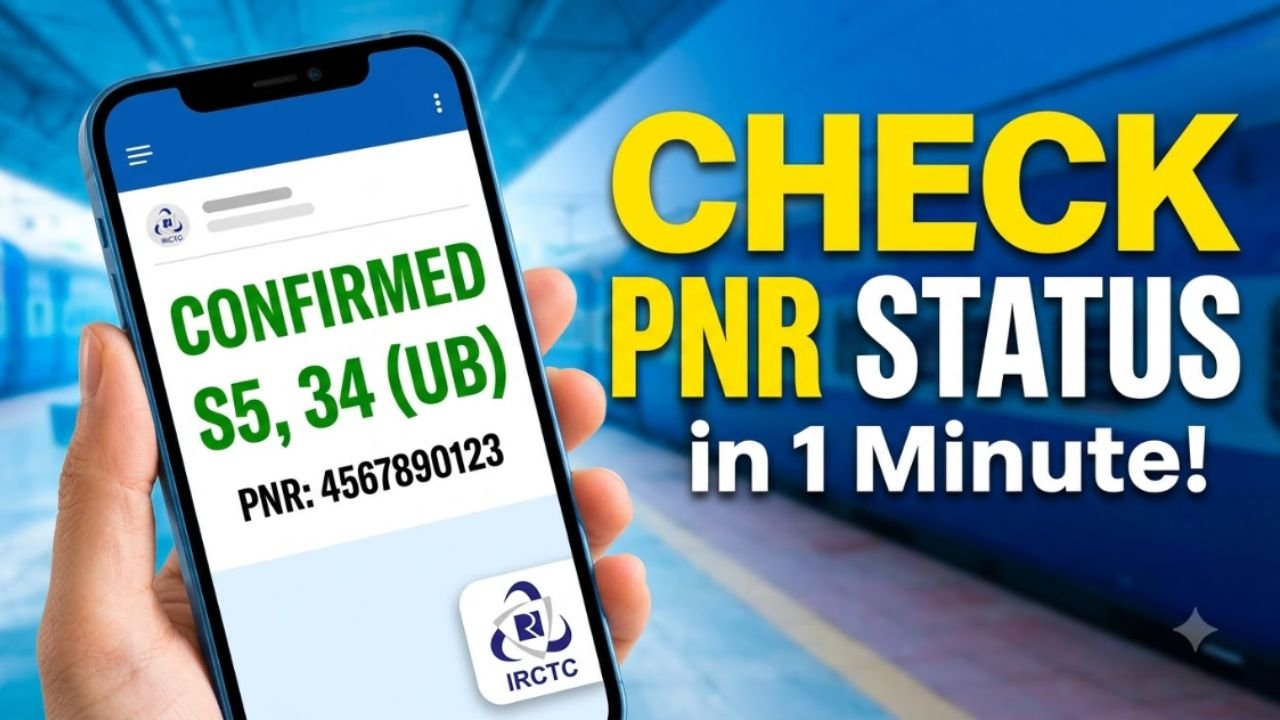
If you have booked a train ticket and want to know whether your seat is confirmed, RAC, or still on the waiting list, you can check your PNR status online in just a few seconds. Indian Railways provides an official PNR enquiry service where passengers can enter their 10-digit PNR number and view the latest booking status.
Your PNR status can change between the time you book your ticket and the preparation of the final reservation chart. Therefore, checking it again before your journey can help you know your latest seat or berth status.
Advertisements
What Is a PNR Number?
PNR stands for Passenger Name Record. It is a unique 10-digit number associated with your railway reservation.
You can normally find the PNR number on your railway ticket or booking confirmation. It is used to retrieve information about your journey and passengers included in the booking.
The official Indian Railways PNR enquiry service can show details such as the train number, train name, journey date, boarding point, destination, class, booking status, current status, fare, and charting status.
How to Check PNR Status Online
Step 1: Find Your PNR Number
Take your railway ticket and locate the 10-digit PNR number. It is generally displayed prominently on the ticket.
Step 2: Open the Official PNR Enquiry Website
Visit the official Indian Railways Passenger Reservation Enquiry website.
Step 3: Enter Your PNR
Enter your 10-digit PNR number in the PNR enquiry field.
Step 4: Submit the Request
Submit the number to retrieve your current reservation information.
Step 5: Check Your Current Status
The result will show your booking status and current reservation status. If the final chart has not been prepared, the current status may still change later.
Advertisements
What Do CNF, RAC and WL Mean?
CNF – Confirmed
CNF means your reservation is confirmed. Your coach and berth number may become available after chart preparation.
RAC – Reservation Against Cancellation
RAC means you are permitted to travel, but the berth arrangement may be shared or may change depending on subsequent cancellations and allotments.
WL – Waiting List
WL means your ticket is currently on the waiting list. There are different types of waiting lists, including GNWL, RLWL, PQWL and TQWL.
What Information Can You See?
A PNR enquiry can provide information including:
PNR number
Train number
Train name
Journey date
Boarding station
Destination
Travel class
Booking status
Current passenger status
Total fare
Charting status
Train status, where displayed
The exact information shown can depend on the booking and current railway records.
Why Does My PNR Status Change?
A railway ticket’s status can change because of cancellations, additional bookings, quota movement, or the preparation of the reservation chart.
For example, a passenger who initially has a waiting-list ticket may later receive an RAC or confirmed berth if seats become available.
Indian Railways also notes that the current status can change before the final charts are prepared.
Can I Check PNR Status on Mobile?
Yes. You can check your PNR using a mobile browser or railway-related mobile services. Indian Railways also provides enquiry services through mobile and SMS channels.
The official IRCTC Rail Connect user guide also provides a PNR enquiry option where passengers enter their PNR number and search for the current ticket status.
Advertisements
What If Your PNR Status Is Still Waiting?
If your ticket is still showing WL, don’t assume that the final status cannot change. Check the PNR again closer to the journey date and after chart preparation.
If the ticket remains waitlisted, check the applicable railway rules for your particular type of booking and ticket.
Is PNR Status Checking Free?
Yes. Checking your PNR status through the official Indian Railways enquiry service does not require a separate payment. Be careful with websites or services that ask you to pay simply to view your basic PNR status.
Frequently Asked Questions
How can I check my PNR status?
Visit the official Indian Railways PNR enquiry page, enter your 10-digit PNR number, and submit it to view the current reservation status.
How many digits are in a PNR number?
An Indian railway PNR normally contains 10 digits.
Can a waiting-list ticket become confirmed?
Yes. A waiting-list status can change if seats or berths become available. The status can continue to change until the applicable final charting process.
What does CNF mean in PNR status?
CNF means Confirmed. The coach and berth details may be displayed after chart preparation.
What does RAC mean?
RAC stands for Reservation Against Cancellation. It generally permits the passenger to travel, subject to the applicable railway reservation rules.
Conclusion
Checking your PNR status online is a quick way to know the latest status of your railway reservation. You only need your 10-digit PNR number to access the current booking information through the official Indian Railways enquiry service. Since reservation status can change before the final chart is prepared, it is a good idea to check your PNR again before starting your journey.