A passport is an essential travel document issued by the Government of India that serves as proof of identity and citizenship for international travel. Whether you’re planning a vacation, studying abroad, working overseas, or applying for a visa, having a valid passport is the first step.
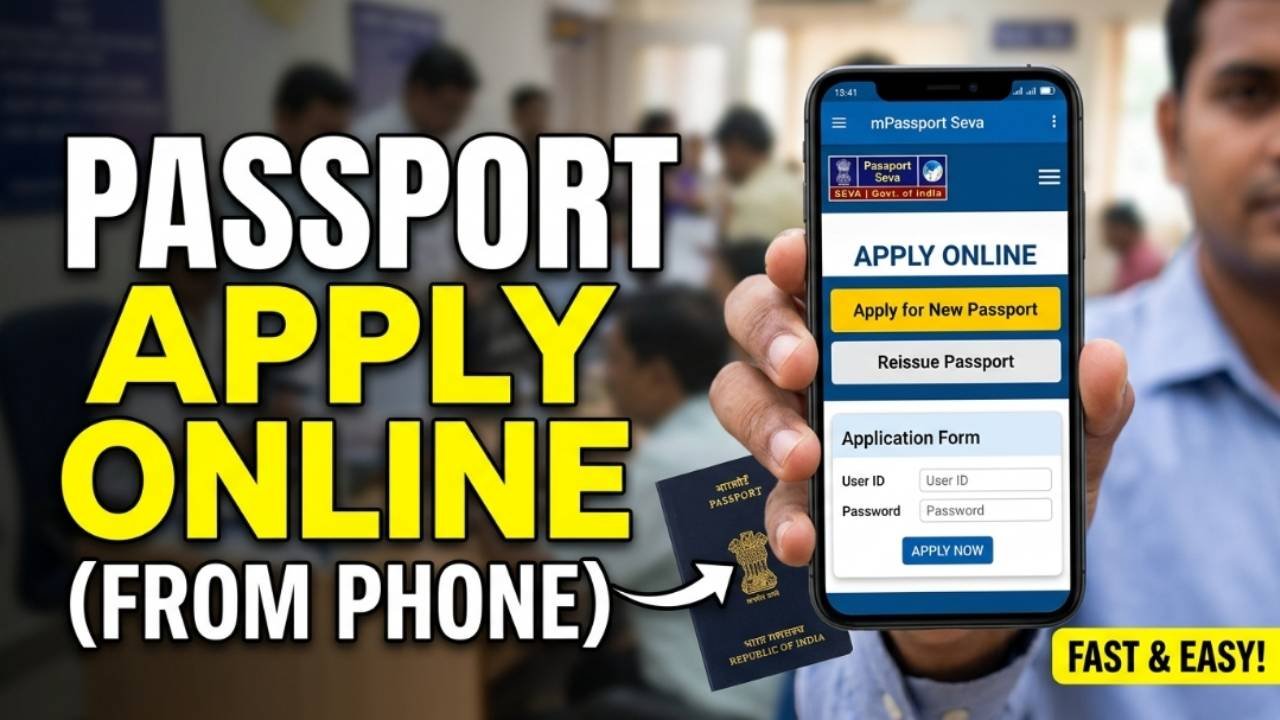
The Ministry of External Affairs (MEA) has made the passport application process largely online through the Passport Seva Portal. You can register, fill out the application form, pay the fee, book an appointment at a Passport Seva Kendra (PSK) or Post Office Passport Seva Kendra (POPSK), and track your application status online.
Advertisements
Who Can Apply for a Passport?
You can apply for a fresh passport if you:
Are an Indian citizen.
Have never been issued an ordinary passport before.
Need a passport for international travel.
Meet the document and identity verification requirements.
If you already have a passport and it has expired, is about to expire, is damaged, or you need to change personal details, you should apply for Passport Re-issue instead of a fresh passport.
Documents Required
The exact documents depend on your category, but commonly required documents include:
Aadhaar Card
Voter ID Card
PAN Card (if available)
Birth Certificate or other accepted proof of date of birth
Address Proof
Passport-size photographs (for certain cases, such as children below 4 years)
Any additional documents requested by the Passport Seva Portal
The portal also supports uploading scanned documents during the online application process.
Advertisements
How to Apply for a Passport Online
Step 1: Register on the Passport Seva Portal
Visit the official Passport Seva Portal and create a new account by selecting your Regional Passport Office (RPO), entering your details, and verifying your email address.
Step 2: Log In
Sign in using your registered Login ID and password.
Step 3: Apply for a Fresh Passport
From the dashboard, select Apply for Fresh Passport/Re-issue of Passport.
If this is your first ordinary passport, choose Fresh Passport.
Step 4: Fill the Application Form
Enter your personal information, including:
Name
Date of Birth
Address
Parent or spouse details
Employment information
Emergency contact details
Review the information carefully before submitting.
Step 5: Pay the Application Fee
After submitting the form, pay the applicable passport fee online using one of the available payment methods.
The Passport Seva Portal provides online payment options and allows appointment booking only after successful payment. Passport application fees were revised from 1 July 2026, so check the latest fee before making payment.
Step 6: Book an Appointment
Choose a convenient:
Passport Seva Kendra (PSK)
Post Office Passport Seva Kendra (POPSK)
Select your preferred appointment date and time.
Advertisements
Step 7: Visit the Passport Seva Kendra
Carry your original documents and appointment receipt to the selected center.
Your visit generally includes:
Document verification
Photograph
Fingerprint capture
Biometric verification
Step 8: Police Verification
Depending on your application, police verification may be conducted before or after passport issuance.
Step 9: Receive Your Passport
After successful verification and approval, your passport is printed and dispatched to your registered address through Speed Post.
How to Track Passport Application Status
You can track your passport application online using your file number and date of birth through the Passport Seva Portal.
The status may show updates such as:
Application Submitted
Under Review
Police Verification Pending
Police Report Submitted
Passport Granted
Passport Printed
Passport Dispatched
Tatkal Passport
If you need your passport urgently, you may apply under the Tatkal scheme, subject to eligibility and the submission of required documents.
Tatkal applications are processed faster than the normal application process, although they involve higher application charges.
Tips for a Smooth Passport Application
Use the official Passport Seva Portal only.
Ensure your Aadhaar and address details are accurate.
Carry original documents to your appointment.
Reach the Passport Seva Kendra before your scheduled time.
Keep your application reference number safe for tracking.
Frequently Asked Questions
Can I apply for a passport without an agent?
Yes. The entire application process can be completed online through the official Passport Seva Portal without using an agent.
Is police verification mandatory?
Police verification is required in many cases, though the timing (before or after passport issuance) depends on your application category and applicable rules.
Can I apply at any Passport Seva Kendra?
Yes. Applicants can book appointments at a Passport Seva Kendra or Post Office Passport Seva Kendra based on availability and convenience through the Passport Seva Portal.
Conclusion
Applying for a passport online has become straightforward with the Passport Seva Portal. From registration and form submission to appointment booking, document verification, and status tracking, almost every step can be managed digitally. By keeping your documents ready, entering accurate information, and following the official process, you can complete your passport application smoothly and receive your passport without unnecessary delays.