CapCut has become one of the most popular mobile video editing apps, especially among short-form content creators. From Instagram Reels and YouTube Shorts to gaming edits and promotional videos, many beginners prefer it because it combines simple controls with powerful editing tools in one place.
Another reason for its popularity is that it allows users to create professional-looking videos without needing a computer or expensive software. With just a smartphone, you can trim clips, add transitions, apply effects, sync music, and export high-quality videos within minutes.
Use Cases of CapCut for Android Users
CapCut is widely used across different types of creators because it supports multiple content styles.
Some common use cases include:
Editing Instagram Reels and YouTube Shorts
Creating gaming montages and highlight videos
Making educational content with text overlays
Producing business promo videos
Creating meme edits and trending short videos
Because of these flexible use cases, it is suitable for beginners, influencers, students, and even small business owners.
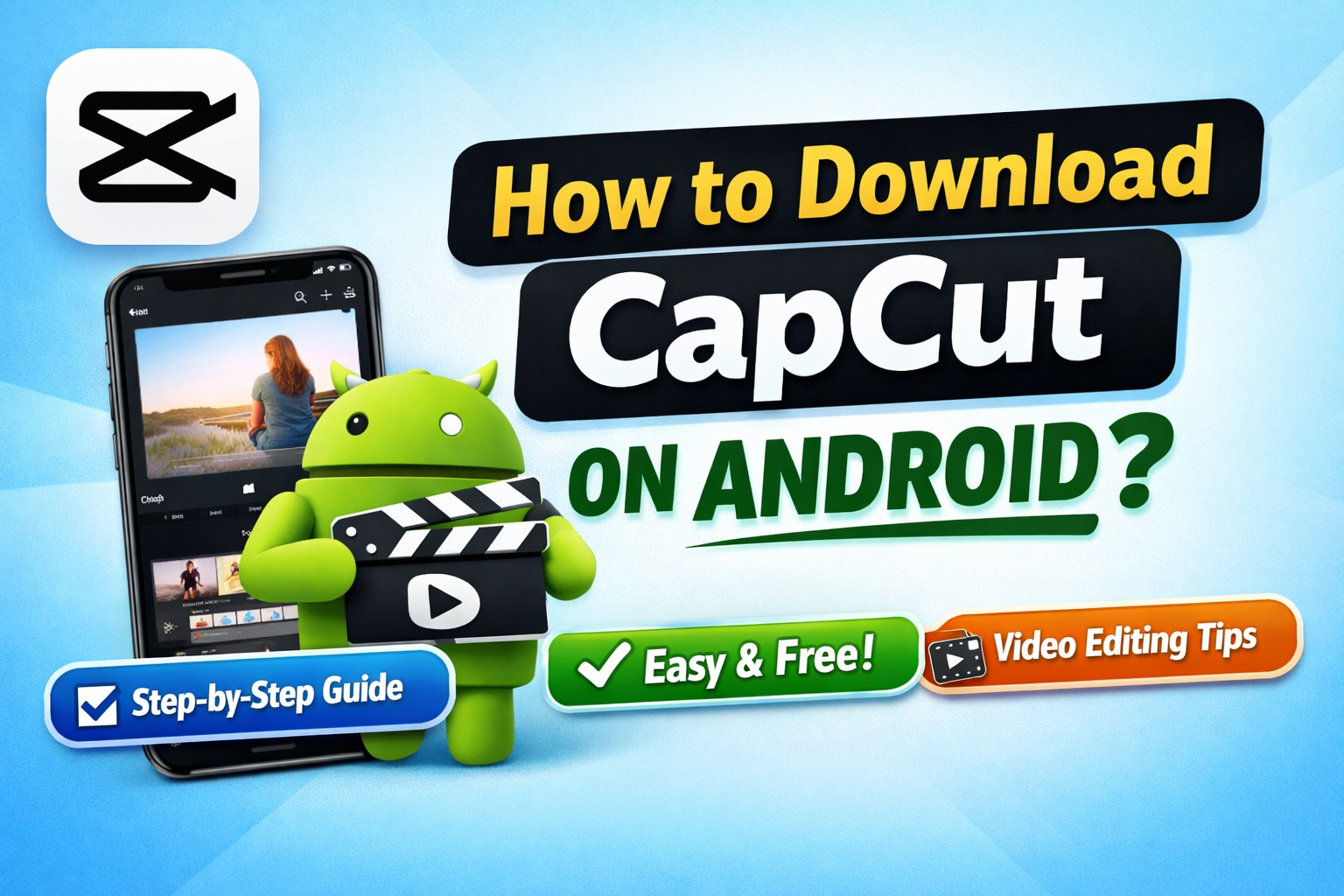
How To Download CapCut In Android (Step-by-Step)
Follow these simple steps to install CapCut safely on your Android device.
Step 1: Open Google Play Store
Unlock your phone and open the Play Store app.
Step 2: Search for CapCut
Type “CapCut – Video Editor” in the search bar. Make sure the developer name shows ByteDance to avoid fake apps.
Step 3: Tap Install
Click the Install button and wait for the download to complete.
Step 4: Launch the App
Once installed, tap Open and allow storage and media permissions.
Even users with zero editing experience can create professional videos.
3. Free Professional Features
Unlike many editing apps, CapCut provides many advanced tools for free, such as:
Keyframe animation
Background removal
Text effects
High-quality export
This makes it ideal for creators who want professional results without paying.
Learn Video Editing After Installing CapCut
Downloading the app is just the first step. To truly create engaging content, users should learn basic editing techniques such as:
Clip cutting and trimming
Adding smooth transitions
Using overlays and text animations
Syncing video with music beats
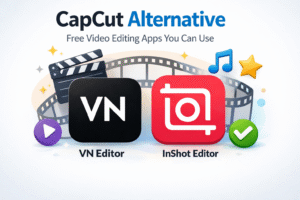
CapCut Alternatives You Can Try
If CapCut is not available on your device or doesn’t run smoothly, there are several alternative apps that offer similar editing features.
These alternatives typically provide:
Template-based editing
Effects and filters
Social media export formats
Final Thoughts
Downloading CapCut on Android is simple, and once installed, it provides everything needed to start creating high-quality videos. Its easy interface, ready-made templates, and free professional tools make it one of the best choices for beginners and content creators.
By combining CapCut with proper editing knowledge and trending templates, anyone can quickly improve their video quality and grow on social media platforms.