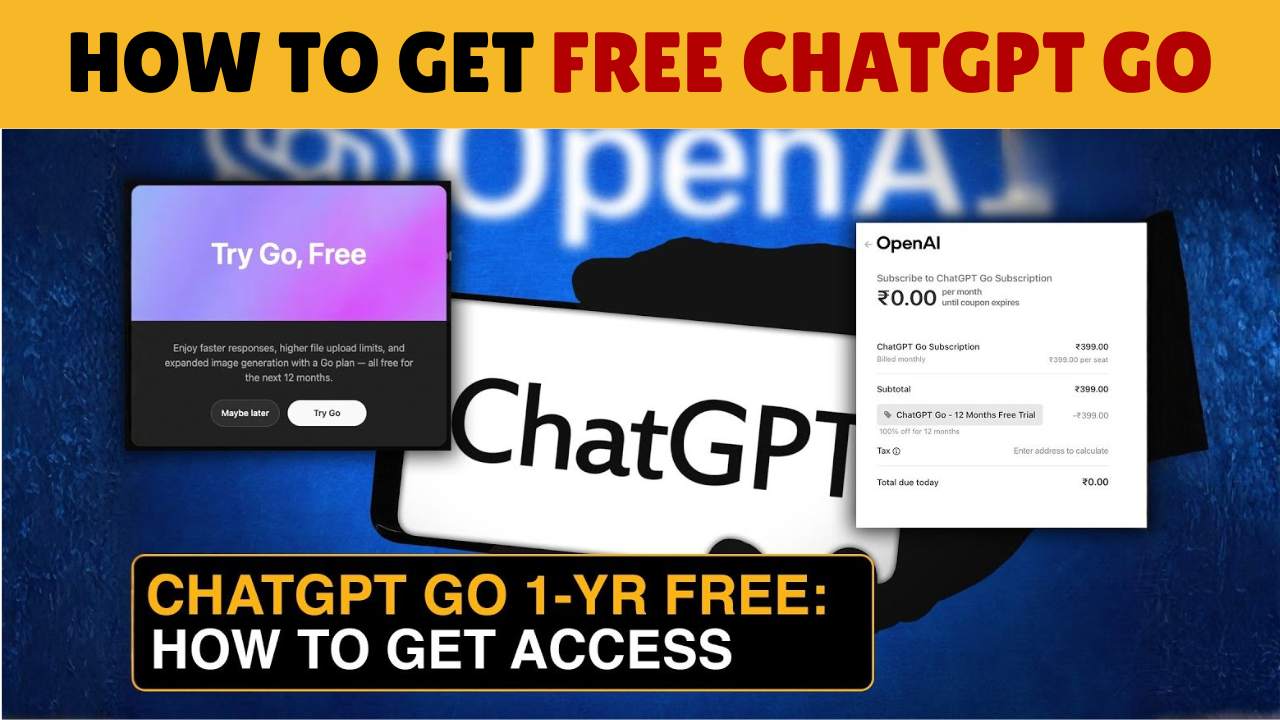
Short version: OpenAI ran a limited-time promotion giving eligible users in India one year of ChatGPT Go at no cost. You can activate it via the ChatGPT web app or Android app by selecting the Go plan and following the redemption flow. Key points: You may need to add a payment method during activation, and the free year ends automatically after 12 months unless you cancel.
Who’s eligible?
The promotion applies to users in India during the promotional window. OpenAI rolled this out specifically for India. If you don’t see the offer, your account or country might not be eligible yet.
Step 1: Log in or create your ChatGPT account
Go to chat.openai.com (web) or open the ChatGPT Android app.
Sign in with your existing OpenAI account or create a new one.
If you use an iPhone, you may need to redeem on web/Android first and then sign in on iOS when the App Store flow appears.
Step 2: Find the “Try ChatGPT Go (12 months)” offer
In the web app: Click your profile → Settings / Account → look for Try ChatGPT Go or a banner offering 12 months free.
On Android: open the Play Store subscription flow from the app and look for the free-for-12-months promotion.
When the offer is live for your account, you’ll see an activation button.
Step 3: Add a payment method (if prompted)
The flow may require you to add a payment method (card or UPI) to verify identity and enable future billing after the free year. This is normal for many trial promotions. Keep in mind, OpenAI has used this to resume billing once the promotion ends.
Important: Adding a payment method does NOT charge you during the free year, but it can be used to auto-renew if you don’t cancel before the year ends.
Step 4: Activate and confirm
Complete the checkout/activation. You should see confirmation that ChatGPT Go is active for 12 months. Your account will have Go features unlocked immediately (GPT-5 access, voice, expanded tools, etc.) during the promotional period.
Step 5: Track your billing date & set reminders to cancel (if you don’t want a paid renewal)
Note the activation/billing date. The promotion typically extends your billing date by 12 months.
Set a calendar reminder 3–7 days before the 12-month mark to review the subscription. If you don’t want to continue, cancel before the renewal date to avoid charges.
If you subscribed via Google Play or Apple App Store, cancel from their subscription settings. If you subscribed on the web, cancel from ChatGPT → Settings → Manage subscription.
Troubleshooting & common issues
Don’t see the offer? The promo is region-limited and rolled out in waves. Try logging out, switching to the web flow, or waiting. Eligibility can vary by account.
Payment/UPI failures: Some users reported UPI/payment glitches during rollout. If a payment method fails during activation, try a different method (card, a different UPI app) or retry after some time. If problems persist, contact OpenAI support.
Already a Go/Plus subscriber? Official guidance: Existing subscribers who redeem may get their billing dates extended automatically. Check your account message for specifics before cancelling.
Safety & best practices
Add payment method only if you trust the device and flow. Use your own bank card or verified UPI app.
Set a calendar reminder to review/ cancel before auto-renewal. That’s the safest way to avoid unexpected charges.
Check official channels (OpenAI Help / official blog / your ChatGPT account banner) for the latest terms, promotions change quickly.
Final tips to make the most of ChatGPT Go during your free year