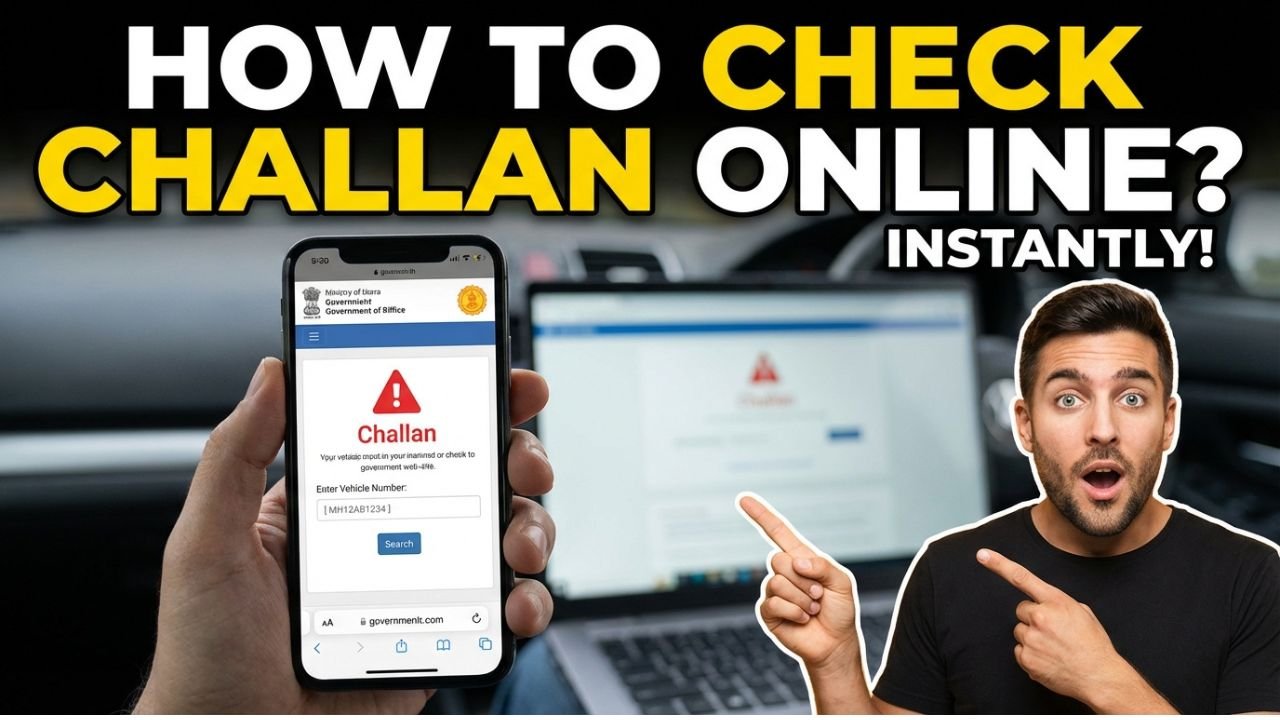
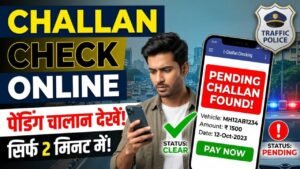
Got a traffic challan? Whether you received an e-challan SMS, spotted a fine on your vehicle number, or want to clear pending dues before selling your car, this guide covers everything in one place. Check your challan status, pay it online in minutes, or dispute a wrong challan without visiting any traffic office.
Part 1: How to Check Your Traffic Challan Online
Method 1: By Vehicle Number (Fastest)
Visit echallan.parivahan.gov.in
Click “Check Challan Status”
Select “Vehicle Number” from the dropdown
Enter your vehicle registration number (e.g. MH12AB1234)
Enter the captcha and click “Get Detail”
All pending and paid challans appear instantly with date, location and offence details
Method 2: By Driving Licence Number
Visit echallan.parivahan.gov.in
Click “Check Challan Status”
Select “Driving Licence Number”
Enter your DL number and date of birth
Enter captcha and click “Get Detail”
Method 3: By Challan Number
If you received an SMS with a challan number:
Visit echallan.parivahan.gov.in
Select “Challan Number” option
Enter the challan number from your SMS
Your challan details appear immediately
If your challan does not appear on the central portal, check your state traffic police website — some states maintain separate systems.
State-Wise Challan Check Portals
State
Portal
Delhi
delhitrafficpolice.nic.in
Maharashtra
mahatrafficpolice.gov.in
Uttar Pradesh
uppolice.gov.in
Karnataka
karnatakaone.gov.in
Tamil Nadu
tnpolice.gov.in
Gujarat
gujaratpolice.gov.in
Rajasthan
police.rajasthan.gov.in
All Other States
echallan.parivahan.gov.in
Part 2: How to Pay Traffic Challan Online
Paying your challan online saves you from visiting the traffic office, avoids late payment penalties, and instantly updates your vehicle records.
Step 1: Check Challan Status First, follow the steps above to confirm the challan details — amount, date, and offence type.
Step 2: Click “Pay Now” On the challan details page, click the Pay Now button next to the pending challan.
Step 3: Choose Payment Method. Select your preferred payment option:
Payment Method
Available
UPI (GPay, PhonePe, Paytm)
✅ Yes
Debit Card
✅ Yes
Credit Card
✅ Yes
Net Banking
✅ Yes
NEFT/RTGS
✅ Yes
Step 4: Complete Payment. Enter your payment details and confirm. You will receive a payment confirmation SMS and email immediately.
Step 5: Download Receipt After successful payment, click “Download Receipt” and save the PDF. Keep this as proof — it may be required at RTO for vehicle transfer or licence renewal.
Payment reflects in the system within 24-48 hours. If your challan still shows pending after 48 hours, contact the issuing traffic authority with your payment receipt.
Challan Fine Amounts in India (2026)
Offence
Fine Amount
Jumping a red light
₹5,000
Driving without a licence
₹1,000
Driving without a helmet
₹1,000
Driving without a seatbelt
₹5,000
Jumping red light
₹1,000 – ₹5,000
Driving without insurance
₹2,000 (first offence)
Drunk driving
₹10,000
Overspeeding
₹1,000 – ₹2,000
No PUC certificate
₹10,000
Driving without RC
₹5,000
Part 3: How to Dispute a Wrong Challan
Received a challan for an offence you did not commit? Your vehicle was caught by a camera, but you were not driving? Here is exactly what to do.
Common Reasons for Wrong Challans:
Vehicle sold, but RC transfer not completed, the old owner gets a new challan
CCTV/ANPR camera misread the number plate
Challan issued to the wrong vehicle due to similar number plates
Challan issued after the vehicle was reported stolen
Step 1: Check Challan Details Carefully. Visit echallan.parivahan.gov.in and note the exact date, time, location and offence. Compare with your own records, were you at that location at that time?
Step 2: File Online Objection
Visit echallan.parivahan.gov.in
Click “Raise Objection” on the challan details page
Select the reason for objection from the dropdown
Upload supporting documents, RC copy, insurance, and proof of your location
Submit the objection, and you will receive a reference number
Step 3: Submit Physical Representation (If Needed) For challans above ₹5,000 or licence suspension notices, visit the issuing traffic police station in person with:
Original RC book
Insurance certificate
Your identity proof
Any evidence supporting your objection (dashcam footage, toll receipts showing you were elsewhere)
Step 4: Court Hearing (Last Resort) If your objection is rejected, you can contest the challan in court. The challan notice will mention the date and court where you need to appear. A lawyer is not mandatory for minor traffic offences.
Important: Never ignore a challan even if you believe it is wrong. Uncontested challans can result in licence suspension and vehicle seizure.