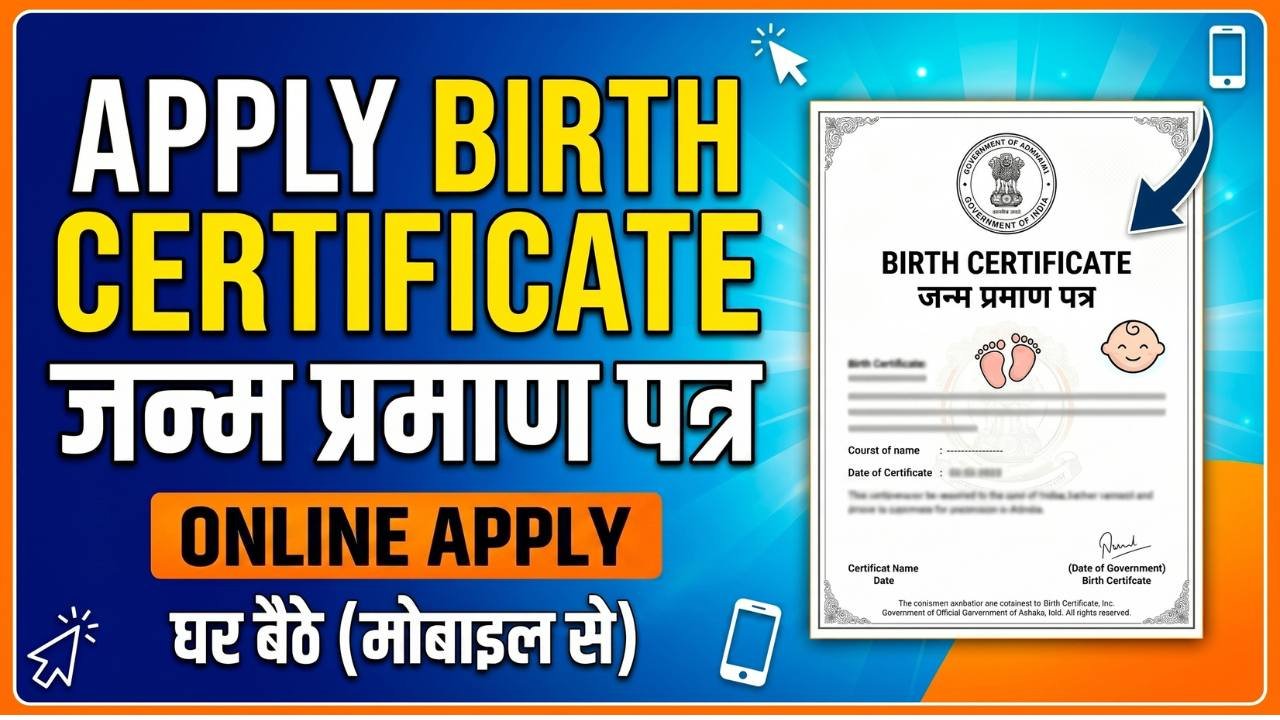
A Birth Certificate is one of the most important government documents issued after a child’s birth. It serves as official proof of a person’s date of birth, place of birth, and parentage. This document is required for school admissions, Aadhaar enrollment, passport applications, voter registration, government schemes, and many other legal and official purposes throughout life.
To make the process easier, most state governments and municipal authorities now provide online birth certificate registration services. Parents can apply for a birth certificate, submit details, and track the application status online without visiting multiple government offices.
What is a Birth Certificate?
A Birth Certificate is an official document issued by the local Registrar of Births and Deaths, Municipal Corporation, Municipality, or Gram Panchayat. It contains important information such as:
Child’s Name
Date of Birth
Place of Birth
Gender
Father’s Name
Mother’s Name
Registration Number
It acts as a permanent legal record of a person’s birth.
Documents Required
Before applying for a birth certificate, keep the following documents ready:
Hospital Birth Report or Discharge Slip
Aadhaar Card of Parents
Address Proof
Mobile Number
Identity Proof of Parents
Passport Size Photograph (if required)
Document requirements may vary depending on the state or local authority.
Steps to Apply for Birth Certificate Online
Visit the Official Portal
Open the official Birth and Death Registration portal or your local municipal corporation website.
Register or Login
Create an account using your mobile number and email ID. Existing users can log in directly.
Fill the Application Form
Enter the required details carefully, including:
Child’s Name
Date of Birth
Place of Birth
Hospital Details
Parent Information
Residential Address
Ensure all details are accurate before proceeding.
Upload Required Documents
Upload scanned copies of the required documents in the prescribed format and size.
Submit the Application
Review all information and submit the application form. After successful submission, an application or registration number will be generated.
How to Check Application Status
Applicants can track their birth certificate application online using the application number or registration number provided during submission.
How to Download Birth Certificate
Once the certificate is approved, follow these steps:
Log in to the official portal.
Open the “Download Certificate” section.
Enter the registration number or application number.
Verify the details.
Download the birth certificate PDF.
Many authorities provide digital certificates that can be printed when needed.
Benefits of Having a Birth Certificate
Proof of date and place of birth
Required for school admissions
Aadhaar Card enrollment
Passport applications
Government welfare schemes
Voter ID and PAN Card applications
Legal identity verification
Common Mistakes to Avoid
Entering incorrect birth details
Misspelling names of parents or child
Uploading unclear documents
Providing incorrect date of birth
Delaying registration unnecessarily
Always verify all information before submitting the application.
Conclusion
Applying for a Birth Certificate online is a simple and convenient process. By keeping the required documents ready and entering accurate information, parents can complete the application from home and obtain this essential document for their child’s future educational, legal, and government-related needs.