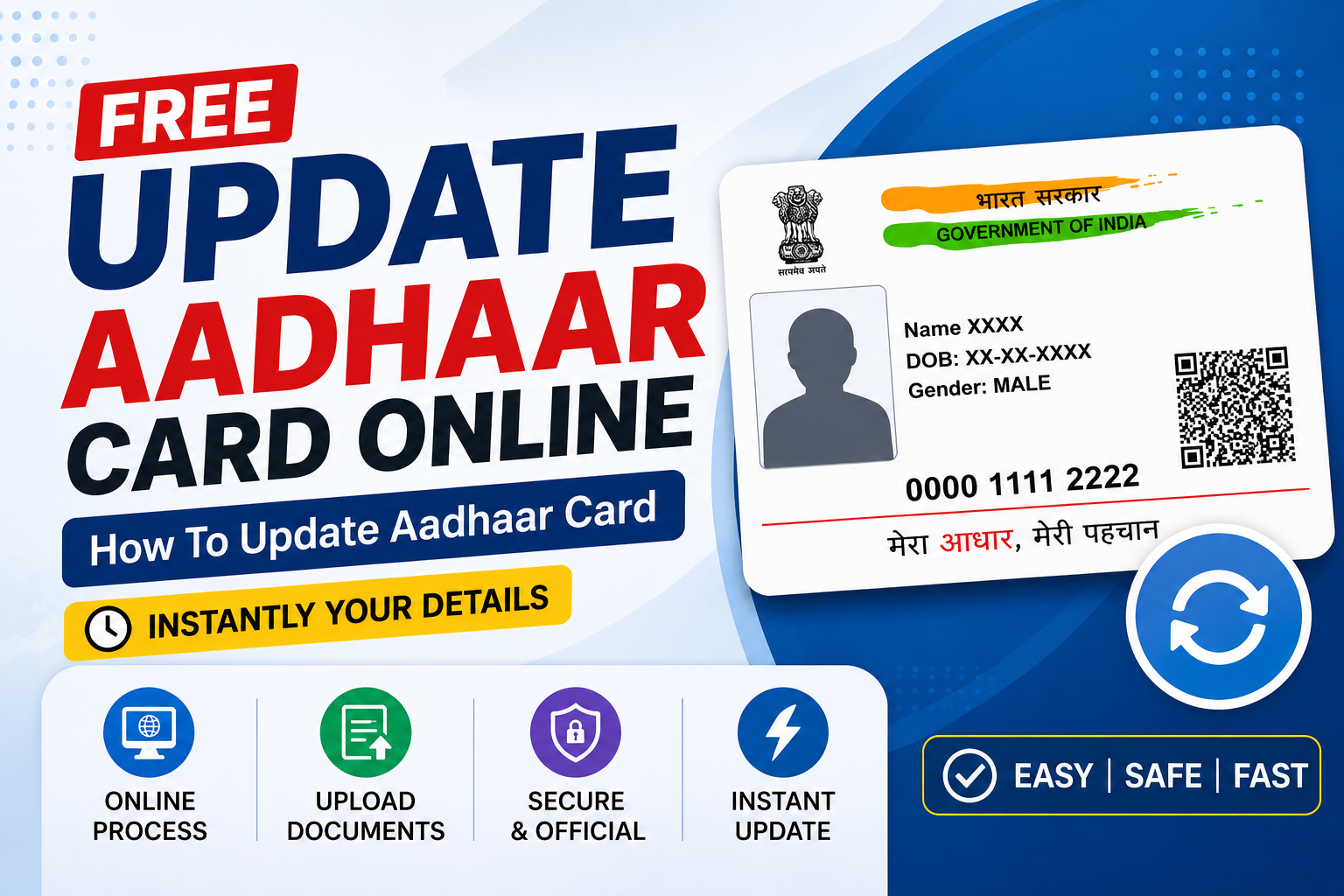
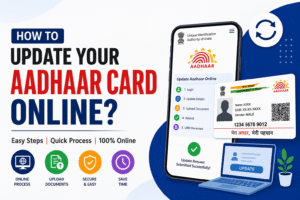
Updating your Aadhaar card is now easier than ever. If your demographic details such as your address, name, or date of birth need correction, you can update them online through the official UIDAI portal. The entire process is simple, secure, and takes only a few minutes when you have the required documents ready.
In this guide, you’ll learn how to update your Aadhaar card online step by step, the documents you’ll need, and a few important things to remember before submitting your request.
Advertisements
Who Can Update Aadhaar Online?
UIDAI allows eligible Aadhaar holders to update specific demographic details online through the myAadhaar portal. However, you must have your Aadhaar number and a mobile number linked with your Aadhaar to receive the OTP required for verification.
Before you begin, make sure your supporting documents are clear, valid, and match the details you want to update.
Documents Required
Original or scanned copy of a valid Proof of Identity (POI), Proof of Address (POA), or other supporting document as required.
Aadhaar number.
Mobile number linked with Aadhaar to receive the OTP.
Stable internet connection.
Clear scanned document in the accepted file format.
Advertisements
Step-by-Step Process to Update Aadhaar Card Online
Visit the official UIDAI myAadhaar portal.
Click Login on the homepage.
Enter your 12-digit Aadhaar number.
Complete the CAPTCHA verification.
Enter the OTP sent to your registered mobile number and log in.
Select Document Update or Update Aadhaar Online, depending on the available option.
Read the instructions carefully and click Next.
Choose the detail you want to update.
Fill in the correct information without any spelling mistakes.
Upload the required supporting document in the specified format.
Preview all the information to ensure every detail is correct.
Submit your update request.
If an update fee is applicable, complete the online payment using the available payment options.
Download or save the acknowledgement receipt.
Note the Update Request Number (URN) for future reference.
Use the URN later to check your update status online.
Advertisements
Details You Can Update Online
Depending on UIDAI guidelines, eligible users can update demographic information online. These details generally include your address and other supported personal information. Some updates may require you to visit an Aadhaar Seva Kendra for biometric verification.
Always review the latest update options available on the official portal before submitting your request.
Tips Before You Submit Your Request
Ensure that every detail matches your supporting document exactly. Even a small spelling error can delay the verification process. Moreover, upload a clear and readable document to avoid rejection.
It is also a good idea to save your acknowledgement receipt until your update request is successfully processed.
How to Check Aadhaar Update Status
After submitting your request, you can track its progress online using the Update Request Number (URN). Simply log in to the UIDAI portal, enter your URN, and view the latest status of your application.
Once your request is approved, the updated information will appear in your Aadhaar record, and you can download the latest Aadhaar card online.
Conclusion
Updating your Aadhaar card online is a quick and convenient process when you follow the correct steps and upload valid documents. By keeping your Aadhaar information accurate, you can avoid issues while accessing banking, government, and other essential services. Therefore, verify every detail carefully before submitting your request and keep your acknowledgement receipt until the update is completed.