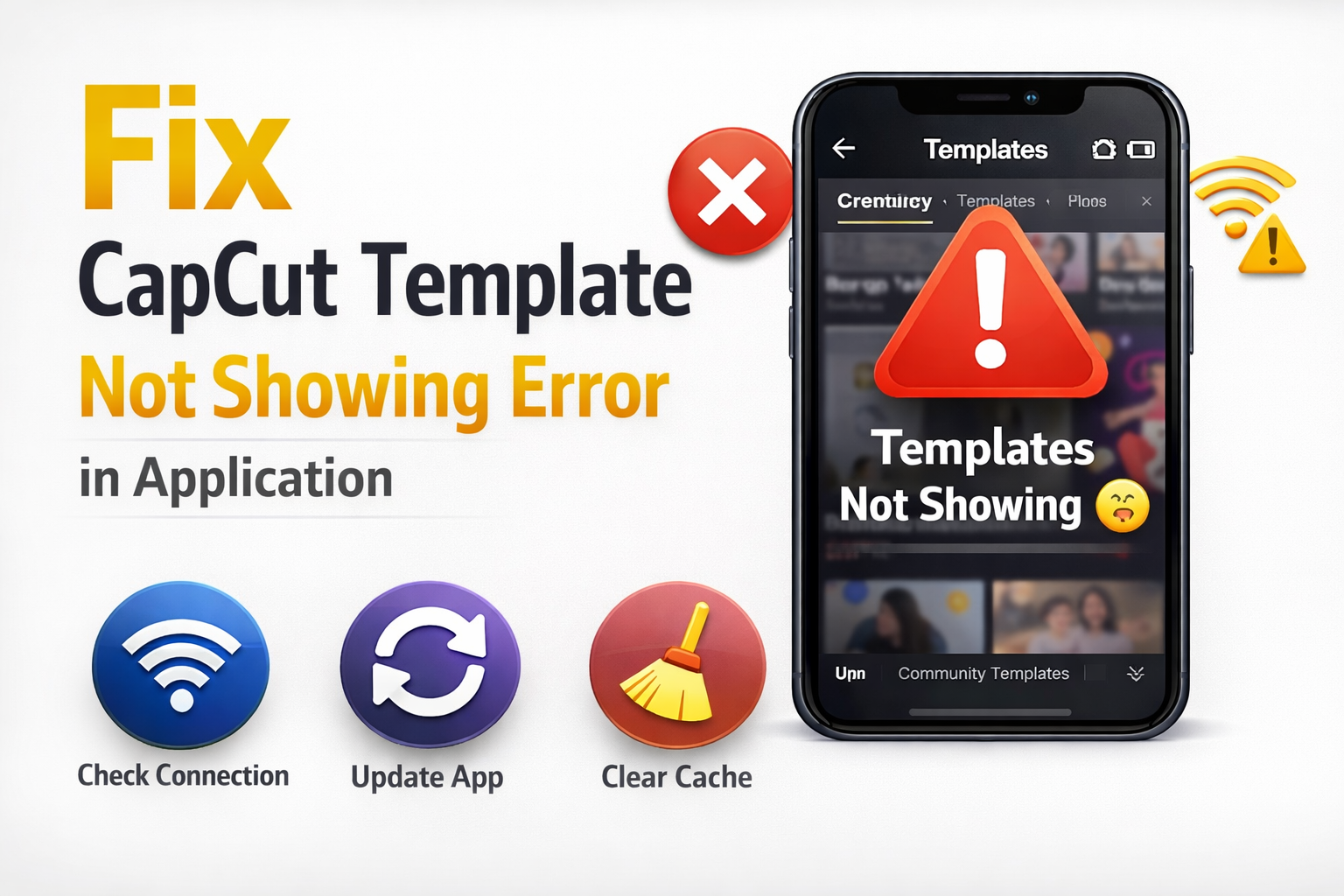
Many users face the “CapCut template not showing” error while using the app. This issue can be frustrating, especially when you want to use trending templates for quick video editing. Usually, the problem occurs due to region restrictions, outdated apps, or network issues.
The good news is that this problem can be fixed easily by following a few simple steps. In this guide, we will explain the common reasons and solutions to fix the CapCut template not showing error.
Advertisements
Check Your Internet Connection
One of the most common reasons CapCut templates do not appear is a poor or unstable internet connection. CapCut loads templates from its online server, so a weak connection may prevent them from appearing.
Try switching between WiFi and mobile data to see if the templates load properly. You can also restart your router or reconnect to the internet to fix temporary network issues.
Update the CapCut Application
If you are using an older version of CapCut, some templates may not load correctly. Developers regularly update the app to fix bugs and add new features.
Go to the Google Play Store or Apple App Store and check if a new update is available. Updating the app often solves the template loading problem instantly.
Advertisements
Clear CapCut Cache
Sometimes temporary files stored in the app can cause glitches. Clearing the cache helps remove corrupted files that may prevent templates from appearing.
On Android, go to Settings → Apps → CapCut → Storage → Clear Cache. After clearing the cache, open the app again and check if the templates are visible.
Reinstall the Application
If none of the methods work, reinstalling CapCut can help fix the issue. Sometimes installation files become corrupted and cause features to stop working.
Uninstall CapCut from your device and download the latest version again from the official app store. After reinstalling, log in again and check if the templates are showing.
Advertisements
Conclusion
The CapCut template not showing error is usually caused by internet issues, outdated apps, or regional restrictions. By checking your connection, updating the app, clearing cache, or using a VPN, you can easily solve this problem.
Following these simple steps should help restore the template section so you can start creating videos using trending CapCut templates again.