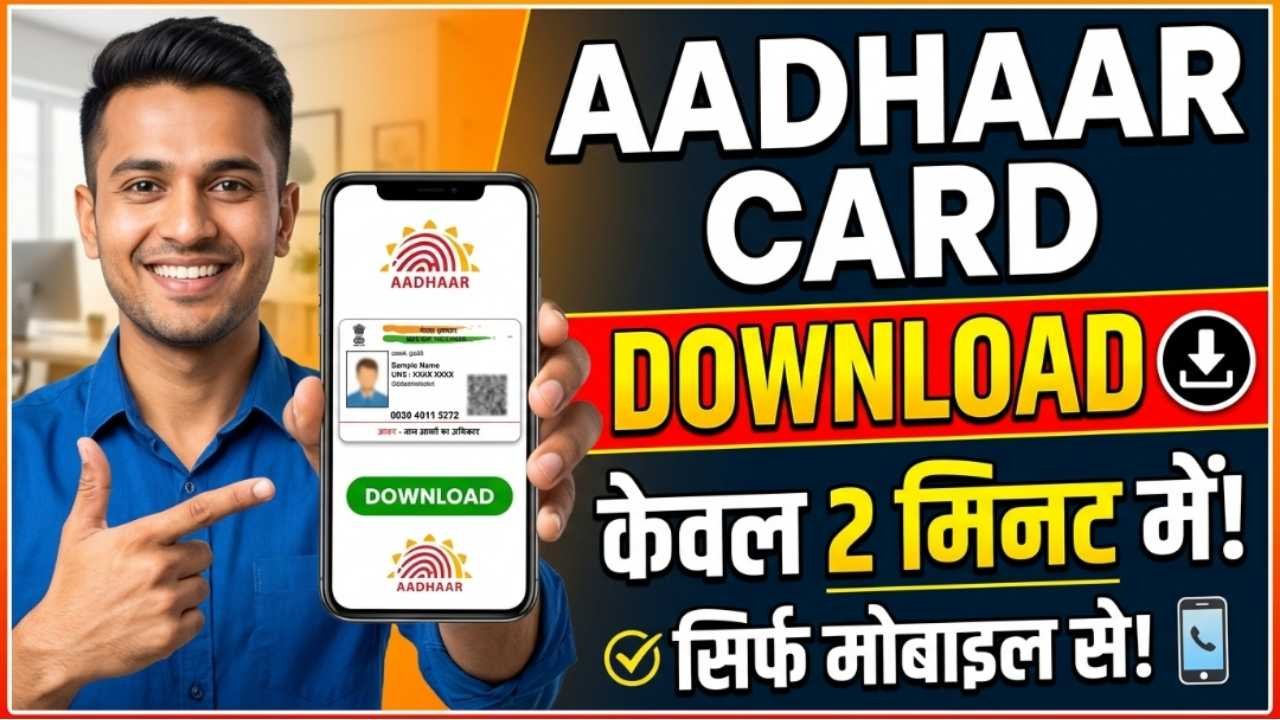
An Aadhaar card is one of the most important identity documents issued by the Unique Identification Authority of India (UIDAI). It is widely used for identity verification, banking, government schemes, SIM card activation, passport applications, income tax services, and many other official purposes. If you’ve lost your physical Aadhaar card or simply need a digital copy, you can download your e-Aadhaar online in just a few minutes.
The e-Aadhaar is a password-protected PDF digitally signed by UIDAI and is equally valid as the physical Aadhaar card. You can download it using your Aadhaar Number, Enrolment ID (EID), or Virtual ID (VID), provided your mobile number is registered with Aadhaar.
What is e-Aadhaar?
e-Aadhaar is the electronic version of your Aadhaar card issued by UIDAI. It contains the same information as the physical Aadhaar and can be downloaded anytime from the official UIDAI portal.
You can use e-Aadhaar for:
Identity verification
Address proof
Bank KYC
Government scheme applications
Passport services
Income Tax filing
Mobile SIM verification
According to UIDAI, e-Aadhaar has the same legal validity as the printed Aadhaar card.
Requirements to Download Aadhaar
Before downloading your Aadhaar, make sure you have:
Aadhaar Number, Enrolment ID (EID), or Virtual ID (VID)
Select the Download Aadhaar option available under Aadhaar services.
Step 3: Choose Your Identification Method
You can download your Aadhaar using any one of the following:
Aadhaar Number
Enrolment ID (EID)
Virtual ID (VID)
Step 4: Enter Your Details
Fill in the required information:
Aadhaar Number / EID / VID
Captcha Code
Click Send OTP.
Step 5: Verify OTP
Enter the OTP received on your registered mobile number.
Step 6: Download Your e-Aadhaar
After successful verification, your e-Aadhaar PDF will be downloaded to your device.
How to Open the Downloaded Aadhaar PDF
The downloaded e-Aadhaar file is password protected.
The password is:
The first four letters of your name in CAPITAL letters, followed by
Your Year of Birth (YYYY)
Example
Name
Year of Birth
Password
RAHUL KUMAR
1998
RAHU1998
PRIYA
2001
PRIY2001
AMIT
1995
AMIT1995
This password format is specified by UIDAI.
Can You Download a Masked Aadhaar?
Yes. UIDAI also allows you to download a Masked Aadhaar, where only the last four digits of your Aadhaar number are visible.
A Masked Aadhaar is useful when you need to share identity proof while protecting your Aadhaar number.
Download Aadhaar Through the Aadhaar App
You can also download your Aadhaar using the official Aadhaar mobile app after completing authentication. UIDAI has been rolling out a newer Aadhaar app with enhanced security and digital identity features.
What If Your Mobile Number Is Not Registered?
If your mobile number is not linked with Aadhaar, you won’t be able to download e-Aadhaar online using OTP verification.
In that case, you should visit your nearest Aadhaar Enrolment or Aadhaar Seva Kendra to update your mobile number. Once updated, you can use the online download service.
Common Reasons Why Aadhaar Download Fails
You may face issues downloading your Aadhaar due to:
Incorrect Aadhaar Number, EID, or VID
Mobile number not linked with Aadhaar
Incorrect OTP
Temporary UIDAI server issues
Poor internet connection
Double-check your details and try again after some time if the issue persists.
Benefits of e-Aadhaar
Downloading e-Aadhaar offers several advantages:
Available anytime online
Free to download
Digitally signed by UIDAI
Accepted as a valid identity document
Easy to store on your phone or computer
Can be printed whenever needed
Conclusion
Downloading your Aadhaar online is a quick, secure, and completely free process. Whether you use your Aadhaar Number, Enrolment ID, or Virtual ID, you can obtain a digitally signed e-Aadhaar from the official UIDAI portal within minutes. Since e-Aadhaar is legally valid and widely accepted across India, it serves as a convenient alternative to carrying the physical card. Always use the official UIDAI website or app to download your Aadhaar and avoid third-party websites.