Scroll through Instagram, TikTok, or YouTube, and you’ll notice something interesting—most content isn’t edited on bulky computers anymore. It’s happening right inside smartphones. The explosion of content creators has pushed mobile editing apps into the spotlight, turning everyday users into photographers, videographers, and storytellers. Whether it’s a travel vlog, aesthetic Instagram feed, or a quick reel, people want tools that are fast, powerful, and easy to use.
What’s driving this shift? Accessibility. Not everyone owns a high-end PC or knows complex software like Premiere Pro or Photoshop. Mobile apps remove that barrier. With just a few taps, you can adjust lighting, add transitions, or apply cinematic filters. It feels less like technical work and more like creative play. And honestly, that’s what keeps people hooked.
Convenience vs Desktop Editing
There’s something incredibly freeing about editing on your phone. You can tweak a photo while sitting in a café or finalize a video during your commute. Mobile editing apps are designed for speed without sacrificing too much quality. While desktop tools still dominate professional studios, mobile apps are catching up fast with features like AI enhancements, advanced color grading, and multi-layer editing.
Think of it this way: desktop editing is like cooking a gourmet meal in a full kitchen, while mobile editing is like whipping up something delicious with a smart, compact setup. Both can produce amazing results—the difference lies in flexibility and ease of use.
1. Adobe Lightroom Mobile
Key Features and Tools
When it comes to photo editing, Adobe Lightroom Mobile stands out as a powerhouse. It brings professional-grade tools into your pocket, allowing you to control exposure, contrast, highlights, shadows, and color grading with precision. One of its strongest features is RAW editing, which means you can work with high-quality images without losing detail.
Lightroom also uses AI-powered tools like auto-adjust and subject selection, making editing faster and smarter. Presets are another game-changer. You can apply a consistent style across all your photos in seconds, which is perfect for building a cohesive Instagram aesthetic.
Best Use Cases
This app is ideal for photographers, influencers, and anyone serious about visual quality. If you love capturing landscapes, portraits, or lifestyle shots, Lightroom gives you the control needed to elevate your images. While it offers a free version, the premium plan unlocks advanced features that truly take your edits to the next level.
2. Snapseed
Unique Editing Capabilities
Snapseed, developed by Google, is one of those underrated gems that quietly delivers incredible results. It offers a wide range of tools like healing, brush adjustments, HDR scape, and perspective correction. What makes it special is the level of control—it lets you edit specific parts of an image instead of applying changes globally.
The “Selective” tool is especially powerful. You can brighten a face, enhance a sky, or sharpen details in just one area without affecting the rest of the image. It’s like having a mini Photoshop in your pocket, but without the steep learning curve.
Pros and Limitations
Snapseed is completely free, which is rare for such a feature-rich app. However, it lacks cloud syncing and preset marketplaces like Lightroom. Still, for users who want professional results without spending money, it’s a fantastic choice.
3. CapCut
Video Editing Made Simple
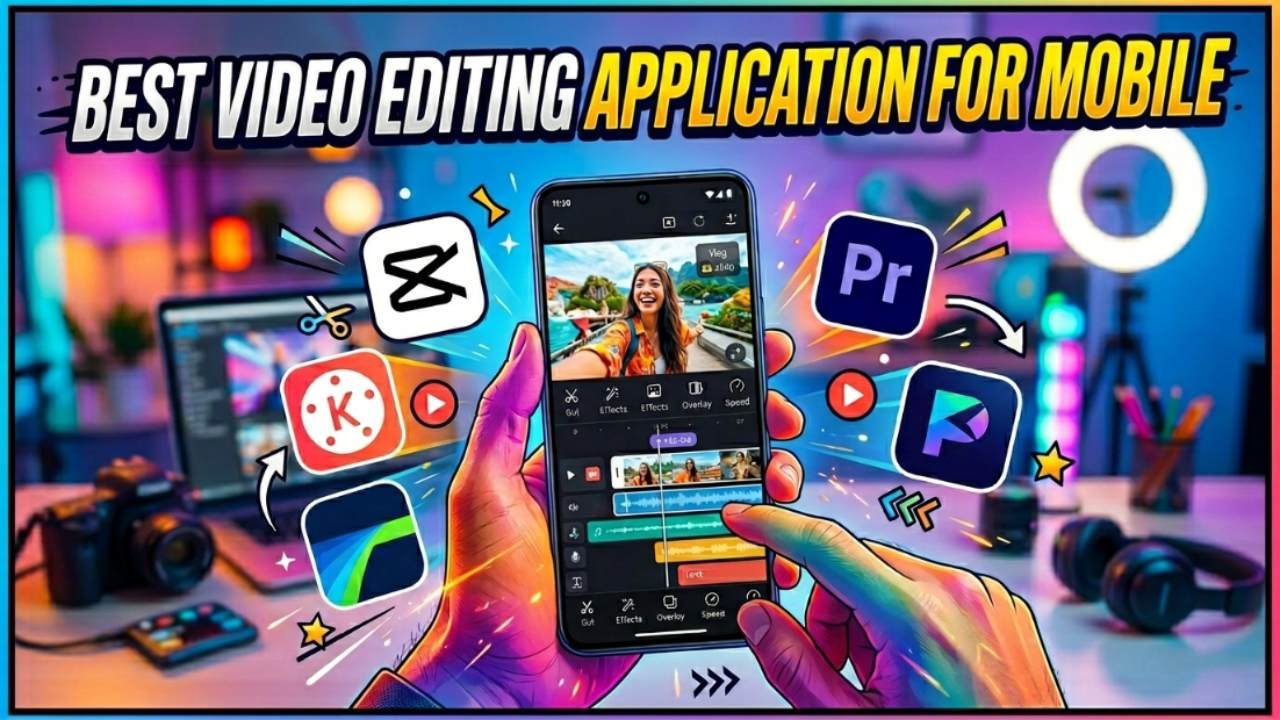
CapCut has taken the video editing world by storm, especially among TikTok creators. It offers an intuitive interface combined with powerful features like cutting, trimming, transitions, effects, and audio syncing. Even beginners can create polished videos within minutes.
One standout feature is its library of trending templates. You can literally insert your clips, and the app does most of the editing for you. It’s perfect for those who want quick, eye-catching content without spending hours editing.
Why Creators Love It
CapCut is free, easy to use, and constantly updated with new features. It also supports high-resolution exports, making it suitable for professional use. For short-form content, it’s hard to beat.
4. VN Video Editor
Professional Features
VN Video Editor is like the hidden weapon of serious mobile editors. It offers multi-layer timelines, keyframe animations, and advanced transitions, which are usually found in desktop software. Despite its powerful features, it maintains a clean and user-friendly interface.
Who Should Use It
If you’re moving beyond basic edits and want more control over your videos, VN is a great choice. It’s perfect for YouTubers and filmmakers who want cinematic results without investing in expensive software.
5. PicsArt
Creative Tools and Effects
PicsArt is all about creativity. From stickers and filters to drawing tools and AI effects, it gives you endless ways to experiment. You can turn a simple photo into digital art or create eye-catching social media posts.
Social Media Integration
PicsArt also functions like a creative community where users share edits and ideas. This makes it ideal for those who want inspiration along with editing tools.
How to Choose the Right Editing App
Based on Your Needs
Choosing the right app depends on what you want to create. For photos, Lightroom and Snapseed are top choices. For videos, CapCut and VN dominate. If you love experimenting, PicsArt is your playground.
Free vs Paid Apps
Free apps are powerful enough for most users, but paid versions unlock advanced tools and remove limitations. It’s worth trying free versions first before committing.