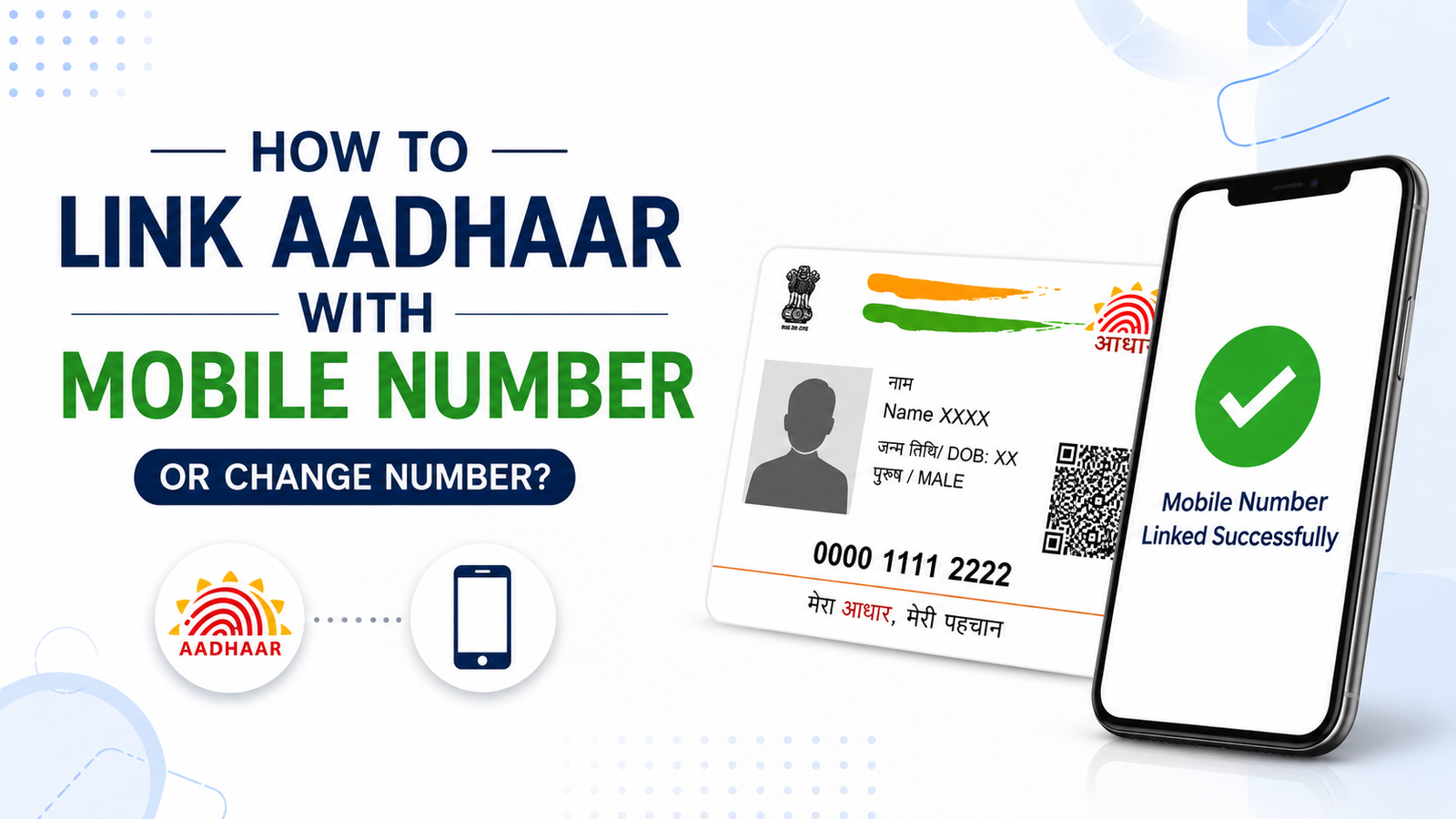
Your Aadhaar card is connected with many important services like bank accounts, PAN card, SIM verification, government schemes, and online applications. Because of this, keeping your mobile number updated in Aadhaar is very important. If your number is not linked or you want to change your old number, you can easily do it by following the correct process.
Why Mobile Number Linking Is Important
A mobile number linked with Aadhaar helps you receive OTPs for verification. Without a registered mobile number, you may face problems while using online Aadhaar services such as downloading e-Aadhaar, updating details, or verifying documents.
Advertisements
Can You Link Aadhaar With Mobile Number Online?
Currently, you cannot fully link or change your mobile number in Aadhaar completely online. You need to visit an Aadhaar Enrollment or Update Center for biometric verification. This is done to keep your Aadhaar details secure.
Documents Required For Mobile Number Update
You usually do not need many documents for mobile number update. In most cases, only your Aadhaar card is enough because verification is done through fingerprints or iris scan at the center.
Steps To Link Aadhaar With Mobile Number
Visit the nearest Aadhaar Enrollment Center or Aadhaar Seva Kendra. Ask for the Aadhaar update form and fill in your mobile number correctly. Submit the form to the executive and complete biometric verification. After verification, your request will be submitted successfully.
You will receive an acknowledgment slip containing an Update Request Number (URN). This number helps you track the update status online.
Advertisements
Steps To Change Old Mobile Number In Aadhaar
If your old mobile number is lost or inactive, you can still update a new number by visiting the Aadhaar center personally. The process is almost the same as linking a new number. You need biometric verification because OTP verification on the old number is not required in this method.
Aadhaar Mobile Number Update Fees
UIDAI charges a small fee for updating mobile numbers in Aadhaar. The fee is usually around ₹50 including GST. Make sure you collect the payment receipt after the process.
How Long Does Aadhaar Mobile Update Take
In most cases, the mobile number gets updated within a few days. Sometimes it may take up to 30 days depending on verification and processing time.
How To Check Aadhaar Mobile Update Status
You can check your Aadhaar update status on the official UIDAI website using the URN number provided on your acknowledgment slip. This helps you know whether your request is approved or still under processing.
Important Things To Remember
Visit only authorized Aadhaar centers
Carry your Aadhaar card while visiting
Enter the correct mobile number carefully
Keep the acknowledgment slip safe until update completion
Do not share OTPs with unknown people
Advertisements
What To Do If Mobile Number Is Not Updated
If your number is not updated even after several days, you can revisit the Aadhaar center or contact UIDAI support. Sometimes verification delays may happen because of server load or incorrect details.
Final Words
Linking or changing your mobile number in Aadhaar is a simple process when done correctly. A registered mobile number helps you access many Aadhaar services easily and securely. Always keep your Aadhaar details updated to avoid problems during verification or government-related work.