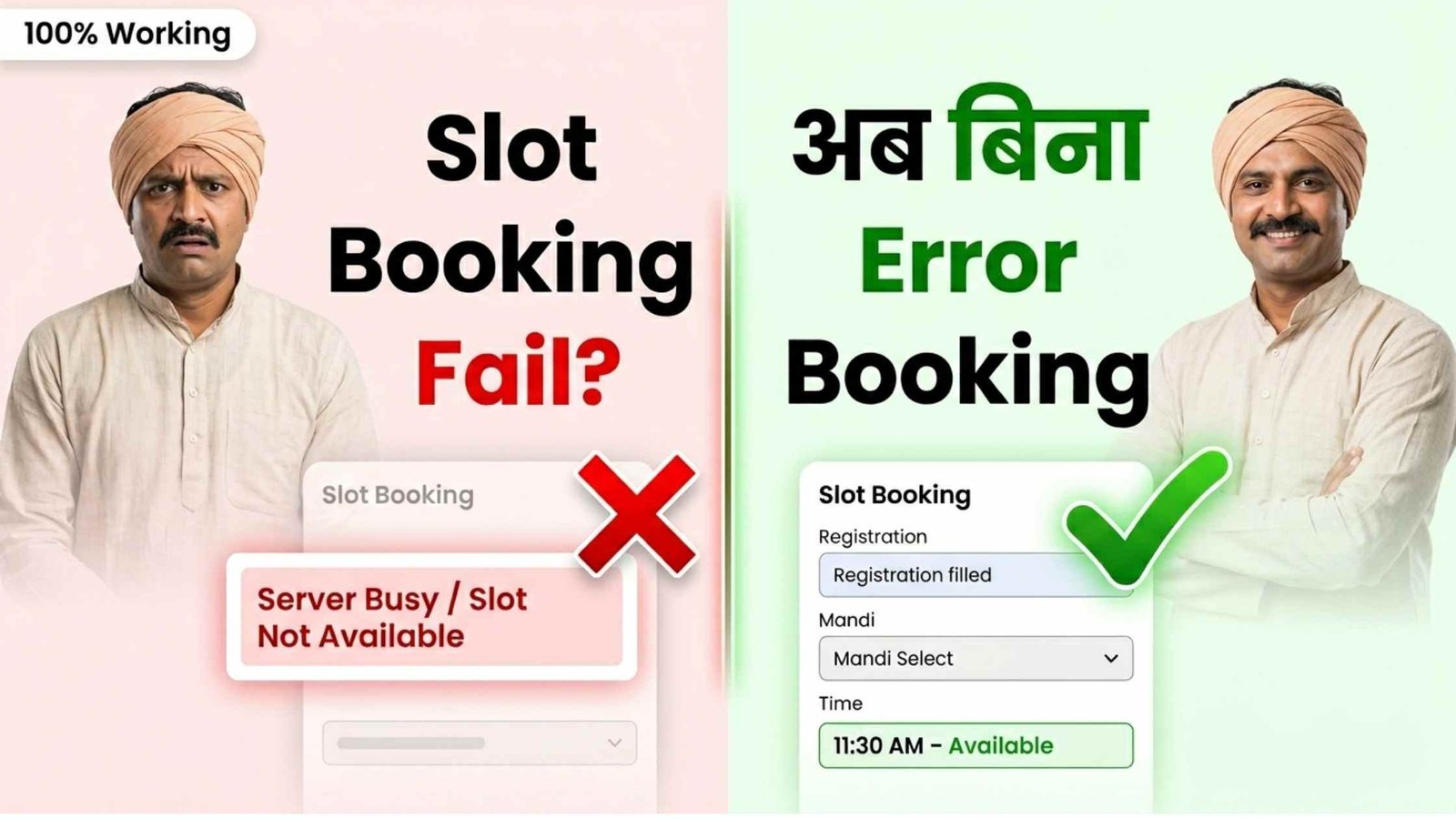
Farmers across Madhya Pradesh often face “Server Busy,” “Slot Not Available,” or failed submissions while booking mandi or procurement slots online. This usually happens during peak hours when thousands of users try to access the portal at the same time. Below is a practical, step by step guide to improve your chances of successful booking, based on how these systems typically behave.
Why the error happens
High traffic at the same time: Most farmers try booking early morning or just after slots open.
Session timeout: If you stay idle on the page, the system may expire your session.
Browser or cache issues: Old data stored in your phone or browser can break form submission.
Slow or unstable internet: Leads to incomplete requests and failed bookings.
Slot refresh delays: Sometimes slots are available but not updated instantly on your screen.
Advertisements
Fixes That Actually Work
1. Avoid peak time completely
Do not try booking exactly when slots open. That is when servers are overloaded.
Better timing strategy:
Try late night (10 PM to 1 AM)
Try early morning (4 AM to 7 AM)
Retry after every 20 to 30 minutes instead of constant refreshing
This alone improves success rate significantly.
2. Use a stable internet connection
Avoid weak mobile data.
Best options:
Use WiFi if available
If using mobile data, ensure strong signal (4G or better)
Do not switch networks during booking
3. Clear browser cache before booking
Old cached data often causes form errors.
Steps:
Open browser settings
Clear cache and cookies
Restart browser
Open portal again fresh
Advertisements
4. Use the right browser
Some government portals do not work well on all browsers.
Recommended:
Google Chrome (latest version)
Try in Incognito Mode if normal mode fails
Avoid outdated browsers.
5. Keep all details ready before starting
Delays while filling the form can cause timeout.
Keep this ready:
Registration number
Mandi name
Crop details
Preferred date and time
Fill quickly once the page loads.
6. Do not refresh repeatedly
Constant refreshing can:
Lock your session
Trigger server protection systems
Instead:
Wait 10 to 15 seconds between actions
Reload only if page is stuck
7. Try from another device
If your phone keeps failing:
Try another mobile
Try a laptop or desktop
Sometimes device compatibility causes issues
8. Use saved login if available
Logging in repeatedly during high traffic wastes time.
Stay logged in
Avoid logging out unless necessary
9. Check slot availability smartly
Slots may not appear instantly.
Change date once and switch back
Reopen time slot dropdown
Wait a few seconds before selecting
10. Visit a nearby help center if urgent
If booking is critical and online keeps failing:
Go to local mandi office or CSC center
Many centers have faster systems and direct access
Advertisements
Common Mistakes to Avoid
Booking exactly when slots open
Using slow internet
Typing details slowly
Refreshing continuously
Using outdated browser or device
Final Advice
There is no single “hack” to bypass errors, because the issue is mainly server load. But combining these methods:
Right timing
Fast and stable internet
Clean browser
Quick form filling
can dramatically increase your chances of successful slot booking.
If you are still facing issues regularly, the problem is likely on the server side, and retrying at non-peak hours remains the most effective solution.