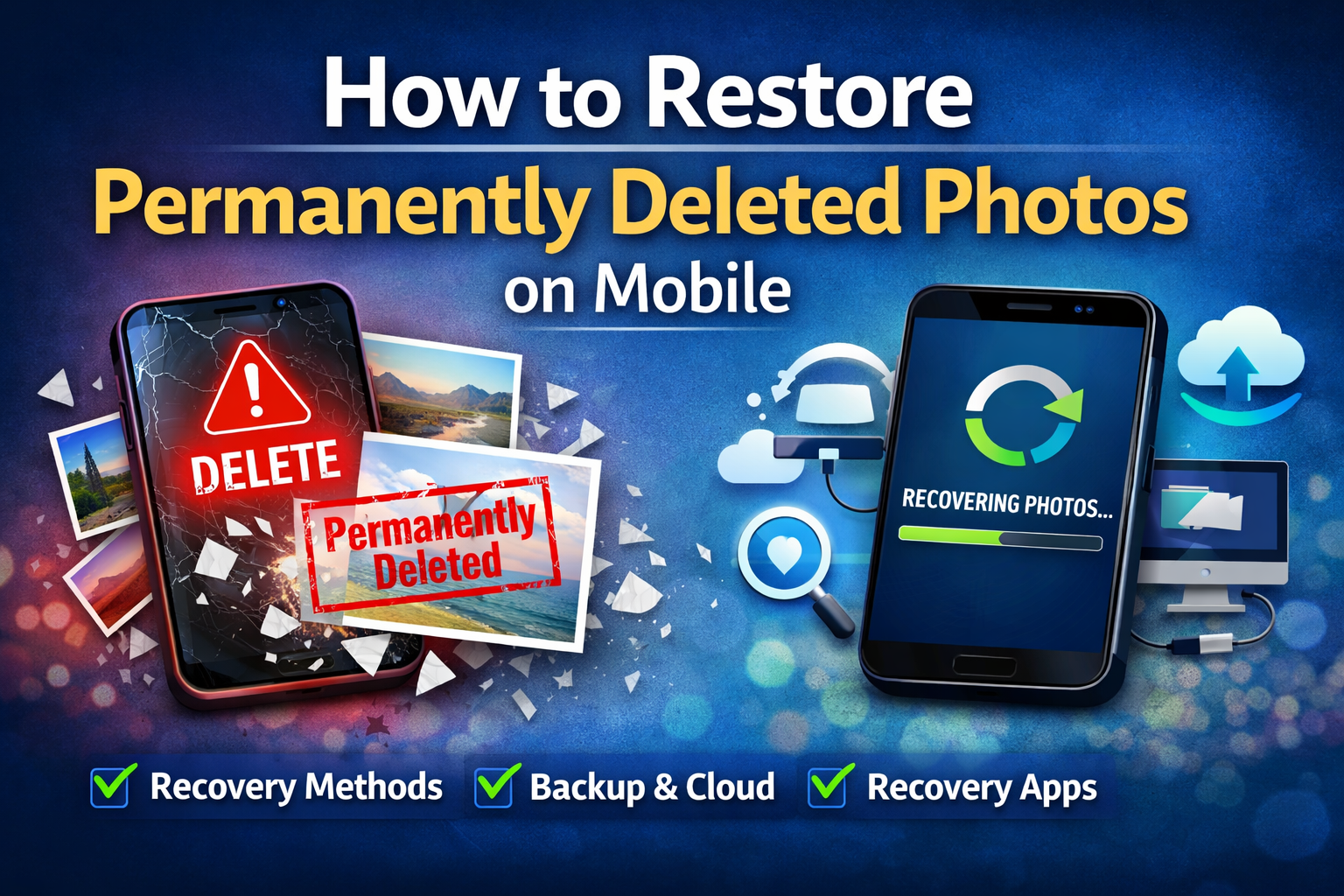
Losing important photos from your mobile phone can be frustrating, especially when they are permanently deleted. Whether it’s personal memories, work files, or important screenshots, many people assume that once photos are deleted permanently, they can never be recovered.
The good news is — permanently deleted photos can often still be restored if you act quickly and follow the right recovery methods.
In this complete SEO guide, you’ll learn how photo deletion works, step-by-step recovery methods for Android and iPhone, the best recovery apps, and expert tips to maximize recovery success.
What Happens When Photos Are Permanently Deleted?
When you delete photos from your phone:
They move to the Recycle Bin / Recently Deleted folder
After 30–60 days, they are marked as permanently deleted
The actual data remains in storage until overwritten
This means recovery is possible — but only if new data hasn’t replaced the deleted files.
The faster you attempt recovery, the higher your success rate.
Advertisements
Method 1: Restore From Recently Deleted Folder
This is the easiest and fastest method to recover deleted photos.
For Android Users:
Open the Gallery or Photos app
Go to Trash / Recently Deleted
Select photos and tap Restore
Most Android phones store deleted photos for 30 days.
For iPhone Users:
Open the Photos app
Tap Albums → Recently Deleted
Select photos and tap Recover
Apple keeps deleted photos for 30 days before permanent removal.
Method 2: Restore Deleted Photos From Cloud Backup
If you had cloud backup enabled, recovery becomes very simple.
Recover From Google Photos Backup
Open Google Photos
Go to Bin
Select and restore photos
Even permanently deleted photos can sometimes be recovered from Google’s backup servers.
Recover From iCloud Backup
Visit iCloud.com
Go to Photos
Check Recently Deleted folder
If your iCloud backup was enabled, recovery chances are very high.
Advertisements
Method 3: Restore Using Mobile Backup
If you regularly back up your phone, this method offers one of the highest success rates.
Android Backup Recovery
You can restore deleted photos from:
Google Drive Backup
Samsung Cloud
Xiaomi Cloud Backup
iPhone Backup Recovery
You can restore photos using:
iCloud Backup Restore
iTunes Backup Restore
Note: Restoring backup may replace current data.
Method 4: Recover Permanently Deleted Photos Using Apps
If photos are not available in trash or backup, recovery apps can scan internal storage.
Best Photo Recovery Apps For Android
DiskDigger Photo Recovery
Dumpster Recovery App
Dr.Fone Data Recovery
Best Recovery Apps For iPhone
Tenorshare UltData
iMobie PhoneRescue
Dr.Fone for iOS
These apps scan hidden storage areas to recover deleted files.
Advertisements
Method 5: Recover Photos Using Computer Software
This method provides the deepest scanning and highest recovery success rate.
Steps:
Connect your phone to a computer
Install recovery software
Scan storage
Restore photos
Best Recovery Software:
EaseUS Data Recovery
Wondershare Recoverit
Recuva
Important Tips To Increase Recovery Success
To maximize the chances of recovering permanently deleted photos, you should act immediately after noticing the deletion. It is important to stop using your phone right away because any new activity can overwrite the deleted data stored in the device’s memory.
You should avoid installing new apps, capturing new photos, or downloading files until the recovery process is complete. Starting the recovery process as soon as possible significantly increases success rates, since new data can permanently overwrite deleted photos and make them impossible to restore.
When Permanently Deleted Photos Cannot Be Recovered
Recovery of permanently deleted photos is usually not possible when the storage space where the photos were saved gets overwritten by new data. Once new files occupy that space, the original photo data is permanently replaced, making recovery technically impossible even with advanced tools.
It also becomes very difficult to restore photos if the phone has been factory reset multiple times, secure wipe or cleaning tools were used to erase storage, or there is physical damage to the device’s internal memory. In such cases, the data is either fully erased or inaccessible.
How To Prevent Photo Loss In Future
To avoid losing photos permanently, it is important to enable automatic cloud backup services like Google Photos or iCloud. These services automatically store your images online, ensuring that even if they are deleted from your phone, you can easily restore them later.
You should also maintain regular offline backups on a computer or external storage and consider installing recycle bin apps that keep deleted photos for a certain period. Taking these preventive steps ensures your memories stay safe, because preventing data loss is always easier than recovering it.
Select 5 more words to run Humanizer.
Final Thoughts
Restoring permanently deleted photos in mobile is possible in many cases if you act quickly and use the right tools. Start with simple methods like checking the trash folder and cloud backups before trying advanced recovery software.
With proper backup habits, you can ensure your precious memories are always safe.