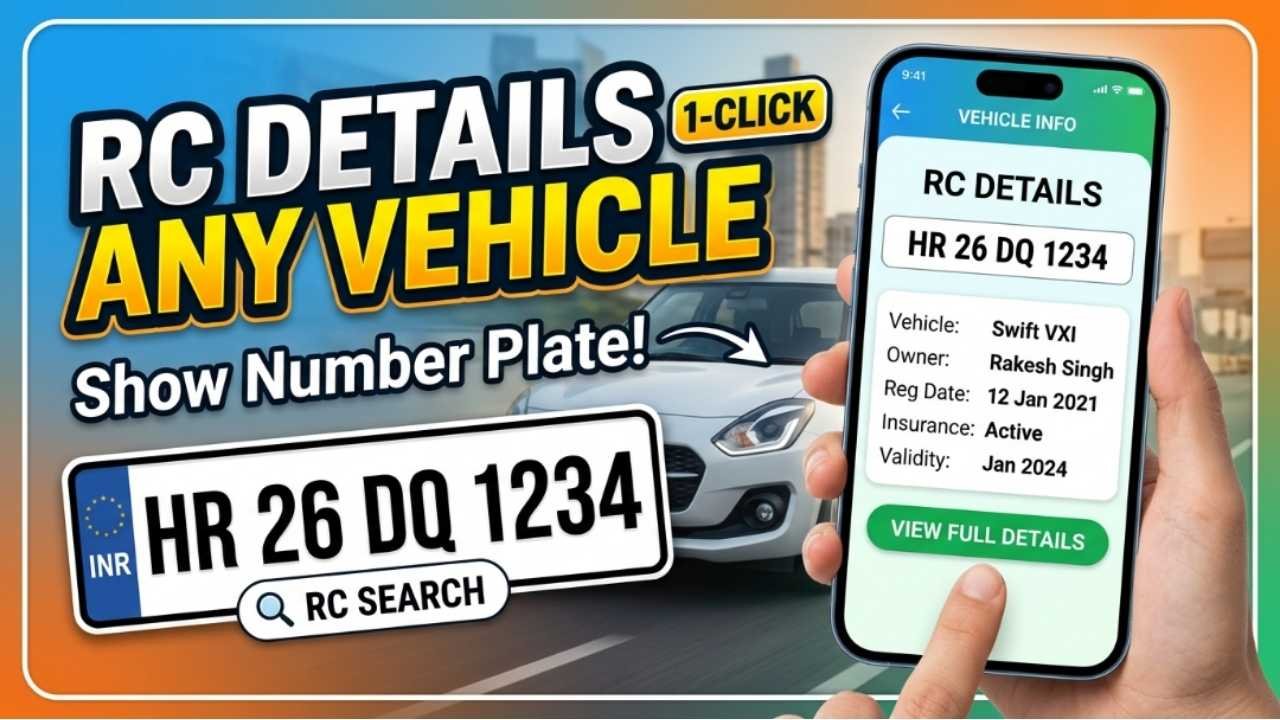
Every vehicle registered in India is issued a Registration Certificate (RC), which serves as proof that the vehicle is legally registered with the Regional Transport Office (RTO). The RC contains important information about the vehicle, including the owner’s name, registration number, engine number, chassis number, fuel type, registration validity, insurance status, and more.
Whether you’re planning to buy a used vehicle, verify ownership, or simply want to know the registration details of a vehicle, you can check many RC details online using official government services. The Ministry of Road Transport and Highways (MoRTH) provides vehicle information through the VAHAN database, making it easy to verify registration details from anywhere.
What Are RC Details?
The Registration Certificate (RC) is an official document issued by the RTO after a vehicle is registered. It confirms that the vehicle is legally authorized to operate on Indian roads.
The RC includes essential details such as:
Vehicle Registration Number
Owner’s Name (where disclosed through authorized services)
Vehicle Class
Make and Model
Fuel Type
Registration Date
Registration Validity
Chassis Number (partially masked)
Engine Number (partially masked)
Fitness Certificate Status
Insurance Validity
Pollution Under Control (PUC) Status
Some personal information may be masked or restricted to protect privacy.
Why Check RC Details?
Checking a vehicle’s RC details can help you:
Verify ownership before buying a used vehicle.
Confirm the registration status.
Check insurance validity.
Verify vehicle make and model.
Check registration expiry.
Confirm fuel type and vehicle category.
Detect discrepancies before completing a purchase.
Information Required
To check RC details online, you generally only need:
Vehicle Registration Number (for example: GJ01AB1234)
No additional documents are required for a basic vehicle information search.
How to Check RC Details Online
Visit the Official VAHAN Portal
Go to the official VAHAN vehicle services portal provided by the Ministry of Road Transport and Highways.
Open Vehicle Information Services
Navigate to the section for vehicle-related services or know your vehicle details.
Enter the Vehicle Number
Type the complete vehicle registration number exactly as it appears on the number plate.
Complete Verification
Enter the required verification code or sign in if prompted.
View Vehicle Details
After verification, the available vehicle registration details will be displayed on the screen.
What Information Can You See?
Depending on the available records, you may be see:
Registration Number
Registration Date
Vehicle Owner Number (if displayed)
Vehicle Class
Manufacturer
Model Name
Fuel Type
Emission Standard
Registration Validity
Insurance Expiry Date
Fitness Validity
Tax Status
Permit Details (for commercial vehicles)
Sensitive personal information may not be shown publicly.
Can You Check RC Details by Number Plate?
Yes. If you know the vehicle registration number, you can search the VAHAN database to retrieve publicly available registration information.
This is particularly useful when:
Purchasing a second-hand vehicle.
Verifying ownership claims.
Confirming vehicle specifications.
Checking whether registration is active.
Common Reasons Why Details May Not Appear
You may not see the vehicle information because:
The registration number was entered incorrectly.
The vehicle records have not yet been updated.
The vehicle belongs to a region not fully integrated with the VAHAN database.
Temporary technical issues on the portal.
Double-check the registration number before searching again.
Things to Keep in Mind
Before relying on RC details:
Use only official government portals.
Do not share someone else’s personal information without permission.
Verify the original RC when purchasing a used vehicle.
Match the chassis and engine numbers with the physical vehicle.
Confirm insurance and tax status separately if required.
Benefits of Checking RC Details Online
Using the online vehicle information service offers several advantages:
Quick verification from anywhere.
Helps identify basic vehicle information.
Useful when buying or selling a vehicle.
Supports transparency in vehicle transactions.
Reduces the need to visit the RTO for basic information.
Conclusion
Checking the RC details of any vehicle online is a simple and convenient way to verify important registration information before making a purchase or confirming ownership. By entering the vehicle registration number on the official VAHAN portal, you can access publicly available details such as the registration date, vehicle model, fuel type, insurance status, and registration validity. For accurate and secure information, always use the official government portal and verify original documents during any vehicle transaction. (parivahan.gov.in)