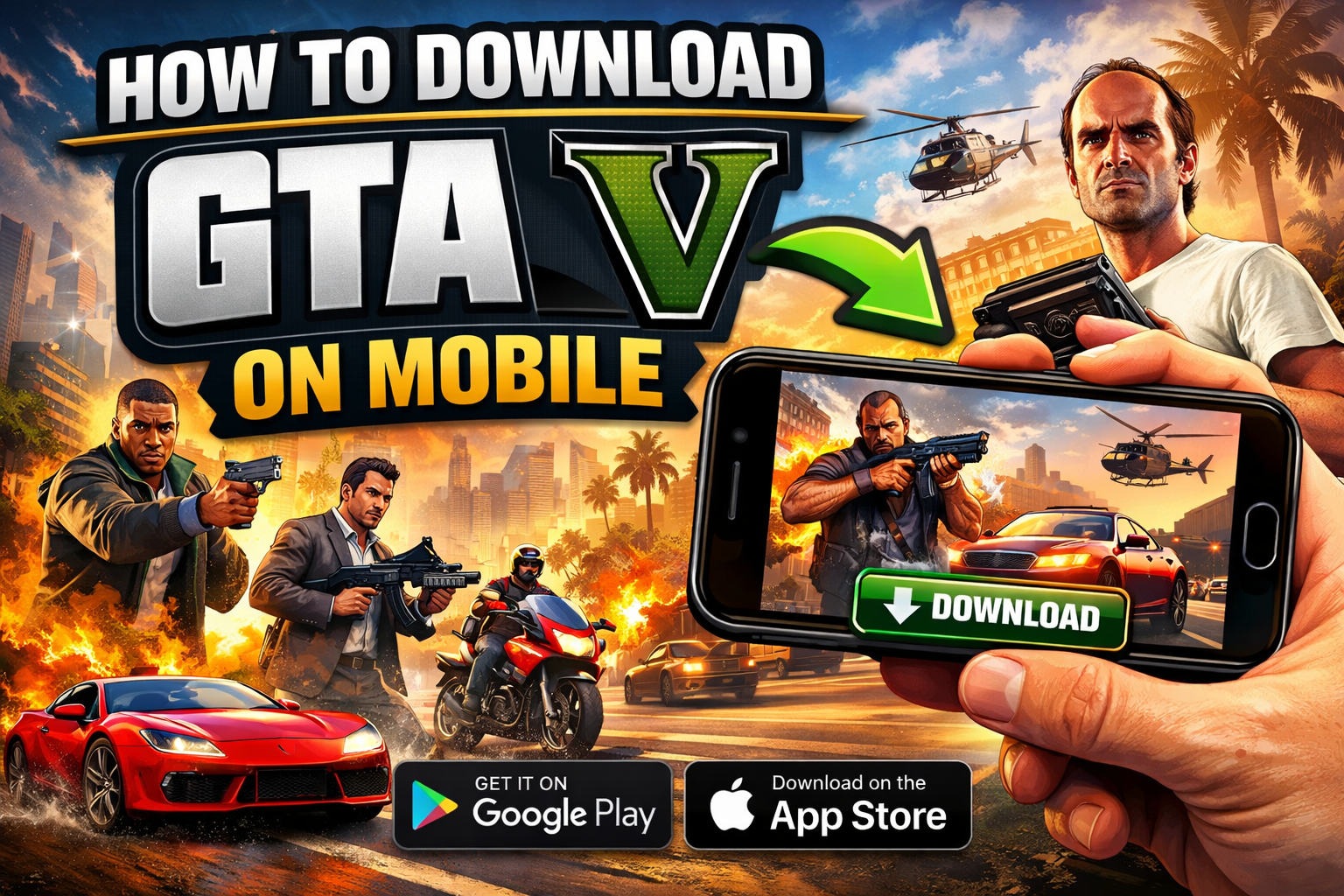
Grand Theft Auto (GTA) is one of the most popular open-world game series ever created. While it was originally designed for consoles and PC, many players now want to enjoy GTA on their mobile devices. The good news is that you can play GTA on mobile in multiple ways depending on your device and internet connection.
In this guide, you will learn all the working methods to play GTA on Android and iPhone.
1. Play Official GTA Games on Mobile
The easiest and safest way is to download official GTA titles available on mobile.
Rockstar Games has released several GTA versions for smartphones:
GTA San Andreas
GTA Vice City
GTA III
GTA Liberty City Stories
GTA Chinatown Wars
Steps to Play:
Open Google Play Store or Apple App Store
Search for GTA game
Purchase and install
Start playing instantly
These games are fully optimized for mobile and do not require high-end devices.
2. Play GTA V on Mobile Using Cloud Gaming
GTA V is not officially available for mobile, but you can still play it using cloud gaming services. This method streams the game from powerful servers to your phone.
Popular cloud gaming platforms include:
Xbox Cloud Gaming
NVIDIA GeForce Now
Steam Link
Steps:
Sign up on a cloud gaming platform
Connect your game library (Steam, Xbox, etc.)
Launch GTA V
Play directly on your mobile
You need a fast and stable internet connection for smooth gameplay.
3. Play GTA V Using Remote Play
If you already have GTA V installed on your PC or console, you can stream it to your phone.
Tools You Can Use:
Steam Link (for PC)
PS Remote Play (for PlayStation)
Xbox Remote Play
Steps:
Install remote play app on your mobile
Connect it to your PC or console
Launch GTA V on your main device
Control and play from your phone
This method gives you full GTA V experience without downloading the game on mobile.
4. Use Android Emulators (Advanced Method)
This method is a bit technical and not always stable.
You can try running PC versions of GTA using emulators like:
ExaGear (older method)
Winlator
However, this requires a powerful phone and may not run smoothly.
5. Tips for Better Gameplay
Use a controller for better controls
Keep your internet fast for cloud gaming
Close background apps to avoid lag
Use headphones for immersive experience
Conclusion
Playing GTA on mobile is now easier than ever. If you want a simple experience, go with official GTA mobile games. If you want to play GTA V, cloud gaming or remote play is the best option.
Choose the method that fits your setup and enjoy GTA anywhere, anytime. 🚀
If you want, I can also create a high-converting landing page or ad script for this topic since it has strong viral and monetization potential.