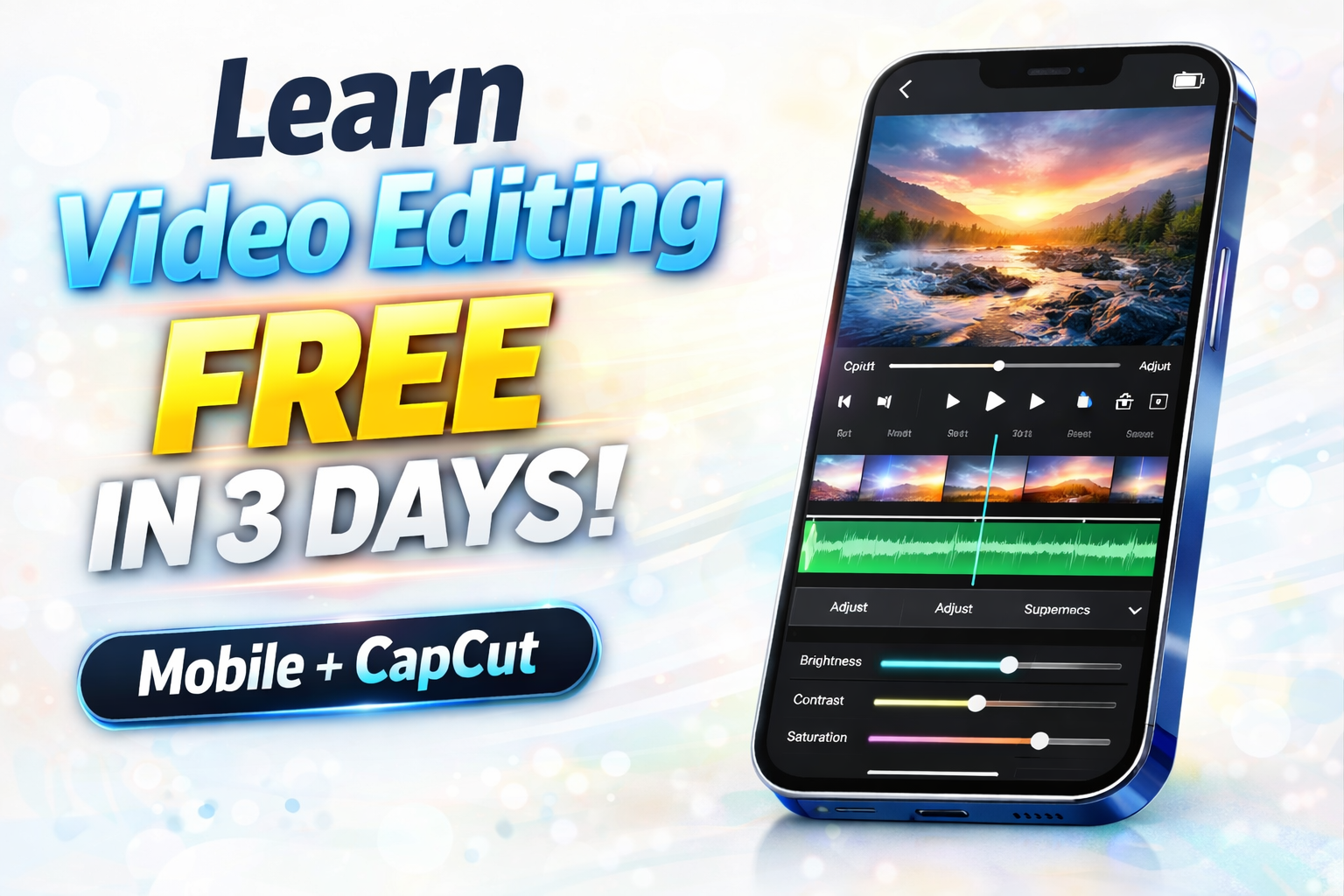
Most people think video editing is a difficult skill that takes months to learn. They imagine professionals working on powerful computers, using complicated software, and spending hours editing just a few minutes of footage.
But the reality today is very different.
You can learn professional-looking video editing in just a few days using only your mobile phone. In fact, many viral Instagram reels, YouTube Shorts, and social media ads are edited entirely on free mobile apps.
If you follow the right approach, you don’t need expensive tools, long courses, or technical knowledge. You only need a simple plan, a little practice, and the right editing mindset.
Why Mobile Video Editing Is the Best Way to Start
Mobile editing has made learning video editing faster and easier than ever before. Instead of struggling with complex software, you can edit directly on your phone using simple touch controls.
This makes the learning process feel natural. You can instantly cut clips, preview changes, adjust colors, and add effects without any technical setup.
Another big advantage is convenience. You can practice anywhere, anytime, without needing a laptop or special equipment. This flexibility helps beginners learn much faster because they can experiment more often.
Today, mobile editing is not just for beginners. Even professional creators use mobile apps to create high-quality, viral content.
Advertisements
Why CapCut Is Perfect for Learning Editing
If you want to learn video editing quickly, CapCut is one of the best tools available. It is completely free and designed in a way that even beginners can understand easily.
What makes CapCut special is that it combines simple controls with powerful professional features. It already includes built-in transitions, cinematic filters, music synchronization tools, and AI editing options.
When you start using it, you’ll notice that most editing tasks are done with just a few taps. You can trim clips, adjust timing, add text, and apply effects within minutes.
Because everything is visual and easy to control, beginners often feel confident using CapCut within just a few hours of practice.
How Professional Editing Actually Works
Many beginners believe professional editing means using lots of fancy effects. In reality, professional editing focuses more on timing, smooth flow, and visual clarity.
The most important part of editing is cutting. Knowing where to remove unnecessary moments keeps the video engaging and prevents it from feeling slow.
Music also plays a huge role. When cuts match the rhythm of the background music, the video automatically feels more polished and cinematic.
Another key element is color adjustment. Small changes in brightness, contrast, and sharpness can transform a simple clip into something that looks high quality and realistic.
Professional editing is usually clean, smooth, and natural rather than flashy.
Advertisements
Editing Ultra-Realistic Videos on Mobile
Ultra-realistic editing is a style that makes videos look natural, cinematic, and visually appealing without heavy effects. This style is extremely popular on social media because it feels authentic and professional at the same time.
To create this look on CapCut, focus on subtle improvements. Adjust lighting gently, enhance sharpness slightly, and balance colors instead of using strong filters.
Motion blur and smooth transitions can also make movement feel more natural. When editing is done carefully, the final video looks polished without appearing over-edited.
This approach is what separates amateur editing from professional-looking content.
How to Learn Editing Quickly Using CapCut
The fastest way to learn editing is by practicing small tasks instead of trying to master everything at once.
Start by learning how to cut and arrange clips smoothly. Once you feel comfortable, try adding background music and adjusting cuts to match the beat. Then experiment with text animations and color adjustments.
One of the most effective ways to improve is by observing viral reels and trying to recreate their style. This helps you understand editing patterns and storytelling flow much faster than only watching tutorials.
Even practicing for a short time each day can quickly build your confidence and skills.
Advertisements
Final Thoughts
Learning video editing today is much easier than most people think. You don’t need expensive software or long courses to start creating professional-looking videos.
With just your mobile phone and free apps like CapCut, you can learn to edit smooth, ultra-realistic videos in a very short time.
The key is to keep things simple, practice regularly, and focus on clean and natural editing styles.
Once you start, you’ll realize that video editing is not only easy to learn but also one of the most useful and creative skills in the digital world today.