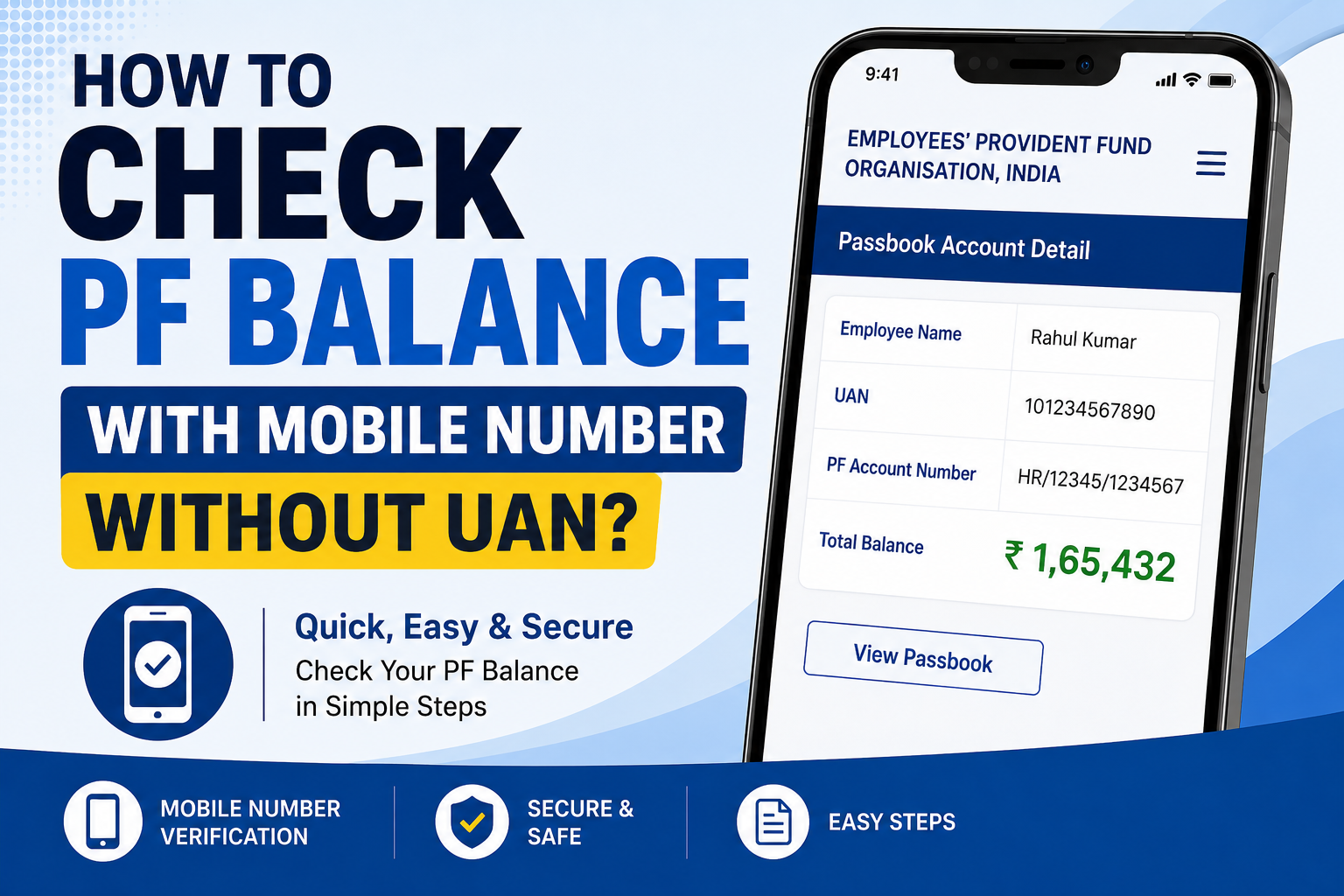
Checking your EPF balance is usually simple when you have your UAN. But what if you have forgotten your UAN or never noted it down? Can you still check your PF balance using your mobile number?
The answer is yes, but with an important limitation. Your mobile number alone does not directly show your PF balance. However, if your mobile number is registered with your EPF account, you can use it to recover your UAN and then check your PF balance.
Can You Check PF Balance Directly With a Mobile Number?
The EPFO does not provide a method where you simply enter your mobile number and immediately see your PF balance.
Instead, your registered mobile number helps you access or recover your EPFO account details. Once you find your UAN, you can use the available EPFO services to view your PF balance.
Therefore, if you do not know your UAN, the first step is to find your UAN using your registered mobile number and personal details.
How To Find Your UAN Using Your Mobile Number
Follow these steps to find your UAN:
Visit the official EPFO Member Portal.
Click on the “Know Your UAN” option.
Enter the required details, such as your Aadhaar number, PAN, or PF member details.
Enter the mobile number registered with your EPF account.
Complete the required OTP verification.
After successful verification, your UAN details will be displayed.
Note down your UAN and use it to log in to your EPFO account.
Once logged in, you can access your PF passbook and check your available PF balance.
How To Check PF Balance After Finding Your UAN
After recovering your UAN, you have several ways to check your EPF balance.
You can use the EPFO member portal to access your account and view your passbook. The passbook generally shows your employee contribution, employer contribution, interest, and available balance.
Alternatively, you can use EPFO’s other available balance-checking services if your mobile number is registered with your EPF account.
The key point is that your mobile number helps verify and access your EPF account, while the UAN or other EPFO credentials are normally required to view detailed balance information.
What If Your Mobile Number Is Not Linked With EPFO?
If your current mobile number is not registered with your EPF account, the process can become more difficult.
In that situation, you may need to update your mobile number through the appropriate EPFO account or verification process. You can also contact EPFO support if you cannot access your account.
Therefore, keeping your mobile number updated with your EPF account is important. It makes OTP verification, account recovery, and other EPFO services much easier.
Can You Check PF Balance Without UAN?
Yes, you can start the process without knowing your UAN, but you generally cannot simply enter a mobile number and receive your PF balance instantly.
You first need to recover or identify your UAN using the information connected to your EPF account. After that, you can log in and check the balance.
So, if someone tells you that you can check your complete PF balance with only a mobile number and no account verification, be careful. Your EPF information is personal, and proper verification is required.
What Information Do You Need?
The exact information required can vary depending on the EPFO service you use. Generally, you may need details such as your registered mobile number, Aadhaar, PAN, or other EPF-related information.
Make sure the details you enter match your EPFO records. Otherwise, the verification process may not work.
Also, never share your EPFO password or OTP with another person.
Final Words
You do not necessarily need to remember your UAN before starting the PF balance-checking process.
If your mobile number is registered with EPFO, you can use it along with your other verified details to recover your UAN. After recovering the UAN, you can access your EPFO account and check your PF balance and passbook details.
In short, you cannot normally check your PF balance using only a mobile number, but your registered mobile number can help you recover access to your EPF account and eventually view your balance.