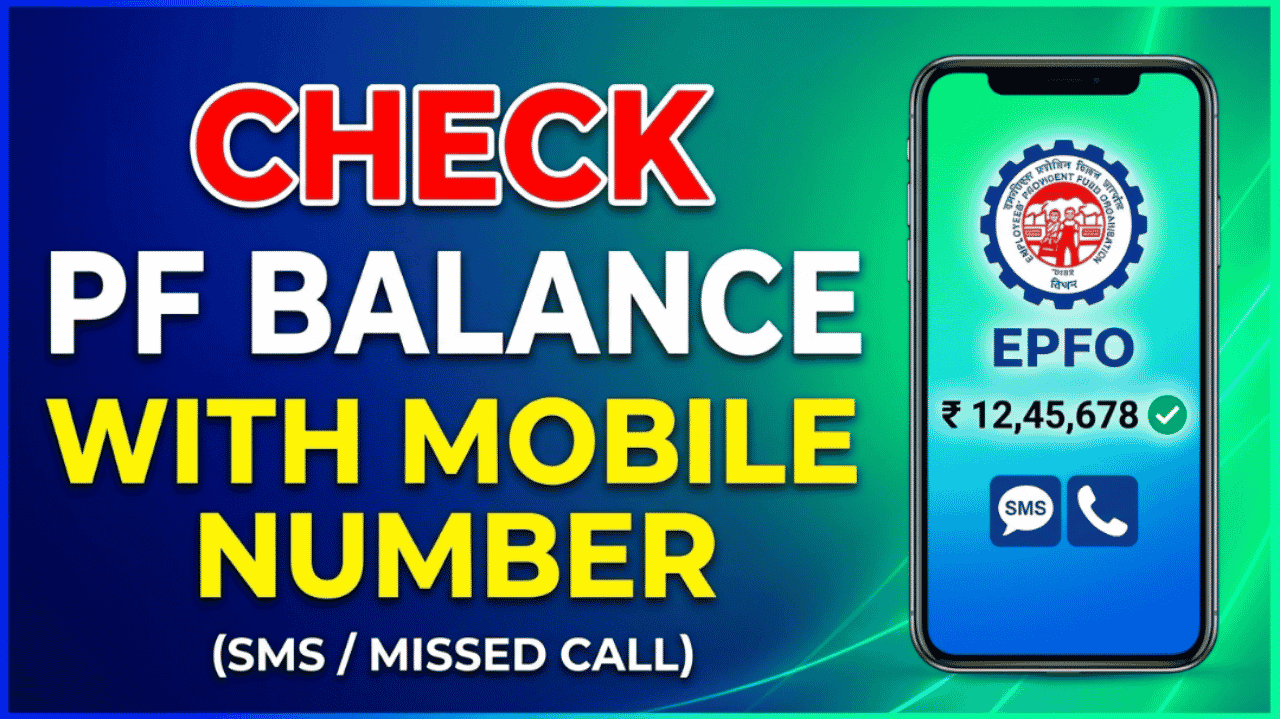
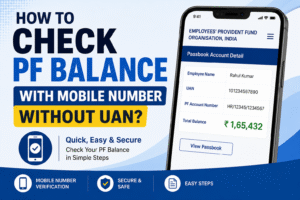
If you’re an EPF member and want to check your Provident Fund (PF) balance quickly, you don’t always need to log in to the EPFO website. If your mobile number is registered with your Universal Account Number (UAN), you can check your PF balance using a missed call, SMS, the UMANG app, or the EPFO Member Passbook portal.
These official services allow you to view your latest PF balance, recent contributions, and account details securely without visiting an EPFO office. They’re especially useful if you need to verify your PF balance before filing a claim or checking whether your employer has deposited the latest contribution.
Can You Check PF Balance Using Only Your Mobile Number?
Yes, but your mobile number must be registered with your UAN. Additionally, your UAN should be activated, and at least one KYC document (such as Aadhaar, PAN, or your bank account) should be linked to your EPF account.
Requirements
Before checking your PF balance, ensure you have:
Registered mobile number linked with UAN
Activated UAN
Aadhaar, PAN, or Bank Account linked with UAN
Active EPF account
Method 1: Check PF Balance by Missed Call
This is the fastest method and doesn’t require internet access.
Steps
Use the mobile number registered with your UAN.
Give a missed call to 9966044425.
The call will disconnect automatically after two rings.
Within a few moments, you’ll receive an SMS containing:
Current PF balance
Last employer contribution
UAN details
This service is completely free.
Method 2: Check PF Balance by SMS
You can also receive your PF balance through SMS.
Steps
Open your messaging app.
Type:
EPFOHO UAN
Send it to 7738299899 using your registered mobile number.
For regional languages, add the language code after UAN.
Examples:
EPFOHO UAN HIN – Hindi
EPFOHO UAN GUJ – Gujarati
EPFOHO UAN TAM – Tamil
EPFOHO UAN TEL – Telugu
The reply SMS will include:
PF balance
Latest contribution
Available KYC details
Method 3: Check PF Balance Through the EPFO Passbook
You can also view your complete EPF passbook online.
Steps
Visit the EPFO Member Passbook portal.
Log in using your UAN and password.
Select your Member ID.
View:
Employee contribution
Employer contribution
Interest credited
Current PF balance
This method provides the most detailed account statement.
Method 4: Check PF Balance Using the UMANG App
The Government’s UMANG app also provides EPFO services.
Steps:
Install the UMANG app.
Open EPFO Services.
Select View Passbook.
Log in using your UAN and OTP.
View your updated PF balance and passbook.
The UMANG app is useful if the EPFO website is temporarily unavailable.
Information You’ll Receive
Depending on the method you use, you can view:
Current PF balance
Employee contribution
Employer contribution
Latest monthly deposit
Interest credited
KYC status
UAN information
Common Reasons You Can’t Check Your PF Balance
You may not receive your balance if:
Your mobile number isn’t linked with UAN.
Your UAN hasn’t been activated.
Aadhaar, PAN, or bank account isn’t linked.
Your employer hasn’t updated your EPF records yet.
EPFO services are temporarily unavailable.
Frequently Asked Questions
Can I check my PF balance without knowing my UAN?
The missed call and SMS services work only if your mobile number is already linked to an activated UAN. If your UAN isn’t activated, you’ll need to activate it first.
Is checking PF balance through SMS free?
Yes. EPFO’s SMS and missed call services are official facilities. Standard SMS charges may apply depending on your mobile operator, while the missed call service itself is free.
Can I check my PF balance without internet?
Yes. You can use the missed call service (9966044425) or send an SMS to 7738299899 from your registered mobile number to receive your PF balance without using the internet.
Conclusion
Checking your PF balance with your mobile number is one of the easiest ways to stay updated on your retirement savings. Whether you choose the missed call service, SMS, UMANG app, or the EPFO Member Passbook portal, you can securely access your latest balance, contributions, and interest details within minutes. Just make sure your UAN is activated and your registered mobile number is linked to your EPF account to use these official services.