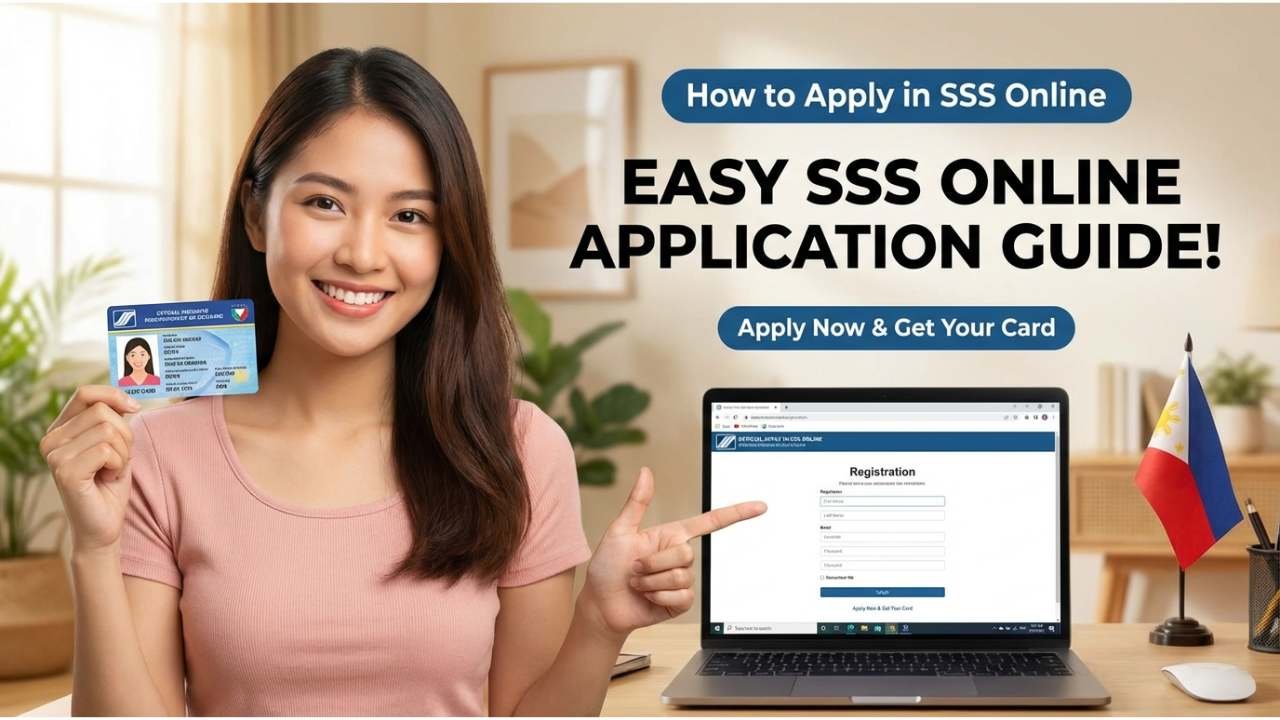
Applying for SSS (Social Security System) online is the fastest and most convenient way to secure your social insurance, retirement, sickness, maternity, and disability benefits in the Philippines. With the digital filing process available in 2026, you can register from home, avoid long queues, and track your application online, saving time while securing your family’s financial protection.
Whether you’re a first-time member, a returning contributor, an OFW, or an employer, this detailed guide walks you through every step of the SSS online application process, explains required documents, and shows you how to access your account once approved.
What Is SSS and Why It Matters
The Social Security System (SSS) is a government-run social insurance program in the Philippines designed to protect workers and their families. SSS contributions help you qualify for:
Retirement benefits
Sickness and maternity benefits
Disability and death benefits
Loan privileges
Funeral benefits
In 2026, SSS continues to expand digital services, making online registration easier and more secure than ever.
Who Should Apply for SSS
You can apply for SSS online if you are:
An employee under a registered employer
A self-employed person or freelancer
A voluntary member
An OFW (Overseas Filipino Worker)
A household employee
A non-working spouse (voluntary)
Each category has slightly different requirements, but the online system accommodates all types.
Requirements Before You Apply
Before starting the online process, make sure you have the following ready:
Basic Information
Full name (as per valid ID)
Date of birth
Mobile number (active)
Email address (valid and accessible)
Valid IDs (one or more)
Any government-issued ID such as:
Philippine passport
UMID card
Driver’s license
Voter’s ID / National ID
PRC ID
For OFWs
Passport with valid visa/ASEAN permit
Proof of contract or work details
Online applications still require verification later, so ensure your information matches your IDs.
Always verify you’re on the official site (look for “https://www.sss.gov.ph”), not a third-party site.
Step 2: Click “Not Yet Registered?”
On the homepage, find and click the button labelled:
Not Yet Registered?
This takes you to the Member Registration Page.
Step 3: Review Eligibility and Requirements
Read the guidelines for online registration. This helps you choose the correct member type you are applying under (employee, voluntary, OFW, etc.).
Step 4: Fill Out the Registration Form
Enter details such as:
Name, address, birthday
Email address
Mobile number
Occupation and employer (if employed)
Identification number and type
Marital status
Double-check your details before continuing, errors may delay approval.
Step 5: Create Your Username and Password
Choose a secure username and password for your SSS online account. You will use this to log in anytime to:
Submit contributions
File benefits
Check your records
Apply for loans
Step 6: Verify via Email
After submitting the registration form, check your email for a verification link. Click the link to confirm your account. This step activates your SSS online account.
Step 7: Upload Supporting Documents (If Required)
SSS may request scanned copies of your valid ID or supporting documents. Upload them according to the portal’s instructions.
Make sure all images are clear, readable, and within the file size limits.
Step 8: Wait for Approval
Once submitted and verified, SSS will process your application. You can track the status:
Through your SSS online account
Using your reference number
Typically, approval takes 5–10 business days, depending on volume and verification.
What Happens After Your SSS Online Registration
Once your online application is approved, you’ll receive:
Your SSS Number
Access to your SSS online account dashboard
Ability to file for contributions, benefits, and loans
You can now log in anytime to check your contributions, print your records, or apply for benefits.
How to Log In to Your SSS Online Account
After successful registration:
Visit the SSS official website
Click “Login”
Enter your Username and Password
Complete any additional security verification
Once inside the dashboard, you can:
View your contribution history
Download your E-Verification Slip
Apply for SSS loans
Check eligibility and benefits
Tips to Avoid Delays
✔ Use an active and accurate email ✔ Make sure your ID information matches your application ✔ Upload clear, readable images of IDs ✔ Check spam/junk folder for verification emails ✔ Follow up on your account if approval takes longer than expected
Common Questions About SSS Online Registration
Can I apply without an email? No, a valid email is required for verification and account activation.
What if I already have an SSS number? Do not create a new account. Instead, use the Recover Username link on the SSS portal.
Can OFWs register online? Yes, OFWs can register using the same portal; additional documents may be required.
Final Thoughts
Applying for SSS online in 2026 is faster, easier, and more convenient than ever. By completing the entire online registration process, you save time, reduce paperwork, and can immediately start tracking your contributions and benefits through your own account dashboard.
SSS membership protects you and your family with social insurance, retirement security, and medical support — and applying online is the most modern and efficient way to secure these benefits.