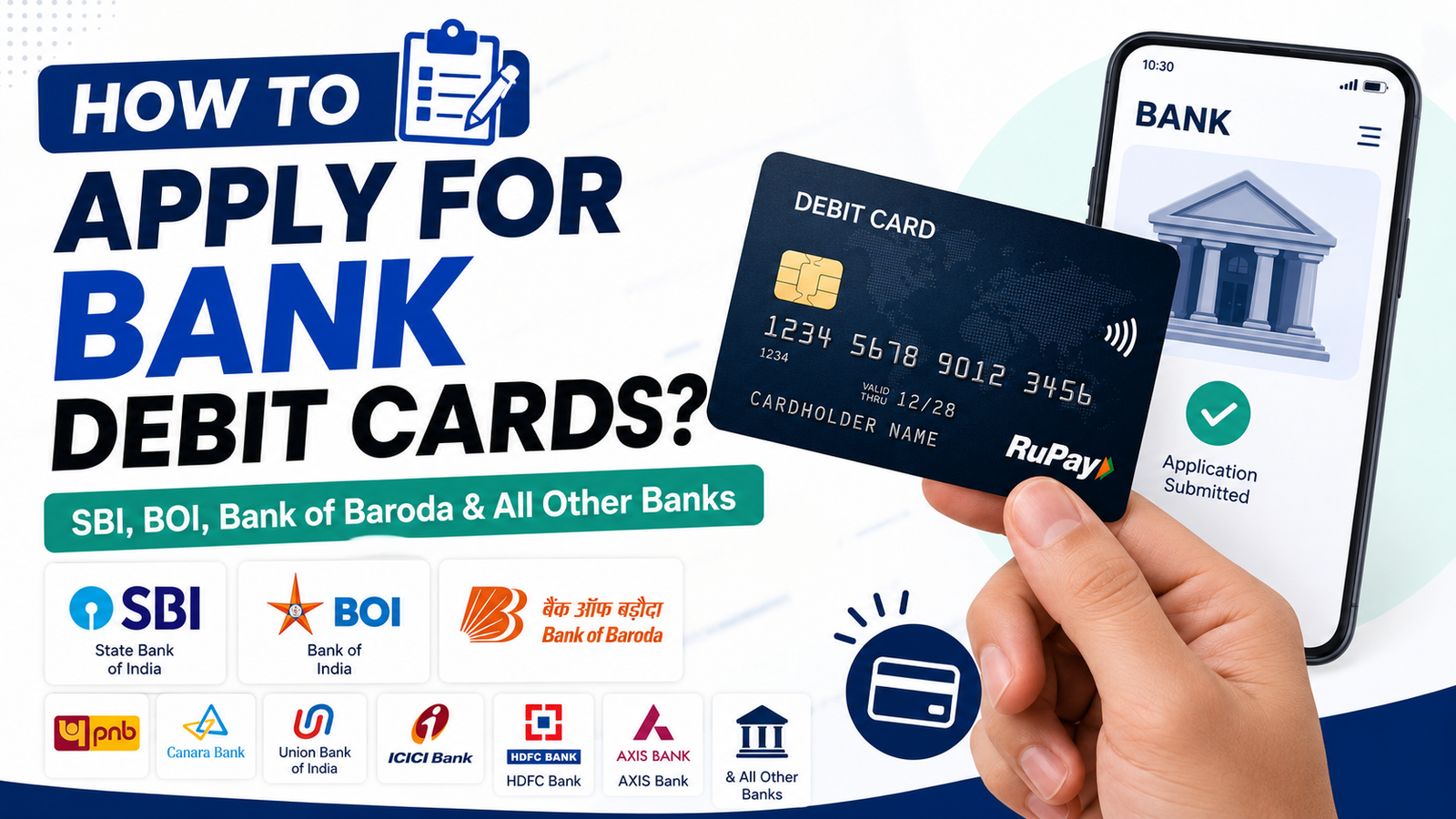
A debit card is one of the most essential banking tools for managing your money. It allows you to withdraw cash from ATMs, make payments at stores, shop online, pay utility bills, and use UPI-linked card services. Most banks in India provide a debit card when you open a savings or current account, but you can also apply for a new card, replacement card, or upgrade to a premium debit card whenever needed.
Whether you have an account with State Bank of India (SBI), Bank of India (BOI), Bank of Baroda (BoB), Punjab National Bank (PNB), Canara Bank, Union Bank of India, HDFC Bank, ICICI Bank, Axis Bank, Kotak Mahindra Bank, or any other bank, the application process is generally similar. This guide explains the complete process of applying for a debit card.
Who Can Apply for a Debit Card?
Any customer who has an active savings account or current account with a bank can apply for a debit card. New account holders usually receive a debit card automatically, while existing customers can request a new card if they never received one, lost their existing card, or want to upgrade to another card variant.
Most banks also allow joint account holders to apply for individual debit cards based on the account’s operating instructions.
Benefits of Having a Debit Card
A debit card offers quick and secure access to your bank account without the need to visit a branch for everyday transactions. Some of the major benefits include:
Withdraw cash from ATMs across India.
Make contactless payments at shops and restaurants.
Shop securely on e-commerce websites.
Pay utility bills and recharge mobile phones.
Use the card internationally if international transactions are enabled.
Earn reward points, cashback, or discounts on selected cards.
Link the card to digital wallets and payment applications.
Documents Required to Apply for a Debit Card
Most banks require only basic documents since your KYC is usually completed when opening the account.
Account number or passbook
Registered mobile number
Aadhaar Card, PAN Card, Passport, or other valid identity proof (if required)
Address proof (if your address has changed)
Passport-size photograph (occasionally required for offline applications)
Signed debit card application form for branch applications
How to Apply for a Bank Debit Card (General Process)
Although every bank has its own website and mobile banking application, the overall procedure is almost the same.
Ensure that your savings or current account is active.
Log in to your bank’s internet banking or mobile banking application, or visit your nearest bank branch.
Navigate to the Debit Card or Cards section.
Select Apply for Debit Card, Request New Debit Card, or Replace Debit Card.
Choose the account from which the card should be issued.
Select your preferred debit card type if multiple options are available.
Verify your registered mobile number using the OTP.
Confirm your communication address for card delivery.
Submit the request.
The bank processes your application and dispatches the debit card to your registered address.
After receiving the card, activate it through an ATM, internet banking, mobile banking, or customer care, depending on your bank’s activation method.
How to Apply Through Internet Banking
Most public and private sector banks allow customers to request a debit card online.
After logging into internet banking, open the Cards or Debit Card section and choose the option to request a new debit card. Select the account, verify your details, choose the card type if applicable, authenticate the request using OTP or transaction password, and submit the application. You can usually track the application status from the same portal.
How to Apply Using Mobile Banking
Banks now provide almost every debit card service through their mobile applications.
Simply log in to your bank’s official app, open the Debit Card or Card Services section, request a new debit card, verify your details, confirm the address, and submit the request. Many banks also allow instant card activation, PIN generation, and card management directly from the app.
How to Apply by Visiting a Bank Branch
Customers who are not comfortable with online banking can visit their home branch.
Ask the bank executive for a debit card application form, fill in your account details, submit the required documents if requested, and sign the application form. The bank verifies your details and processes the request. Your debit card is usually delivered to your registered address within a few working days.
Banks Covered Under This Process
The general process explained above applies to most banks in India, including:
State Bank of India (SBI)
Bank of India (BOI)
Bank of Baroda (BoB)
Punjab National Bank (PNB)
Canara Bank
Union Bank of India
Indian Bank
Central Bank of India
UCO Bank
Bank of Maharashtra
HDFC Bank
ICICI Bank
Axis Bank
Kotak Mahindra Bank
IndusInd Bank
IDBI Bank
Yes Bank
Federal Bank
South Indian Bank
AU Small Finance Bank
Other scheduled commercial banks
While the menu names and interface may differ slightly, the application process remains almost the same across these banks.
How Long Does It Take to Receive a Debit Card?
Most banks dispatch debit cards within 3 to 10 working days after the application is approved. Delivery time depends on your location and the bank’s courier partner. Rural locations may require a few additional days.
Is There Any Charge for a New Debit Card?
Many banks provide a standard debit card free when opening a new savings account. However, charges may apply for:
Replacement debit cards
Premium or platinum debit cards
International debit cards
Card upgrades
Annual maintenance fees, depending on the card variant
The applicable charges vary from bank to bank.
How to Activate Your Debit Card
Once you receive the debit card, you must activate it before using it.
Activation can usually be done by generating an ATM PIN at any bank ATM, using internet banking, mobile banking, or through customer care. After activation, you can use the card for ATM withdrawals, POS payments, online shopping, and contactless transactions.
Safety Tips While Using a Debit Card
Always keep your debit card and PIN secure. Never share your PIN, CVV, OTP, or card details with anyone. Enable SMS and email alerts to receive instant transaction notifications. If your card is lost or stolen, immediately block it using internet banking, the mobile app, customer care, or by visiting your nearest bank branch.
Frequently Asked Questions
Can I apply for a debit card online?
Yes. Most Indian banks allow debit card applications through internet banking and mobile banking apps.
Do I need to visit the bank branch?
No. In most cases, you can apply online. Visiting the branch is only necessary if online services are unavailable or additional verification is required.
Can I choose a different debit card variant?
Yes. Many banks offer Classic, Platinum, RuPay, Visa, Mastercard, and premium debit card options based on your account type.
What should I do if I don’t receive my debit card?
You can check the application status through internet banking, contact customer care, or visit your bank branch for assistance.
Can I apply for a replacement debit card?
Yes. If your debit card is lost, damaged, expired, or stolen, you can request a replacement through your bank’s online services or by visiting the branch.
Conclusion
Applying for a debit card is a simple process for customers of SBI, BOI, Bank of Baroda, and almost every other bank in India. Whether you choose internet banking, a mobile banking app, or visit your nearest branch, the procedure is straightforward and usually takes only a few minutes to complete. After your application is approved, the debit card is delivered to your registered address, allowing you to enjoy secure cash withdrawals, online payments, shopping, and digital banking services.