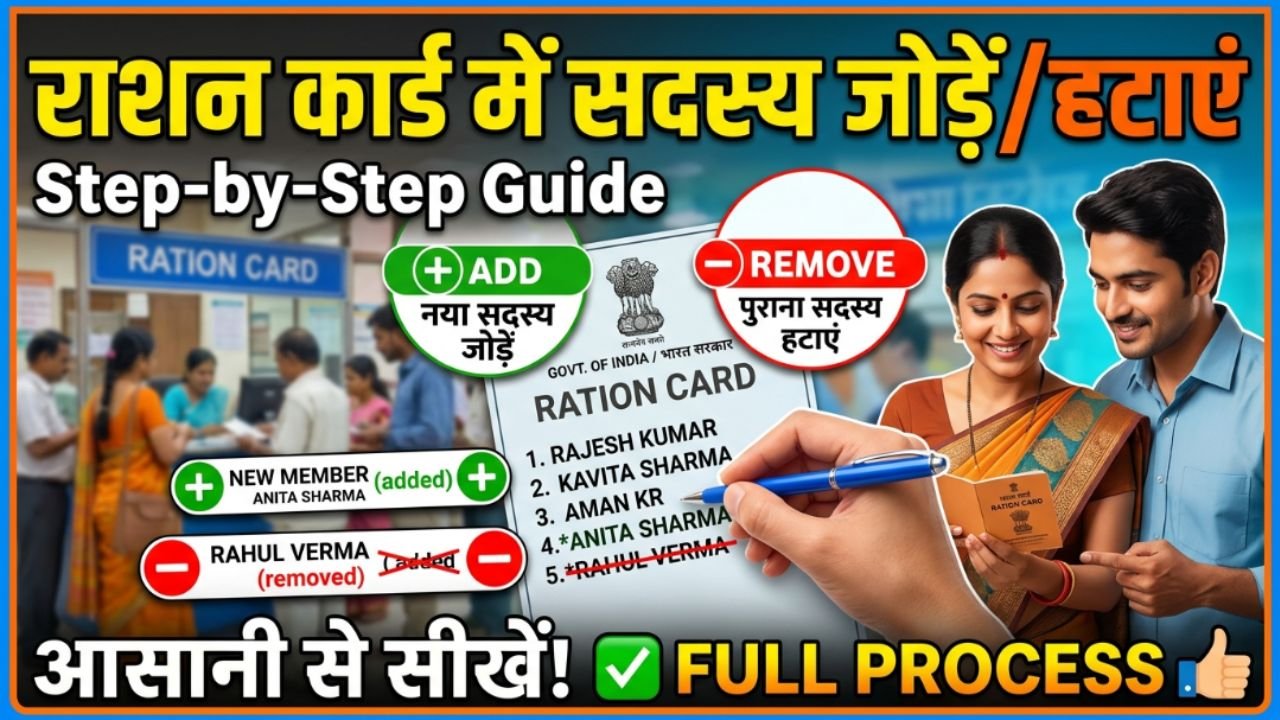
A Ration Card is an important government document that enables eligible families to receive subsidized food grains and other essential commodities under the Public Distribution System (PDS). Since a family’s details may change over time due to marriage, birth, death, or relocation, it is important to keep the information on the ration card updated. Adding or removing a family member ensures that the ration card accurately reflects the current household and helps avoid issues while receiving benefits.
Today, many state governments allow citizens to apply online for adding or removing members from their ration cards through their Food and Civil Supplies Department portals. This has made the process faster, more transparent, and convenient, reducing the need for multiple visits to government offices.
When Should You Add or Remove a Member?
There are several situations in which you may need to update your ration card:
Birth of a child
Marriage of a family member
Death of a family member
Transfer of a member to another household
Correction of duplicate entries
Migration to another location
Updating the ration card promptly helps ensure that government records remain accurate and that eligible beneficiaries continue receiving their entitled benefits without interruption.
Documents Required
The documents required may vary by state, but generally include:
For Adding a Member
Existing Ration Card
Aadhaar Card of the new member
Birth Certificate (for newborns)
Marriage Certificate (if applicable)
Passport-size Photograph
Address Proof
Mobile Number
For Removing a Member
Existing Ration Card
Aadhaar Card
Death Certificate (if applicable)
Marriage Certificate (if the member has shifted to another family)
Supporting declaration or transfer document
Always check your state’s official Food Department portal for the latest document requirements.
How to Add a Member to a Ration Card Online
Visit the Official State Portal
Open your state’s Food and Civil Supplies Department website or Public Distribution System (PDS) portal.
Log In or Register
Sign in using your registered mobile number or create a new account if required.
Select Ration Card Services
Navigate to the ration card services section and choose “Add Member” or “Member Addition”.
Enter Member Details
Fill in the required information, including:
Name
Date of Birth
Aadhaar Number
Relationship with Head of Family
Gender
Ensure all information matches the supporting documents.
Upload Required Documents
Upload scanned copies of the necessary documents in the prescribed format.
Submit the Application
Review the information carefully and submit the application. Save the application number for future tracking.
How to Remove a Member from a Ration Card Online
Open the Ration Card Services Portal
Log in to the official portal of your state’s Food Department.
Select “Remove Member”
Choose the member removal or deletion service.
Select the Member
Choose the family member you wish to remove and provide the reason, such as:
Marriage
Death
Shifted to another household
Duplicate entry
Upload Supporting Documents
Upload the required documents supporting your request.
Submit the Request
After verifying all details, submit the application and keep the acknowledgment number for tracking.
How to Check Application Status
Once your request has been submitted, you can track its status online using:
Application Number
Registered Mobile Number
Ration Card Number
The portal will display updates such as:
Application Received
Under Verification
Approved
Updated Successfully
Common Reasons for Application Delay
Your request may take longer to process due to:
Incorrect Aadhaar details
Incomplete documentation
Duplicate beneficiary records
Verification pending
Incorrect family information
Providing accurate information helps ensure faster approval.
Benefits of Updating Your Ration Card
Keeping your ration card updated offers several advantages:
Accurate family records
Smooth access to PDS benefits
Correct beneficiary count
Easier verification for government schemes
Reduced chances of application rejection
Conclusion
Adding or removing a member from a ration card is an important process that helps maintain accurate household records and ensures that eligible family members receive government benefits without interruption. With online services now available in many states, applicants can update their ration cards from home by submitting the required documents and tracking the application status online. Regularly updating your ration card also helps avoid future issues related to food subsidies and other welfare schemes.