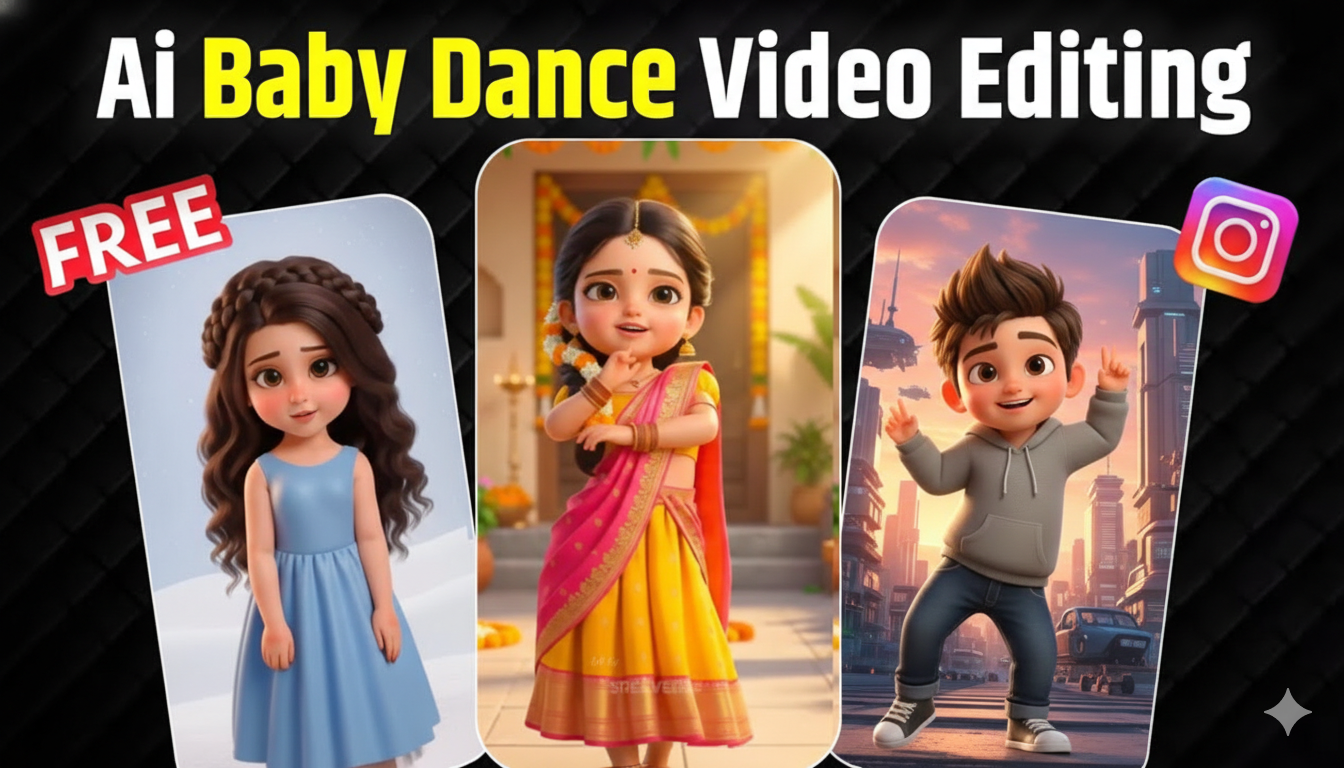
As a mother, we love capturing every small, cute moment of our babies — their smiles, funny expressions, and playful movements. Recently, I discovered a beautiful way to turn my baby’s photo into an adorable dancing video using AI. These AI baby dance videos are becoming very popular on Instagram Reels, YouTube Shorts, TikTok, and Facebook because they are emotional, cute, and fun to watch.
The best part is that you don’t need any animation skills, cameras, or editing software. With today’s AI tools, even a busy mom like me can create a high-quality baby dance video in just a few minutes. Everything is done automatically by AI.
In this guide, I’m sharing the full process I personally followed to create a cute dancing baby video using Kling AI, so other moms can also try it easily.
Step 1: Create a Cute 3D Cartoon Version of My Baby’s Photo Using Gemini
The first step is to create a cute 3D cartoon version of your baby from a real photo. This cartoon character becomes the base for the dance video.
I uploaded my baby’s clear front-facing photo into Gemini and asked it to create a soft, cartoon-style character. The goal is not to make it look fake, but to keep my baby’s facial features while giving it a cute, animated look.
Here is the exact professional prompt I used in Gemini:
3D Cartoon Baby Character Creation Prompt (For Moms)
Create a high-quality 3D cartoon character inspired by the uploaded baby photo. The character should look cute, soft, and baby-like, while clearly preserving my baby’s facial identity and resemblance from the reference image. Same face shape and structure as the reference. Slightly larger expressive baby-style eyes (cute cartoon, not anime). Smooth, soft baby skin with a clean stylized finish. Small natural nose and lips, simplified but recognizable. Gentle happy baby smile. Soft baby hair style based on the reference photo. Clean, smooth hair with soft volume. Stylized baby body proportions (cute and natural, not exaggerated). Simple baby outfit (soft pastel colors).
STYLE DIRECTION: 3D cartoon / Pixar-inspired baby character. Soft pastel shading. Gentle lighting. Rounded soft shapes. Clean edges. No realism, no pores, no skin texture. Soft pastel studio background. Must look like a cute cartoon baby, not realistic. No anime. No sketch. No photorealism. High-quality 3D baby character render.
After Gemini generated the image, I downloaded the best high-quality version of my baby’s cartoon character.
Step 2: Make the Character Extra Cute (Optional Baby Style)
If you want your baby to look even cuter, you can use a baby or chibi style filter to make the face more soft and adorable. I did this to make the video more emotional and sweet.
This step is optional, but it really increases the cuteness and makes people smile when they watch the video.
Step 3: Upload My Baby’s Cartoon Image to Kling AI
Next, I uploaded my baby’s cartoon image into Kling AI, which is an AI video tool that creates dance videos automatically.
Kling AI understands the face and body from the image and prepares it for animation. I didn’t have to do any technical setup. It was very simple, even for someone with no editing experience.
Step 4: Add Music and Baby Dance Motion
This is my favorite part. I selected a cute trending song and let Kling AI match the baby’s dance to the music beat. This makes the movement look natural and joyful.
Here is the simple dance prompt I used:
AI Baby Dance Prompt (Mom-Friendly)
A cute baby cartoon character dancing happily to the rhythm of the music with soft, joyful movements, gentle facial expressions, smooth baby-style body motion, perfect beat synchronization, high-quality social media reel style.
Step 5: Generate and Download My Baby’s Dance Video
After setting everything, I clicked generate and waited a short time. Kling AI created a beautiful dancing baby video that looked adorable and emotional.
I downloaded the final video and checked that the movement was smooth, the music matched well, and the video quality was clear.
Why Moms Love Creating AI Baby Dance Videos
As a mom, this felt very special. It’s not just about trends — it’s about creating a cute memory of your child in a fun way. These videos are perfect for sharing with family and relatives, posting on Instagram, Facebook, or WhatsApp, creating sweet keepsake memories, and making people smile and feel happy.
Because these videos are short, cute, and emotional, they often get lots of love, likes, and shares.
Is It Worth It for Mothers to Try AI Baby Dance Videos?
Yes, absolutely. For mothers who want to create something cute and memorable for their child, AI baby dance videos are a beautiful option. They are easy, affordable, and don’t require any technical skills.
Even if you are not good with technology, you can still create a professional-looking, adorable baby dance video in minutes.
If you love capturing your baby’s precious moments in creative ways, this is definitely worth trying.