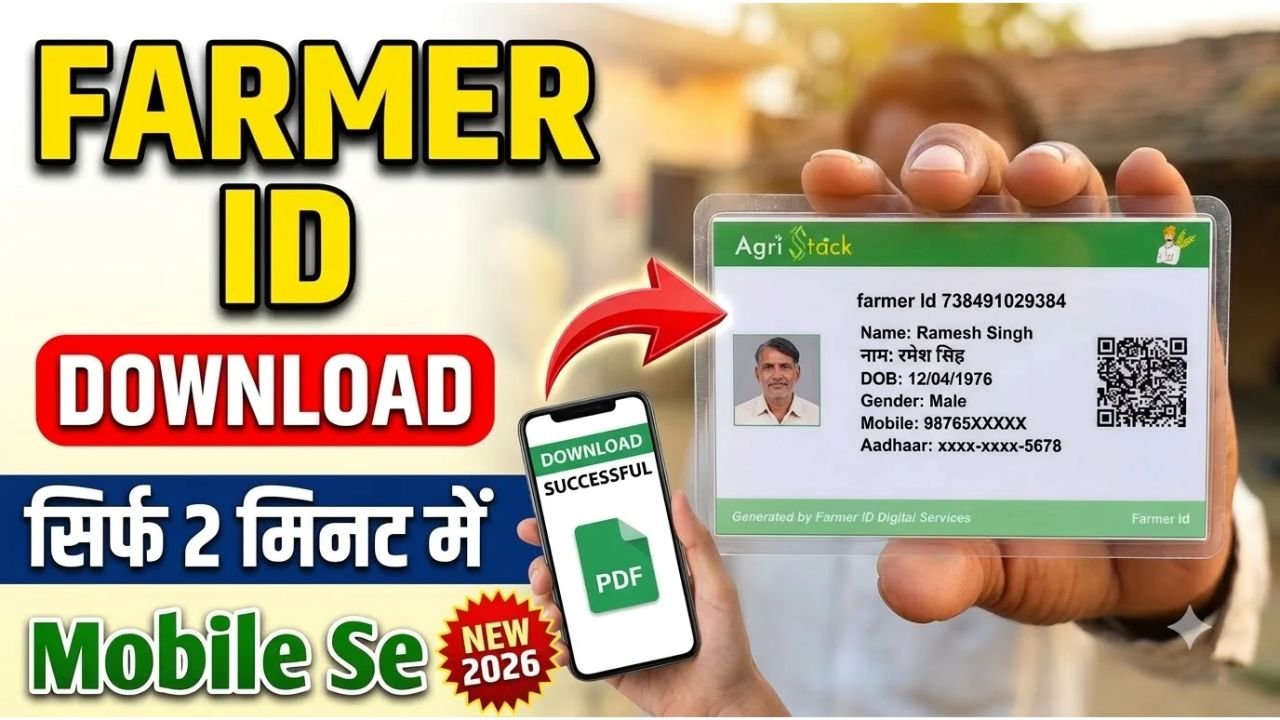
If you have already registered for a Farmer ID and want to download your digital card, you can check the official Farmer Registry portal for your state. The Farmer ID is part of the Government of India’s AgriStack initiative, which creates a digital identity for farmers and links their profiles with relevant agricultural records and services. (AgriStack)
The download process can vary by state, so it is important to use the correct official portal.
How to Download Farmer ID Online
Step 1: Visit the Official Farmer Registry Portal
Open the official AgriStack website or your state’s Farmer Registry portal.
Some states provide their own Farmer Registry websites with options to check enrollment status, view farmer details and access registration services. (Farmer Registry)
Step 2: Select the Farmer Login Option
Look for an option such as Farmer Login, View Farmer Details, or Check Enrollment Status.
Choose the appropriate service available on your state’s portal.
Step 3: Enter Your Details
Depending on the portal, you may be asked to provide your Farmer ID, enrollment number, Aadhaar details or registered mobile number.
Complete the requested OTP or other identity verification. Never share your Aadhaar OTP with an unknown person.
Step 4: Check Your Farmer ID Status
If you have already completed registration, check whether your Farmer ID has been generated and approved.
If your application is still pending, you may need to wait for verification or contact the relevant agriculture department or registration authority.
Step 5: Download or Print Your Farmer ID
If your state portal provides a download or print option, select it to save your Farmer ID card or registration details.
Keep a copy on your phone or computer for future reference. If the portal does not provide a downloadable card, follow its instructions for viewing your Farmer ID or obtaining a copy through an authorized service centre.
What Documents Are Required?
If you are already registered, you may need your Farmer ID or enrollment number and the mobile number used during registration.
For new registration or record verification, requirements can include Aadhaar details, land records and other information specified by the state portal.
The exact requirements vary depending on the state and the farmer’s circumstances.
Can I Download Farmer ID Using Aadhaar?
Some state Farmer Registry portals provide Aadhaar-based authentication or a facility to find a Farmer ID using Aadhaar and OTP verification.
However, this option is not identical across all states. Use only the official portal for your state and follow its authentication instructions.
What If My Farmer ID Is Not Available?
If your Farmer ID is not displayed, check your enrollment status first. Your application may still be under verification, or your land records may need to be linked or corrected.
If the problem continues, contact your state’s agriculture department, authorized Common Service Centre (CSC), or the relevant Farmer Registry helpdesk.
Is Farmer ID Download Free?
Use the official government portal to access your Farmer ID. Be cautious of unofficial websites or agents who promise guaranteed approval or request unnecessary payments.
Any fee for assisted services or related applications should be verified with the relevant government authority.
Final Words
Downloading your Farmer ID online starts with checking your registration status through the official Farmer Registry portal for your state. Log in, complete the required verification and use the available download or print option if provided.
Because Farmer ID services are managed through state-level registries, always verify the correct portal and current instructions before submitting personal information.