CapCut has become one of the most popular video editing apps for creators, especially for making Instagram Reels, YouTube Shorts, and TikTok videos. However, many users are now searching for alternatives due to issues like region restrictions, heavy app size, or privacy concerns. The good news is that there are several free apps that offer similar — and sometimes even better — features.
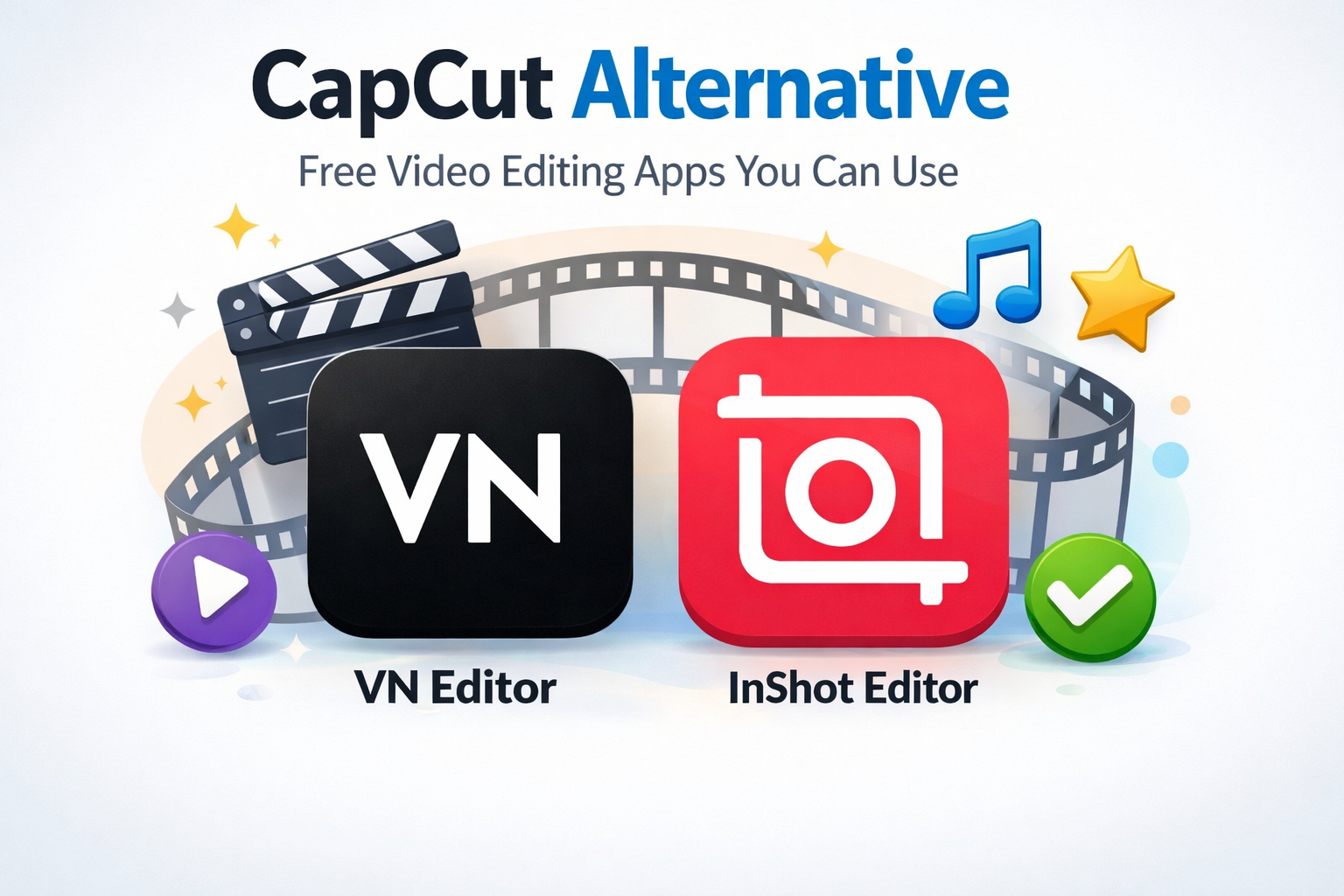
Two of the best free alternatives to CapCut are VN Video Editor and InShot. Both are powerful, beginner-friendly, and widely used by content creators around the world.
Let’s explore why these apps are perfect replacements.
Advertisements
VN Video Editor – Best Free Professional Alternative
VN Video Editor (also known as VlogNow) is one of the most powerful free editing apps available today. What makes it special is that it offers professional-level features without charging users or adding watermarks.
The app is designed to be simple for beginners but powerful enough for advanced creators. It includes a multi-track timeline, which allows you to layer videos, audio, text, and effects just like desktop editing software. This makes it ideal for YouTube videos, cinematic edits, and professional reels.
One of VN’s biggest advantages is that it lets you export videos without any watermark, even in the free version. Many other apps restrict this feature behind a paid plan, but VN keeps everything accessible for free.
Another strong feature is keyframe animation. This allows creators to animate movement, zoom effects, text transitions, and overlays smoothly over time, giving videos a polished and cinematic look.
It also supports advanced tools like green screen (chroma key), picture-in-picture mode, and high-quality exports up to 4K resolution, which makes it suitable for professional content creation.
Because of these features, VN is often considered the closest free alternative to CapCut, especially for creators who want full control over editing.
Advertisements
InShot – Best Alternative for Social Media Creators
If you mainly create short videos for Instagram, TikTok, or YouTube Shorts, InShot is one of the best choices. It is known for its simple interface, quick editing tools, and features specifically designed for social media content.
InShot offers all the basic editing functions like trimming, splitting, merging clips, adjusting speed, and adding transitions. It also includes stickers, text effects, filters, and music tools that help make videos more engaging.
One of its strongest points is its ready-made aspect ratio options, which allow creators to easily resize videos for platforms like Instagram Reels, YouTube, and TikTok without re-editing the entire project.
The app also includes AI-powered features such as auto captions, background removal, and smart editing tools that make video creation faster and easier.
InShot is particularly popular among beginners because it balances simplicity with powerful features. Even users with no editing experience can quickly create professional-looking videos.
Advertisements
Why VN and InShot Are Perfect CapCut Alternatives
Both VN and InShot provide almost everything that CapCut offers — and in some cases, they even go beyond it.
VN is best suited for users who want advanced editing tools, multi-layer timelines, and professional-quality exports without watermarks. It feels very close to desktop-level editing on a mobile device.
On the other hand, InShot is perfect for creators who want quick editing, social-media-ready formats, and easy-to-use tools that save time.
Another major advantage is that both apps are free and work smoothly on most smartphones. They don’t require heavy processing power, making them ideal for everyday creators.
Advertisements
Final Thoughts
If you are looking for a reliable alternative to CapCut, VN Video Editor and InShot are two of the best options available today. VN is ideal for professional editing and advanced control, while InShot is perfect for fast, social-media-focused video creation.
Choosing between them depends on your needs — if you want powerful editing tools, go with VN. If you want simplicity and speed, InShot is the better choice.
Either way, both apps can help you create high-quality videos without spending any money.