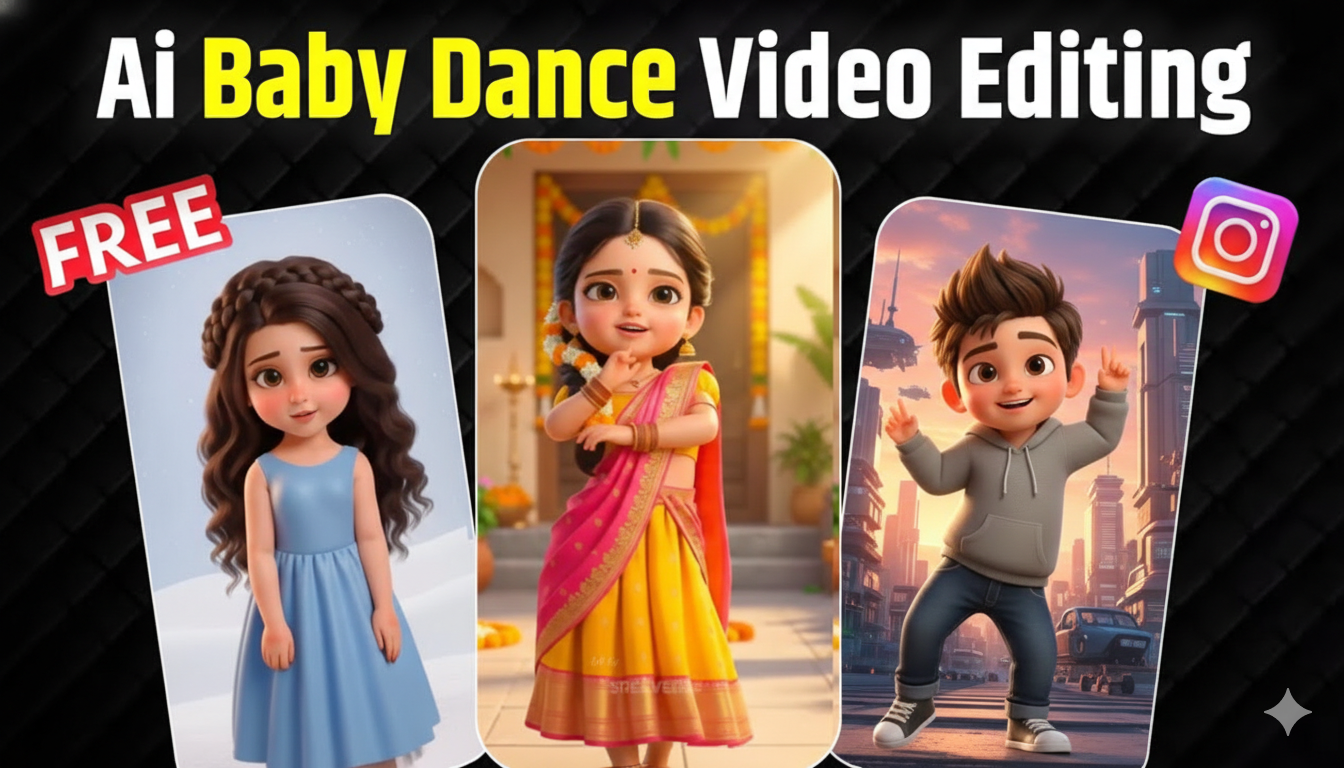
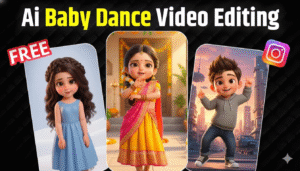
AI baby dance videos are one of the most engaging short-form video formats for Instagram Reels, YouTube Shorts, TikTok, and Facebook. These videos feature a cute AI-generated baby or cartoon-style character dancing perfectly to music, creating an emotional and entertaining experience for viewers.
With today’s AI tools, you can create high-quality baby dance videos without animation skills, cameras, or editing software. Everything is handled automatically by AI, making the process fast, simple, and beginner-friendly.
This guide explains the full process from character creation to final video generation, along with a professional prompt you can use to get better results.
Advertisements
Step 1: Create a High-Quality 3D Cartoon Character With Gemini
The first and most important step is creating a high-quality 3D cartoon-style character from a photo. This character will be used as the base for your baby or cartoon dance animation.
Upload your reference photo into an AI image generator that supports 3D cartoon or Pixar-style avatars. The goal is to create a cute, stylized character while keeping the facial identity similar to the original image.
Here is a professional prompt you can directly use In Gemini:
3D Cartoon Character Creation Prompt:
Create a high-quality 3D cartoon character inspired by the uploaded photo. The character should have a cute, stylized, semi-Pixar / modern Instagram avatar look, while clearly preserving the woman’s facial identity and resemblance from the reference image. Same face shape and structure as the reference. Slightly larger expressive eyes (cartoon style, not anime). Smooth, soft skin with a clean stylized finish. Small natural nose and lips, simplified but recognizable. Gentle confident smile. Small black bindi on the forehead (important). Long straight black hair. Clean, smooth strands with soft volume. Slight stylized shine (not realistic hair strands). Stylized slim body proportions (cute, not exaggerated). White fitted crop top. High-waist blue jeans. Simple white sneakers. Gold hoop earrings. Minimal layered gold necklaces.
STYLE DIRECTION: 3D cartoon / Pixar-inspired character. Smooth pastel shading. Soft lighting. Rounded shapes. Clean edges. No realism, no pores, no skin texture. Soft pastel gradient background (peach / pink tone). Minimal, clean, studio look. Must look like a cartoon character, not realistic. No photorealism. No anime. No sketch or illustration. No low-poly. Render style: high-quality 3D character render. Lighting: soft studio light.
Once generated, download the final high-quality cartoon character image. This image will be used for the dance animation.
Step 2: Convert Character Into Baby or Cute Style (Optional)
If your goal is a pure baby-style dance video, you can further stylize the character into a baby or chibi version using a baby-face or cute-style AI filter. This step helps increase cuteness and emotional appeal, which often improves engagement on Reels and Shorts.
Make sure the baby version still looks clean, front-facing, and high resolution for best animation quality.
Advertisements
Step 3: Upload Character to AI Dance Video Tool Kling Ai
Now upload the cartoon or baby-style character image to an AI video generator that supports dance animations. These platforms automatically add body motion, facial expressions, and rhythm-based movement.
The AI will map the face and body structure and prepare it for animation without any manual rigging or motion capture.
Step 4: Add Music and Dance Motion
Next, select a trending song or viral audio clip. The AI tool will synchronize the dance movements to match the beat of the music. This is one of the most important steps, as beat sync makes the video look professional and natural.
For better results, you can use a simple dance animation prompt like:
AI Baby Dance Prompt:
A cute baby or cartoon character dancing naturally to the rhythm of the music with smooth, joyful movements, realistic body motion, soft facial expressions, perfect beat synchronization, high-resolution social media reel style.
Step 5: Generate and Download the Final Video
After setting the character, music, and prompt in Kling Ai, click generate and let the AI process the video. Within a short time, your AI baby dance video will be ready.
Download the final video and check for smooth movement, proper beat sync, and clear video quality.
Advertisements
How to Use AI Baby Dance Videos for Growth
You can upload these videos on Instagram Reels, YouTube Shorts, TikTok, and Facebook Reels to drive fast engagement. These videos are also useful for entertainment blogs, viral pages, and social media growth campaigns.
Because they are short, cute, and highly shareable, they help increase watch time, likes, and follower growth.
Is Creating AI Baby Dance Videos Worth It?
Yes, AI baby dance videos are a powerful content format for anyone looking to grow quickly on short-video platforms. They are easy to create, cost-effective, and require no professional animation skills. Even beginners can produce high-quality, viral-style content in minutes.
If your goal is to build engaging content, increase traffic, or grow social media pages, AI baby dance videos are absolutely worth adding to your content strategy.