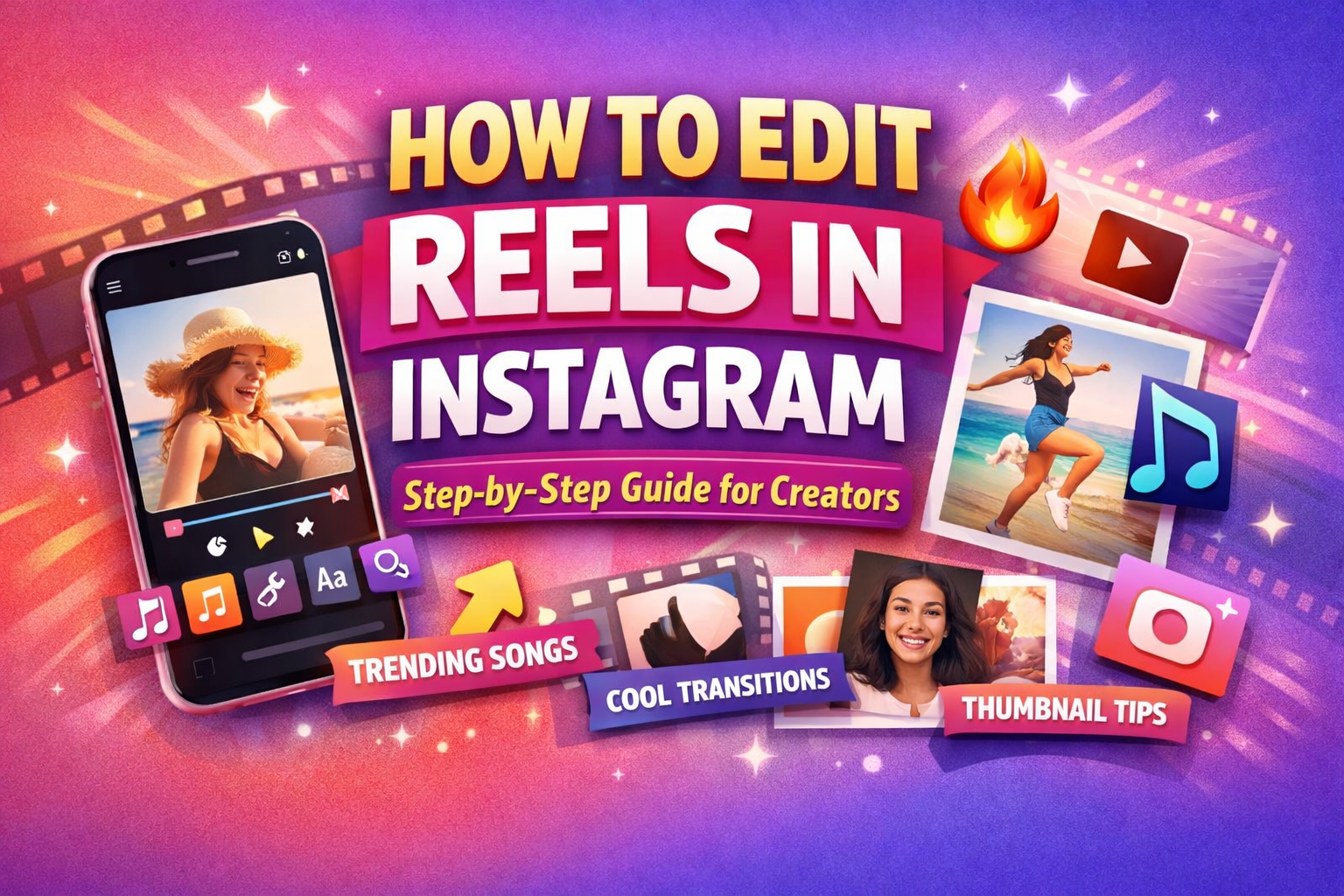
Editing Instagram Reels properly is one of the biggest reasons why some videos go viral while others get ignored. Most creators focus only on recording, but the real magic happens during editing. When your Reel has smooth cuts, trending songs, attractive effects, and a strong cover, it automatically grabs attention and increases watch time.
For influencers and content creators, learning Reel editing is not optional anymore. Instagram’s algorithm pushes videos that look engaging, fast-paced, and visually clean. If you understand how to edit Reels step by step, you can easily increase reach, followers, and chances of going viral.
Step 1: Open The Instagram Reel Editor
First, open your Instagram app and tap the plus icon at the bottom. Select the “Reel” option to enter the editing screen where you can either record a new video or upload clips from your gallery.
Most viral creators don’t shoot one long video. Instead, they record multiple short clips because it becomes easier to cut, add transitions, and create engaging storytelling during editing.
Advertisements
Step 2: Trim and Cut Your Clips Properly
After adding your clips, tap on each clip in the timeline and use the trim option to remove unwanted parts. Keep only the most interesting moments so viewers stay engaged from start to end.
Always make sure your Reel starts with a strong hook in the first three seconds. This can be a surprising action, bold text, or eye-catching movement that immediately stops people from scrolling.
Step 3: Add Trending Songs For Viral Reach
Tap the music icon inside the Reel editor to search for trending songs. Choose a part of the audio that matches your video’s mood and timing.
Trending music plays a huge role in virality because Instagram pushes Reels that use popular audio. Look for songs with the upward arrow symbol, as it indicates they are currently trending on the platform.
Advertisements
Step 4: Apply Effects and Filters Carefully
You can add effects by tapping the effects icon and browsing through categories like trending filters, cinematic styles, and face effects. Choose an effect that enhances your visuals without making the video look too heavy.
Most successful creators use simple and clean filters instead of flashy ones. Consistent color tone across all clips makes your Reel look more professional and visually appealing. You will get hundres of effects and tranisition in Capcut you can try this app as well.
Step 5: Add Smooth Transitions Between Clips
Transitions help your Reel look polished and keep the flow smooth between different scenes. Tap between two clips and select a transition style such as zoom, swipe, or flash cut.
For best results, match transitions with the beat of the music. When cuts sync perfectly with audio, the Reel feels satisfying to watch and keeps viewers hooked.
Step 6: Add Text and Captions for Engagement
Tap the text icon to add short captions, hooks, or important highlights in your video. Text helps viewers understand your message even if they watch without sound.
Keep your text simple, bold, and easy to read. Adding a strong hook line at the beginning of the Reel increases retention and encourages people to watch till the end.
Advertisements
Step 7: Use Stickers and GIFs (Optional)
Instagram allows you to add stickers, GIFs, and interactive elements to your Reels. These can make your content more fun and engaging when used correctly.
However, avoid adding too many stickers because it can make the video look cluttered. Clean visuals always perform better and look more professional.
Step 8: Choose an Attractive Thumbnail Cover
Before posting your Reel, tap the “Edit Cover” option to select the best frame or upload a custom cover image. The cover acts like a thumbnail that attracts viewers to click.
A good Reel cover should include clear visuals and bold text that explain what the video is about. Consistent cover style also helps build a strong personal brand.
Step 9: Adjust Audio and Final Timing
Before posting, adjust the balance between original audio and background music so that both sound clear. You can also adjust clip speed and timing to sync perfectly with the beat.
Small timing adjustments can make a big difference in how smooth and professional your Reel looks. This final step ensures your video feels polished and engaging.
Extra Tips To Make Your Reels Go Viral
• Keep your Reels short, ideally between 7 to 15 seconds • Use fast cuts every one to two seconds • Follow trends but add your unique style • Focus on a strong hook at the beginning
Consistency in editing quality is what turns normal creators into viral influencers.
Final Thoughts
Editing Instagram Reels is not complicated, but smart editing is what separates viral content from average posts. When you combine trending songs, smooth transitions, clean cuts, and strong covers, your chances of reaching thousands of viewers increase significantly.
With regular practice and attention to detail, you can master Reel editing and grow your Instagram presence much faster than just posting raw videos.