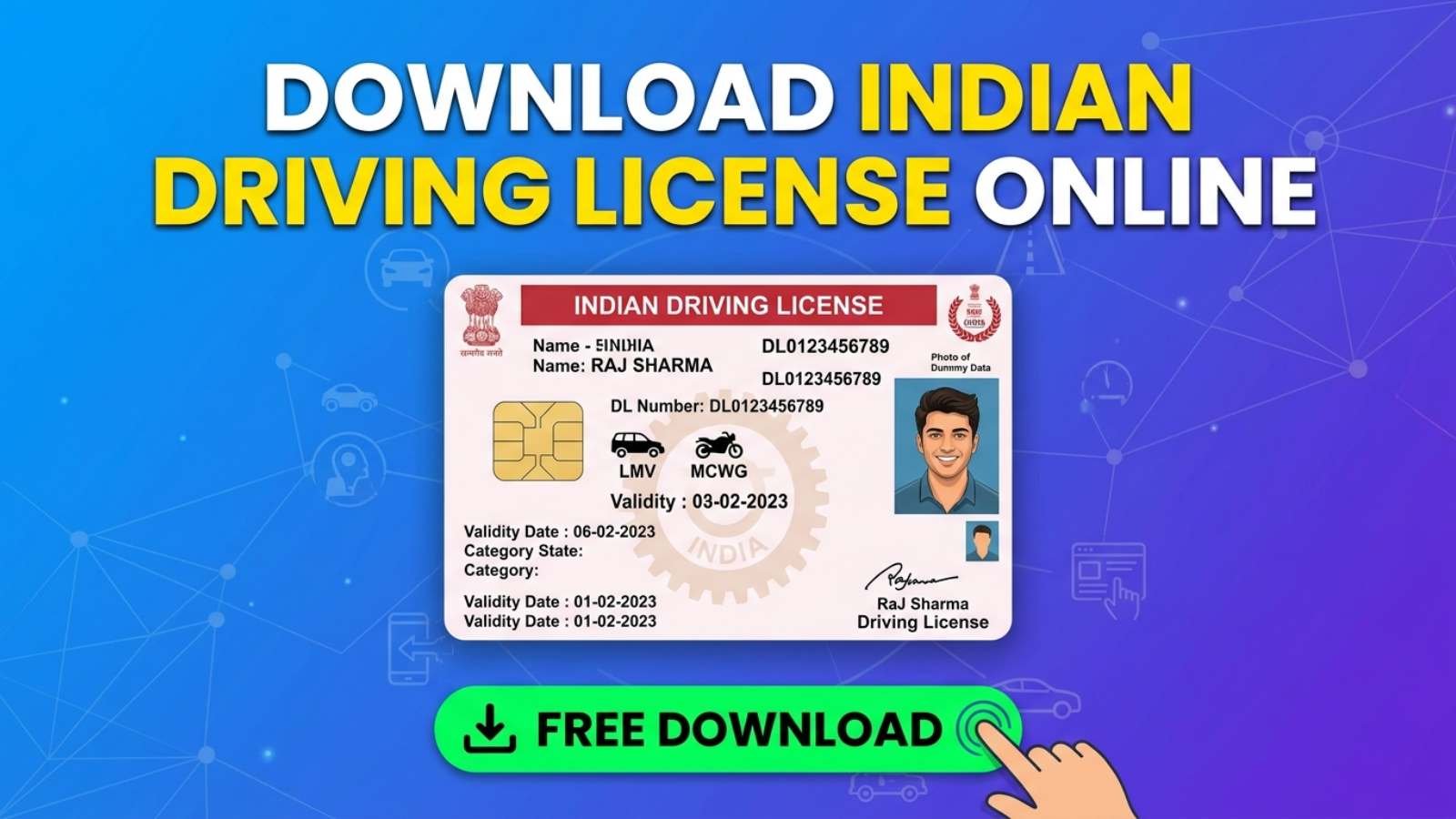
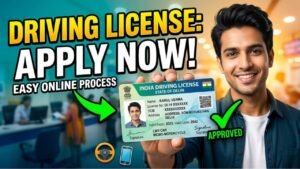
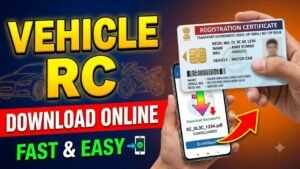
In today’s digital world, government services in India have become much easier to access online. You no longer need to visit the RTO or stand in long queues to get a copy of your driving license. With platforms like Parivahan Sewa and apps such as DigiLocker, you can download your driving license quickly from home.
Whether you need a backup copy or have lost your original license, the online process is simple and takes only a few minutes. The digital license is also valid and accepted for verification across India.
What is an Online Driving License Copy?
A digital driving license is an official electronic version of your physical license issued by the transport department. It is valid across India and can be used for verification during traffic checks. Apps like DigiLocker and mParivahan also allow you to store and access your license anytime.
Steps to Download Driving License Online
Follow these simple steps to download your driving license:
Visit the official website of Parivahan Sewa
Click on “Driving License Related Services”
Select your state from the list
Click on “Print Driving License” or “Download DL”
Enter your Driving License number and Date of Birth
Fill the captcha and submit details
Your driving license will appear on the screen
Click on download or print option to save it as a PDF
Alternative Method (Using Mobile Apps)
You can also download or access your driving license using:
DigiLocker – Login with your Aadhaar-linked mobile number and fetch your driving license
mParivahan – Search using DL number and save it digitally
These digital copies are legally valid and accepted by traffic police.
Documents You Need
Driving License Number – Required to fetch your details
Date of Birth – Used for verification
Registered Mobile Number – May be needed for OTP verification
Make sure the details you enter match your original records. Incorrect information may prevent you from accessing your license.
Benefits of Downloading Driving License Online
No need to visit the RTO office
Instant access anytime, anywhere
Safe digital storage (no risk of losing physical copy)
Accepted as valid proof during checks
Final Words
Downloading your driving license online is a simple and time saving process. Whether you use the Parivahan Sewa website or apps like DigiLocker, you can access your license in just a few minutes. Always keep a digital copy handy to avoid any inconvenience while driving.