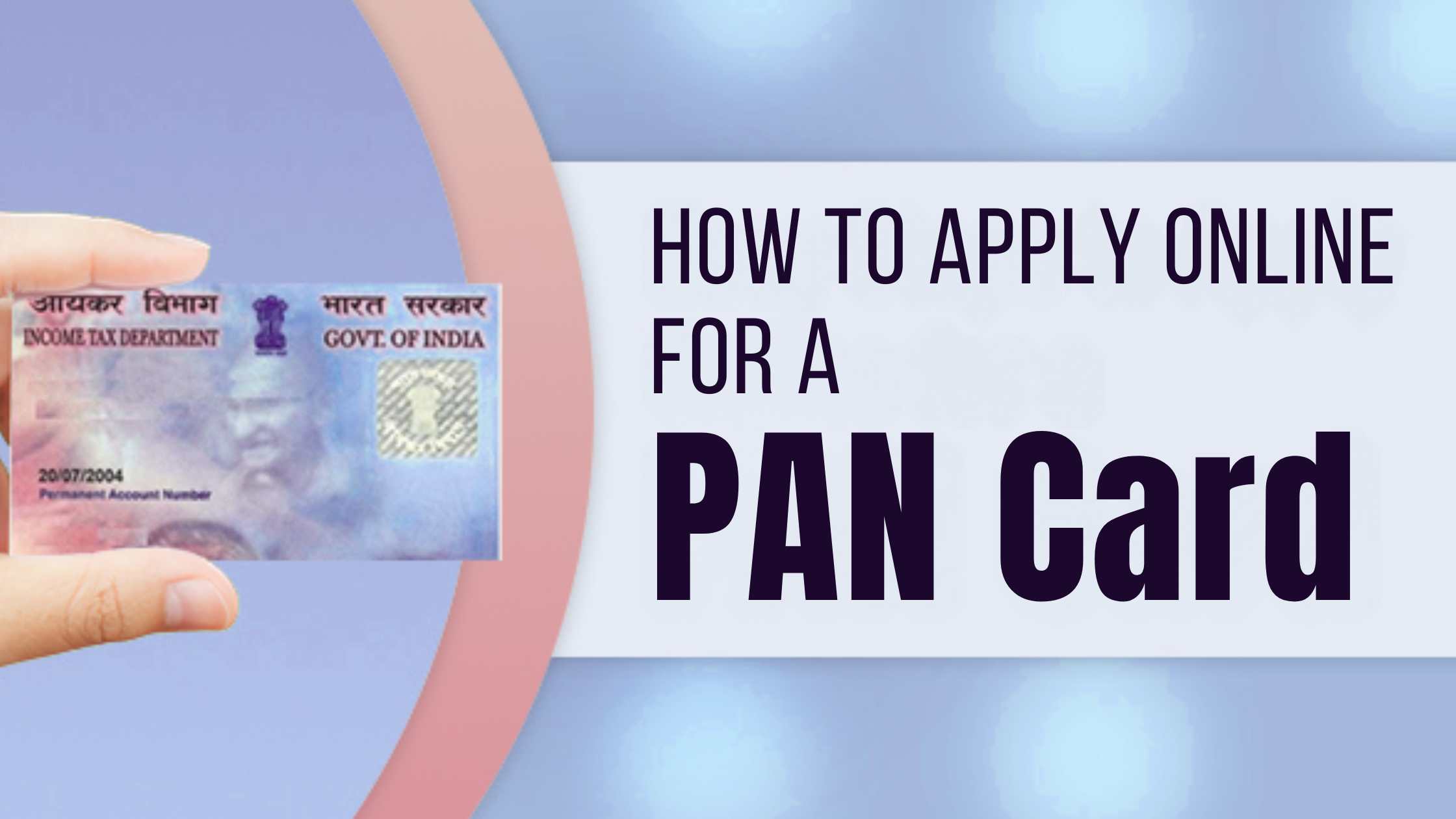
Applying for a PAN card has become much easier with the availability of online services in India. You no longer need to visit offices or deal with lengthy paperwork, as the entire process can now be completed from your home. Through the official portal of Income Tax Department of India, eligible users can apply for an e PAN card at no cost using Aadhaar based eKYC.
This online method is fast, simple, and especially useful for individuals who need a PAN card urgently for banking, income tax filing, or identity verification. In this guide, you will learn how to apply for a PAN card online for free with step by step instructions.
Why is a PAN Card Important?
A PAN card acts as a universal identification number for your financial transactions. It helps the government track taxable transactions and also works as a valid photo ID proof.
You need a PAN card for:
Opening a bank account
Filing income tax returns
Buying or selling property above ₹10 lakh
Investments above a certain limit
Applying for credit/debit cards
Types of PAN Cards
There are mainly two types of PAN cards issued in India:
Individual PAN Card – For salaried persons, students, and common citizens.
Business/Entity PAN Card – For companies, partnerships, trusts, and organizations.
Date of Birth Proof – Aadhaar, Birth Certificate, 10th Marksheet
Foreign Citizens
Identity Proof – Passport, OCI Card, PIO Card
Address Proof – Passport, Visa, Bank Statement
Date of Birth Proof – Passport, Birth Certificate
Make sure all documents are valid and clearly readable. Providing accurate and matching details helps avoid rejection or delays during the verification process.
How to Apply for a PAN Card Online?
Follow these steps to apply online through the NSDL or UTIITSL portal:
Step 1: Visit the official NSDL (now Protean) or UTIITSL website. Step 2: Select “New PAN Card Application (Form 49A for Indian citizens)”. Step 3: Fill in your personal details like name, date of birth, mobile number, and Aadhaar. Step 4: Upload scanned copies of required documents (ID, Address, DOB proof). Step 5: Pay the PAN application fees online. Step 6: Submit the form and note down the acknowledgement number.
How to Apply for a PAN Card Offline?
You can also apply offline by following these steps:
Download Form 49A (for Indian citizens) or Form 49AA (for foreigners).
Fill in the required details carefully.
Attach photocopies of ID, Address, and DOB proof.
Affix two passport-size photographs.
Submit the form at the nearest PAN application centre (UTIITSL/NSDL office).
The fee may vary slightly depending on the service provider or updates in government charges. It is recommended to check the latest fee details before submitting your application to avoid any issues.
Processing Time for PAN Card
If applied online with Aadhaar e-KYC → 5 to 7 working days (e-PAN delivered by email).
If applied with physical documents, → 15 to 20 working days (PAN card delivered by post).
Conclusion
As discussed in the blog, applying for a PAN card online for free is a quick and hassle free process when done through Aadhaar based eKYC. By following the step by step method on the official portal of the Income Tax Department of India, you can easily generate your e PAN within minutes without any paperwork.
Make sure all the details entered are correct to avoid any issues during verification. Once your application is successful, your PAN card will be ready to use for banking, tax filing, and other essential financial activities.