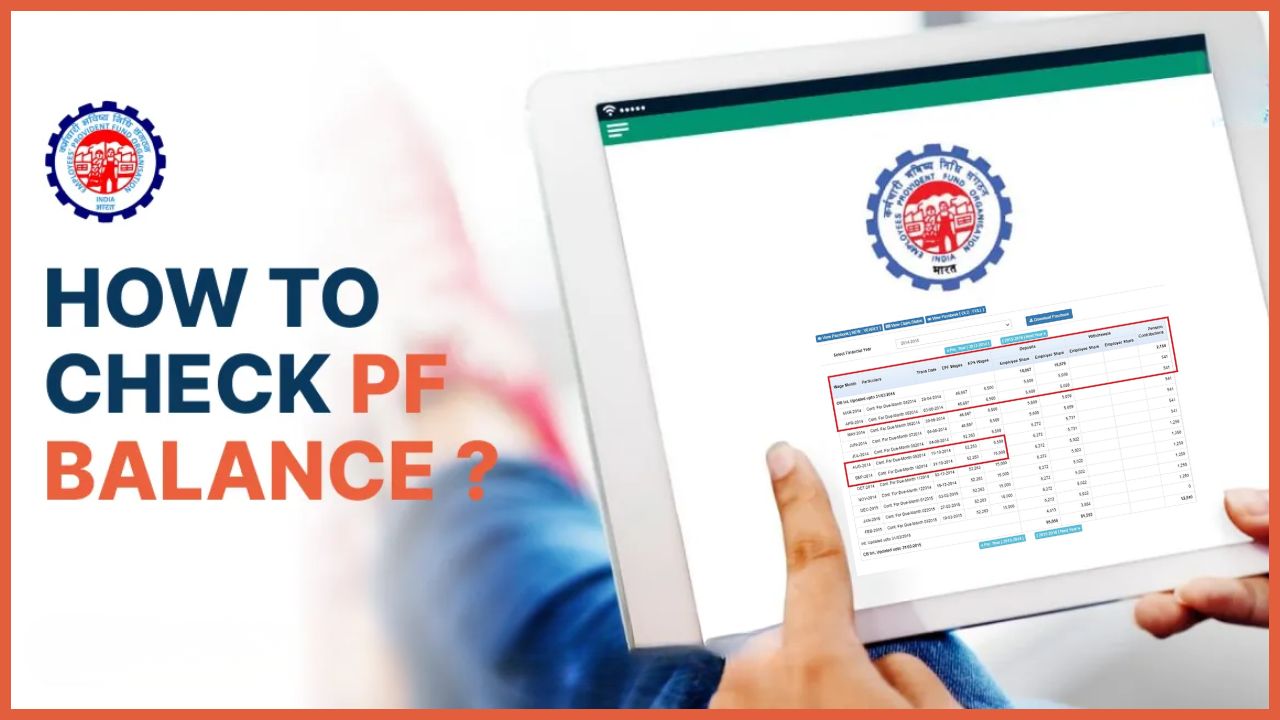
EPF balance check has become essential for 7+ crore salaried employees in India tracking their retirement corpus. With EPFO’s digital upgrades, checking your EPF passbook, balance, contributions, and interest is now possible in under 2 minutes using UAN portal, UMANG app, missed call, or SMS, no paperwork or employer visits needed.
This comprehensive guide covers UAN activation, KYC completion, all 5 official methods to check EPF, troubleshooting common errors, withdrawal processes, and pro tips for maximum returns on your ₹15 lakh+ lifetime EPF savings.
Why Check EPF Balance Regularly? (The Big Picture)
Your EPF account grows through:
- Employee contribution: 12% of basic salary + DA
- Employer contribution: 12% (3.67% to Pension, 8.33% to EPF)
- Interest: 8.25% p.a. (2025 rate, compounded monthly)
Example: ₹20,000 monthly basic salary = ₹2,400/month contribution each → ₹57,600/year + ₹4,750 interest = ₹62,350 annual growth.
Regular checks help:
- Verify employer contributions (missing credits = lost money)
- Track interest credits (April each year)
- Plan withdrawals/loans (₹50,000+ TDS rules)
- Merge multiple accounts (job changes)
- File ITR (Form 16, 16A accuracy)
Prerequisites: Activate UAN & Complete e-KYC (Mandatory First Step)
Universal Account Number (UAN) is your lifetime EPF ID. Without activation + KYC, no passbook, withdrawals, or transfers possible.
Step-by-Step UAN Activation (5 Minutes)
You can now easily Activate your UAN through Aadhaar-based Face Authentication (FAT) on the UMANG App.
To proceed:
- Download the UMANG App from the Google Play Store or Apple App Store.
- Select EPFO Services.
- Choose “UAN Activation” under “UAN Services Through Face Auth” and follow the instructions.
For assistance, contact:
- 📞 14470 (EPFO Helpdesk)
- 📞 1800 11 4000 (UMANG Helpline)
- 📞 1915 (UMANG Helpline)
KYC Documents Required
| Document | Mandatory | Purpose |
|---|---|---|
| Aadhaar | Yes | e-KYC, Paperless claims |
| PAN | Yes (>₹50K withdrawal) | TDS compliance |
| Bank (Aadhaar-seeded) | Yes | Claim settlements |
| Photo + Signature | Yes | Digital verification |
Status Check: Login → Dashboard → “KYC Status” (should show “Approved”).
Method 1: EPFO Member Portal (Most Detailed Passbook)
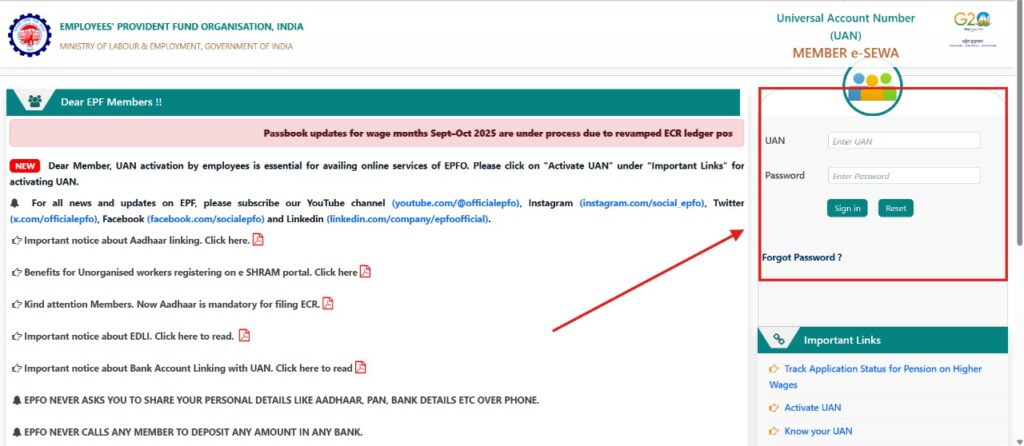
Best for: Full transaction history, multiple accounts, downloads.
1. Go to unifiedportal-mem.epfindia.gov.in/memberinterface
2. Login: UAN + Password + Captcha
3. Dashboard → “View Passbook”
4. Select Member ID (if multiple employers)
5. Latest passbook PDF opens (shows: Opening Balance → Wages → Employee Share → Employer Share → Interest → Closing Balance)
6. Download for records
Timeline Note: September salary credits appear by November (20-30 day ECR lag).
Method 2: UMANG App (Mobile-First, Fastest)
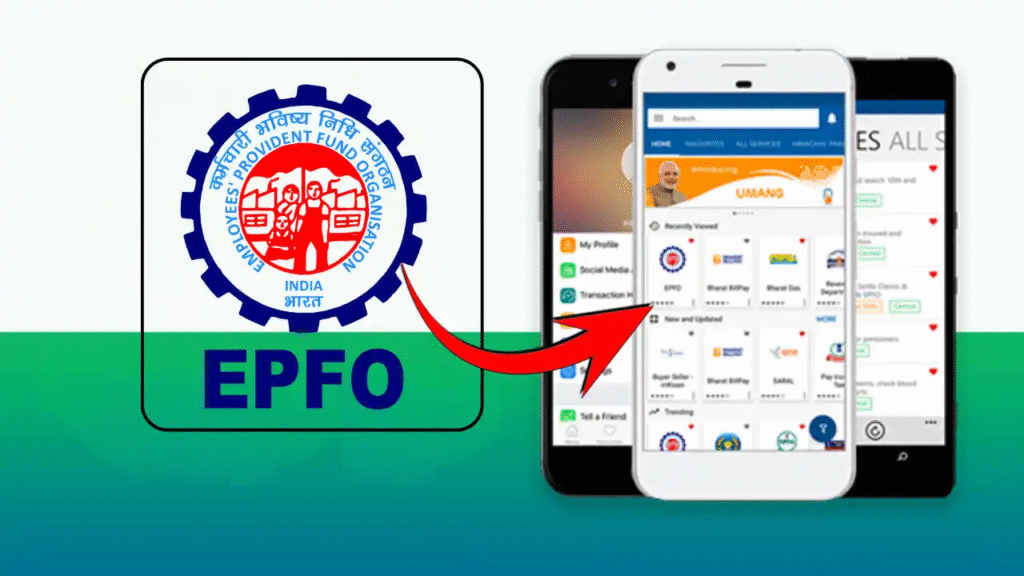
Best for: Android/iOS users, instant access, offline claims.
1. Download UMANG (Play Store/App Store)
2. Register: Mobile OTP or Aadhaar Face Auth
3. Search “EPFO” → “View Passbook” OR “One Member One EPF Account”
4. Enter UAN → Mobile OTP verification
5. View: Balance, Passbook, Claim Status, KYC Updates
UMANG Advantages: No browser issues, biometric login, supports 12 languages.
Method 3: Missed Call Service (Zero Data)
Best for: No internet, quick snapshot.
📞 Dial 9966044425 (Toll-Free)
✅ Auto hang-up → SMS with latest balance
Works: 10 AM – 7 PM, registered mobile only.
Method 4: SMS Service (Regional Languages)
Format: EPFOHO UAN Language_Code to 7738299899
Example: EPFOHO 100345678912 ENG → “Your EPF balance is ₹2,45,670”
Method 5: EPFO iOS/Android App (Official)
1. Download “EPFO” app (official)
2. Login with UAN/Password
3. Dashboard shows real-time balance + passbook
EPF Balance Check WITHOUT UAN (Limited Access)
Troubleshooting: Top 10 EPF Check Issues (2025 Fixes)
| Error | Cause | Fix |
|---|---|---|
| “Invalid UAN” | Typo/Wrong number | Verify Claim ID on payslip or employer HR |
| Passbook Blank | KYC Pending | Complete Aadhaar/PAN/Bank under “Manage” |
| No Updates | ECR Delay | Wait 20 days post-month end |
| “Login Failed” | Wrong Password | “Forgot Password” → OTP reset |
| Multiple Accounts | Job Changes | UMANG “One Member One EPF” auto-merges |
| Zero Balance | Transfer Pending | Check “Service History” tab |
| TDS Deducted | Early Withdrawal | File ITR for refund (Section 192B) |
EPF Withdrawals After Balance Check (Paperless Claims)
Verified KYC = Instant approval (no employer sign):
| Purpose | Form | Max Limit |
|---|---|---|
| Full Final | Form 19 | 100% |
| Medical | Form 31 | 75% |
| Home Loan | Form 31 | 90% |
| Marriage | Form 31 | 50% |
| 2 Months Salary | Form 31 | Advance |
Online Process:
1. Check balance (above methods)
2. UAN Portal → “Online Services” → Claim (31/19)
3. Auto-fill → OTP verify → Claim submitted
4. Funds in 10-20 days (Aadhaar bank)
TDS Rules 2025: >₹50,000 before 5 years service = 10% TDS.
Advanced EPF Tools & Alerts (2025 Features)
- EPF Interest Calculator: epfindia.gov.in → Calculators
- SMS Alerts: Activate via UAN portal notifications
- API Access: Developers (UAN-based balance API)
- NPS Transfer: Seamless EPF → NPS (Form 13)
EPF Tax Planning & Maximum Returns
Tax-Free Withdrawal Conditions:
- 5+ years service
- Age 58+ retirement
- Full & Final (unemployment >2 months)
Vesting Rules: 10 years service = 100% employer share.
Regional EPFO Contacts (Complaints)
| State | Helpline |
|---|---|
| Delhi | 011-26177582 |
| Mumbai | 022-27570735 |
| Chennai | 044-22518097 |
| All India | 1800-118-005 |
Quick Action Checklist:
- Activate UAN + KYC
- Check balance monthly
- Verify employer contributions
- Plan withdrawals smartly
- Download passbook yearly for ITR
Stay Updated: Follow @socialepfo Twitter + EPFO app notifications for rate changes, new features.
Disclaimer: Always use official EPFO links. Beware phishing sites asking for UAN/password via email/SMS.
Your EPF is your retirement millionaire-maker, check it monthly, contribute maximum, withdraw smartly!
Related Posts: